Explore wonderful nature Joomla Template


Edit Template Offline
2. Create new page and search for id 12515
Edit Template Online
Create Awesome Websites


Free Nicepage Builder
Keywords
Activity Categories Follow the Mountain Content Flow
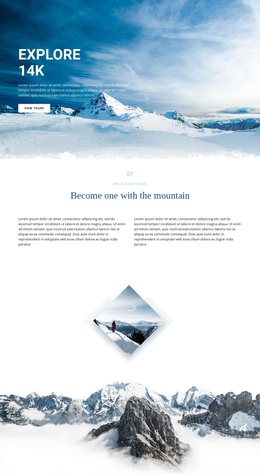
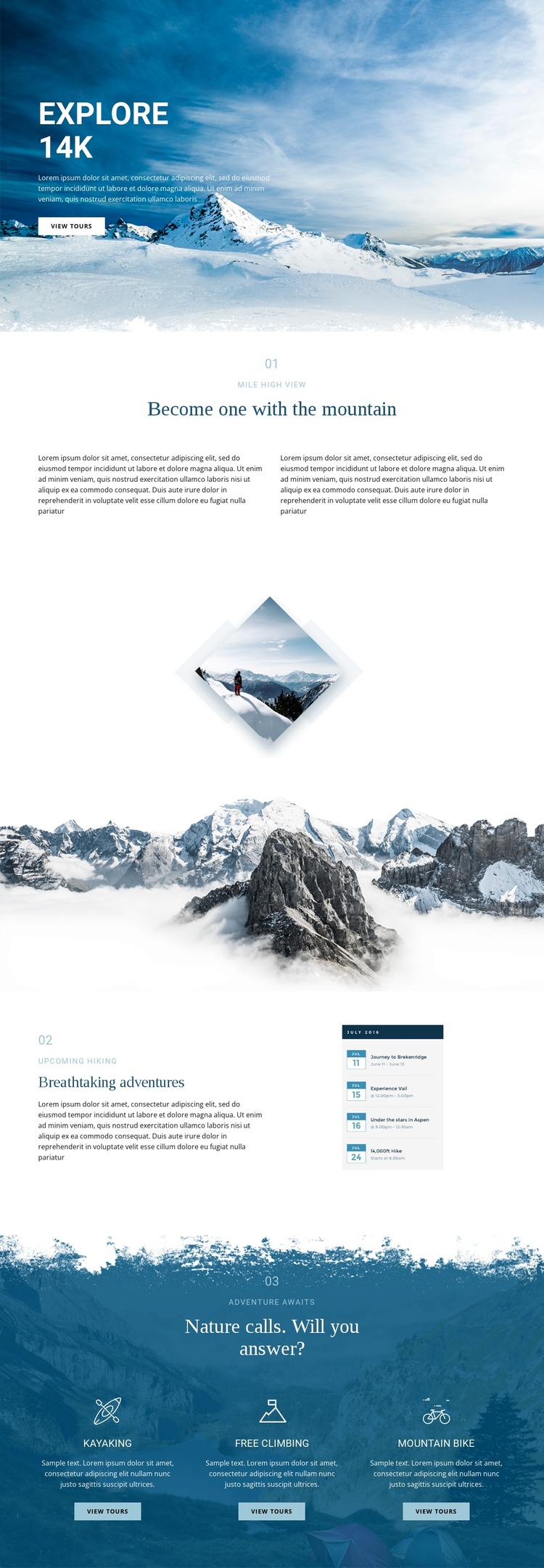
The page divides its subject into structured information regions that suit a CMS-managed adventure site. The hero establishes the mountain setting and directs attention toward viewing tours. The numbered sections then separate the viewpoint theme from upcoming hiking, giving those subjects their own editorial areas instead of combining every offering into one dense block. The standalone and panoramic images act as visual boundaries between these regions while keeping the page centered on alpine exploration.
The final activity section provides the strongest category-like grouping. Kayaking, free climbing, and mountain biking appear as three parallel choices over a deep blue mountain background. Each card combines an activity label, supporting description, icon, and View tours action, making the repeated structure suitable for maintaining related tour information as the content develops. The shared Header or navigation structure is not expanded here beyond what is verified, but the page’s repeated content regions are already easy to distinguish.
For a Joomla project, the design can therefore serve as a coordinated presentation for structured adventure information: an introductory region, feature-focused content, visual landscape breaks, and recurring activity entries. It does not claim that Joomla Articles, categories, or modules already exist; it explains how the verified content divisions could support CMS-managed tourism material without losing the visual relationship between sections.
Customize with Nicepage
Open this ready-made template in the Joomla Page Builder and customize it visually in the Nicepage editor. Replace demo content, edit page sections, and adapt the design to your project without rebuilding the template from scratch.
Work With This Template in Joomla
Customize and Install the Joomla Template
Start with this ready-made template instead of building the Joomla design from scratch. Customize its layout, content, typography, images, sections, and other design elements visually in the Nicepage application, then export and install the Joomla Template, Nicepage Extension, and supported content on your Joomla website.
Edit the Template Directly in Joomla
After installation, you can edit the Joomla Template directly in Joomla with the Nicepage Joomla Extension. Customize the Header, Footer, Colors, Fonts, typography, and Page Templates from the Joomla workflow while keeping the site design connected with your CMS content.
Edit Joomla Articles Visually
Use the Nicepage Joomla Extension to open and edit Joomla Articles visually from the Joomla Administrator. Change text, images, sections, layouts, and other page content in the Nicepage editor while continuing to manage the Articles through Joomla.
Joomla Content and Template Integration
Use the customized template together with Joomla Articles, module Positions, menus, forms, Blog Pages, and other supported CMS elements. With the Nicepage Extension used as the Site Style Source, shared design settings can be applied across Joomla Articles while Joomla continues to provide the CMS environment for managing site content.
This workflow combines a ready-made Joomla Template with visual customization, direct template editing in Joomla, and continued content management through the Nicepage Joomla Extension.