Caring for parks and forests Joomla Template



Edit Template Offline
2. Create new page and search for id 1130388
Edit Template Online
Create Awesome Websites


Free Nicepage Builder
Keywords
Education Cards and Wildlife Regions Suit Structured CMS Content
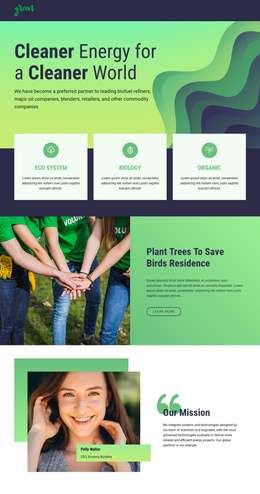
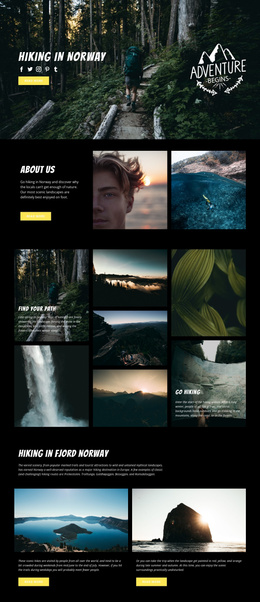
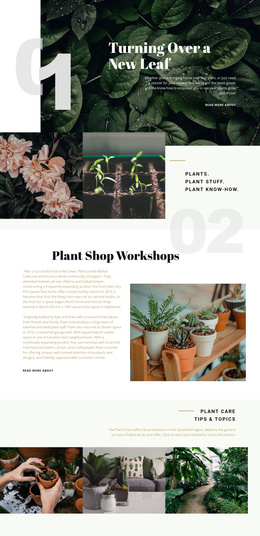
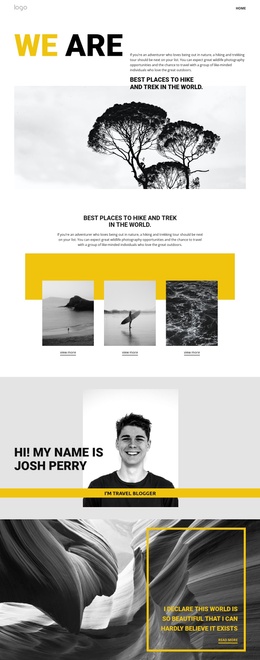
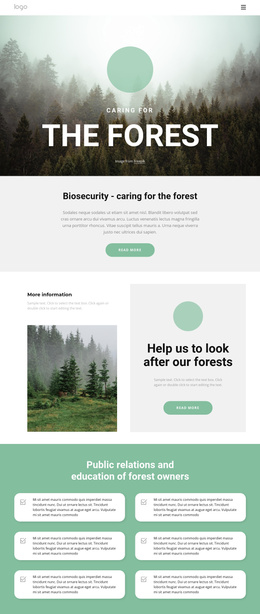
The six forest-owner education cards provide a clear recurring content group for information that may need to remain visually consistent while its wording develops over time. Around that group, the page separates broader subject areas into recognizable regions: biosecurity introduces the topic, forestry technique addresses wood-use guidance, and the wildlife section brings together hunting, forest imagery, and monitoring large carnivore populations. These distinctions give a CMS-managed project useful content boundaries without claiming that specific Joomla Articles or categories already exist.
The four cards under “Caring for forest to benefit nature and people” offer another compact grouping for biosecurity, wildlife, people, and ecology. Their shared presentation can support related informational entries, while the larger split sections can carry more developed explanations or linked resources. The minimal navigation, repeated “learn more” actions, social links, and footer also provide common site regions around those subject areas.
For a Joomla implementation, the design is therefore best understood as a coordinated arrangement of structured content regions rather than a single promotional screen. The content hierarchy can accommodate public education, forest-owner guidance, and conservation topics while preserving the visual relationship between photography, short summaries, and deeper reading paths. Joomla support is useful as a content environment, but the template analysis does not prove that Joomla-specific modules or articles are already present.
Customize with Nicepage
Open this ready-made template in the Joomla Page Builder and customize it visually in the Nicepage editor. Replace demo content, edit page sections, and adapt the design to your project without rebuilding the template from scratch.
Work With This Template in Joomla
Customize and Install the Joomla Template
Start with this ready-made template instead of building the Joomla design from scratch. Customize its layout, content, typography, images, sections, and other design elements visually in the Nicepage application, then export and install the Joomla Template, Nicepage Extension, and supported content on your Joomla website.
Edit the Template Directly in Joomla
After installation, you can edit the Joomla Template directly in Joomla with the Nicepage Joomla Extension. Customize the Header, Footer, Colors, Fonts, typography, and Page Templates from the Joomla workflow while keeping the site design connected with your CMS content.
Edit Joomla Articles Visually
Use the Nicepage Joomla Extension to open and edit Joomla Articles visually from the Joomla Administrator. Change text, images, sections, layouts, and other page content in the Nicepage editor while continuing to manage the Articles through Joomla.
Joomla Content and Template Integration
Use the customized template together with Joomla Articles, module Positions, menus, forms, Blog Pages, and other supported CMS elements. With the Nicepage Extension used as the Site Style Source, shared design settings can be applied across Joomla Articles while Joomla continues to provide the CMS environment for managing site content.
This workflow combines a ready-made Joomla Template with visual customization, direct template editing in Joomla, and continued content management through the Nicepage Joomla Extension.