Skies and beauty of nature Joomla Template


Edit Template Offline
2. Create new page and search for id 17024
Edit Template Online
Create Awesome Websites


Free Nicepage Builder
Keywords
Project Categories and Participation Paths Organize CMS Content
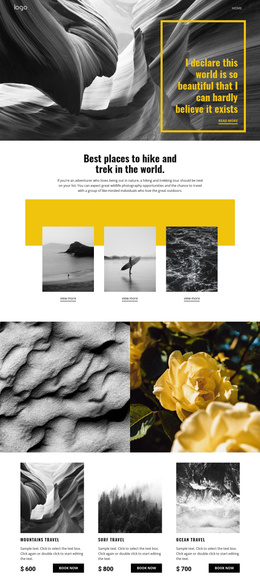
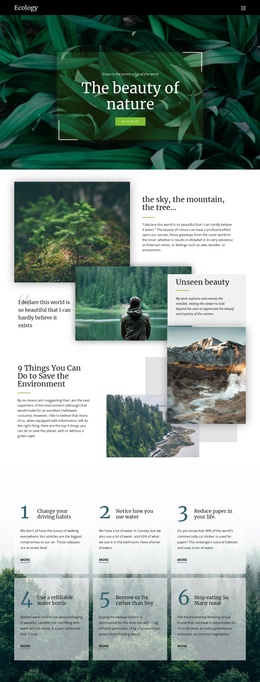
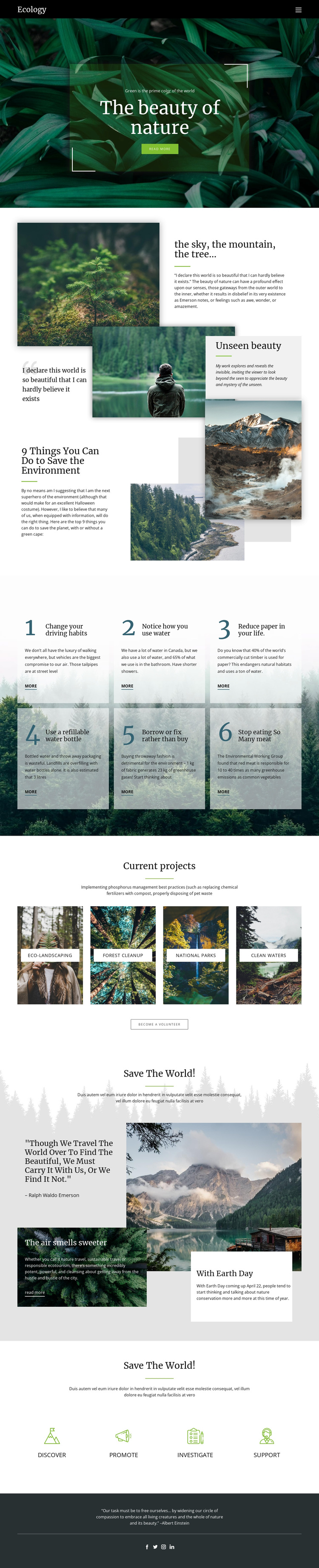
The “Current projects” section divides the environmental theme into four clearly named areas: Eco-landscaping, Forest cleanup, National parks, and Clean waters. That separation gives a Joomla-managed site recognizable content regions for conservation information, while the accompanying photographs provide a shared visual context. The centered “Read all projects” action can relate those categories to deeper project material without changing the page’s editorial rhythm.
The six numbered environmental action cards provide a different kind of recurring content. They present practical habits in a consistent repeated pattern, making them suitable for maintaining concise guidance while preserving the same visual arrangement. Later, the “Discover,” “Promote,” “Investigate,” and “Support” pathways broaden participation beyond the numbered list. Together, these areas distinguish informational topics, project categories, and involvement routes rather than merging every message into one undifferentiated text block.
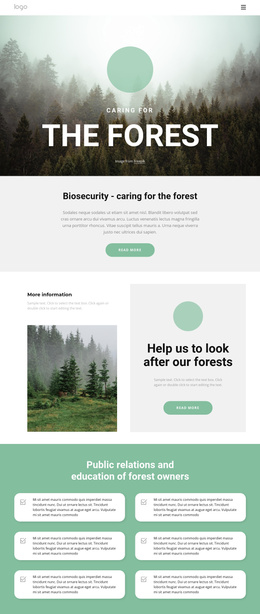
The shared header, full-page section sequence, and dark footer with social icons give the design stable regions around those content areas. In a Joomla project, this organization can support a site where conservation information, project material, and participation guidance continue to be arranged as related sections. The design therefore provides more than a decorative nature page: it offers a visible content map for structured environmental communication while leaving the individual facts and links open to editorial management.
Customize with Nicepage
Open this ready-made template in the Joomla Page Builder and customize it visually in the Nicepage editor. Replace demo content, edit page sections, and adapt the design to your project without rebuilding the template from scratch.
Work With This Template in Joomla
Customize and Install the Joomla Template
Start with this ready-made template instead of building the Joomla design from scratch. Customize its layout, content, typography, images, sections, and other design elements visually in the Nicepage application, then export and install the Joomla Template, Nicepage Extension, and supported content on your Joomla website.
Edit the Template Directly in Joomla
After installation, you can edit the Joomla Template directly in Joomla with the Nicepage Joomla Extension. Customize the Header, Footer, Colors, Fonts, typography, and Page Templates from the Joomla workflow while keeping the site design connected with your CMS content.
Edit Joomla Articles Visually
Use the Nicepage Joomla Extension to open and edit Joomla Articles visually from the Joomla Administrator. Change text, images, sections, layouts, and other page content in the Nicepage editor while continuing to manage the Articles through Joomla.
Joomla Content and Template Integration
Use the customized template together with Joomla Articles, module Positions, menus, forms, Blog Pages, and other supported CMS elements. With the Nicepage Extension used as the Site Style Source, shared design settings can be applied across Joomla Articles while Joomla continues to provide the CMS environment for managing site content.
This workflow combines a ready-made Joomla Template with visual customization, direct template editing in Joomla, and continued content management through the Nicepage Joomla Extension.