Kate Humble Joomla Template


Edit Template Offline
2. Create new page and search for id 14119
Edit Template Online
Create Awesome Websites


Free Nicepage Builder
Keywords
Farm Information and Event Content Divide the CMS-Oriented Page
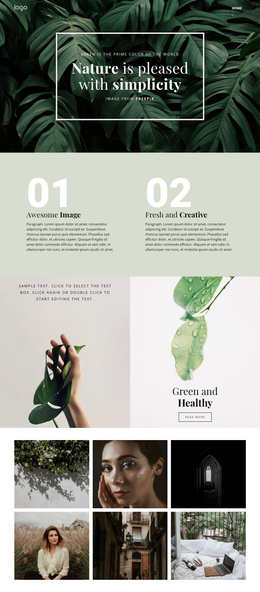
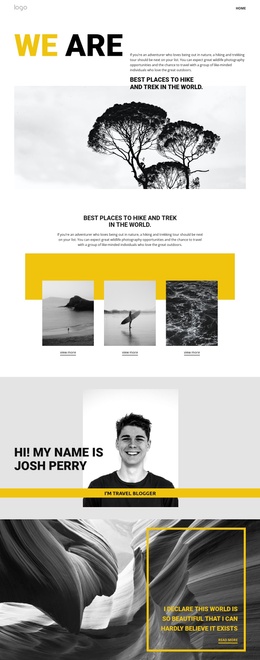
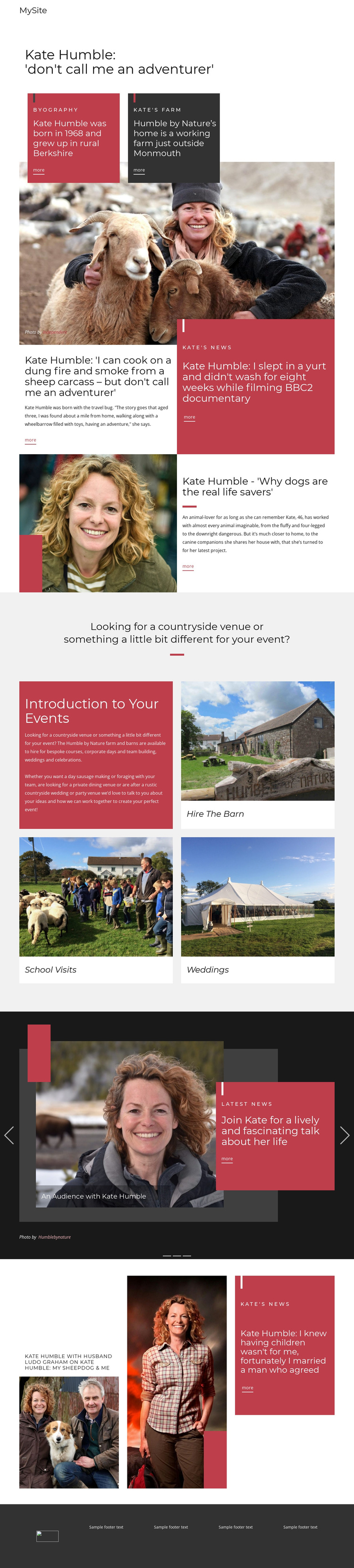
The design separates several kinds of information into recognizable regions that can make sense within a Joomla-managed site. The opening navigation and centered subject heading establish a shared entry point, while the biography and farm section gives personal background and countryside information their own paired text panels. That division helps distinguish profile content from the practical description of Humble by Nature as a working farm near Monmouth.
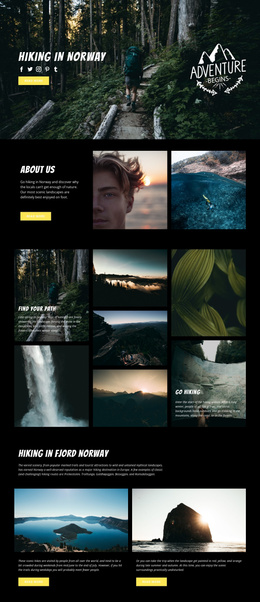
The event area supplies a second structured content group. Its introduction asks about countryside venues and unusual events, then three repeated image-led cards identify Hire The Barn, School Visits, and Weddings. These offerings are not presented as isolated links; they share a visual system and sit within one clear topic area. In a CMS project, that relationship could support regularly maintained information about different event services while preserving the same page-level presentation.
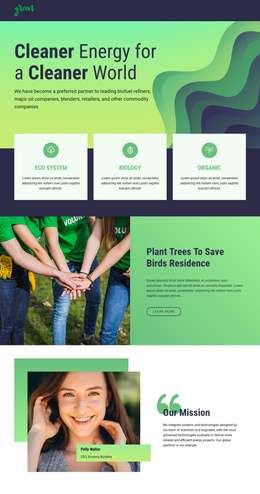
The editorial sections provide another content pattern. Headlines, excerpts, images, and More links recur across features about adventure, dogs, and family life, while the latest-news carousel gathers three changing items into a separate full-width region. Navigation, repeated content, article-like features, event cards, and the shared footer give the design several logical site regions. A Joomla implementation could therefore interpret the template as coordinated content areas rather than merely as a static picture, while keeping the visual distinction between profile, news, offerings, and editorial material.
Customize with Nicepage
Open this ready-made template in the Joomla Page Builder and customize it visually in the Nicepage editor. Replace demo content, edit page sections, and adapt the design to your project without rebuilding the template from scratch.
Work With This Template in Joomla
Customize and Install the Joomla Template
Start with this ready-made template instead of building the Joomla design from scratch. Customize its layout, content, typography, images, sections, and other design elements visually in the Nicepage application, then export and install the Joomla Template, Nicepage Extension, and supported content on your Joomla website.
Edit the Template Directly in Joomla
After installation, you can edit the Joomla Template directly in Joomla with the Nicepage Joomla Extension. Customize the Header, Footer, Colors, Fonts, typography, and Page Templates from the Joomla workflow while keeping the site design connected with your CMS content.
Edit Joomla Articles Visually
Use the Nicepage Joomla Extension to open and edit Joomla Articles visually from the Joomla Administrator. Change text, images, sections, layouts, and other page content in the Nicepage editor while continuing to manage the Articles through Joomla.
Joomla Content and Template Integration
Use the customized template together with Joomla Articles, module Positions, menus, forms, Blog Pages, and other supported CMS elements. With the Nicepage Extension used as the Site Style Source, shared design settings can be applied across Joomla Articles while Joomla continues to provide the CMS environment for managing site content.
This workflow combines a ready-made Joomla Template with visual customization, direct template editing in Joomla, and continued content management through the Nicepage Joomla Extension.