Premium boat tours Joomla Template


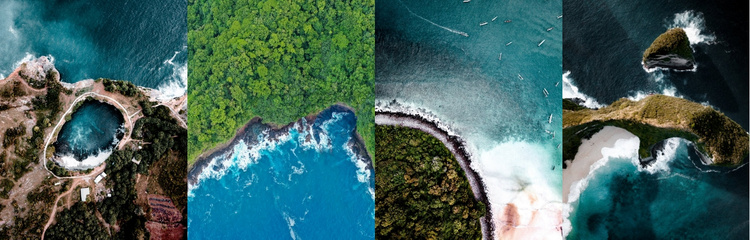
Four equal image cells create a structured nature content region
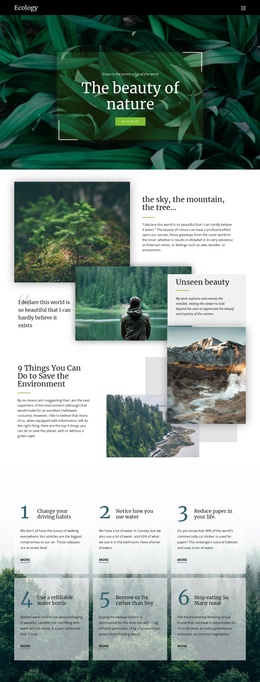
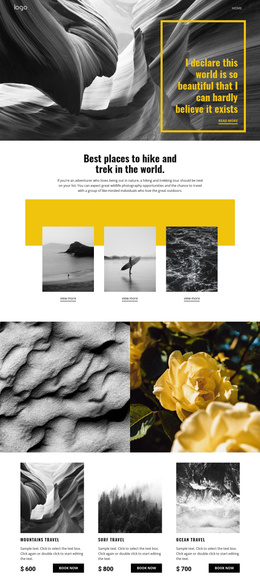
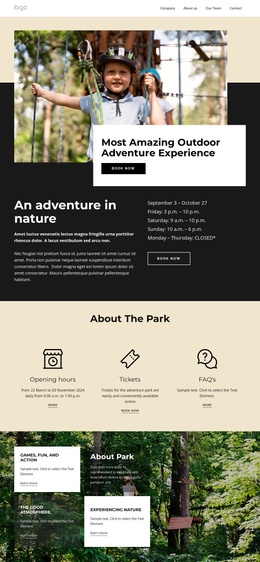
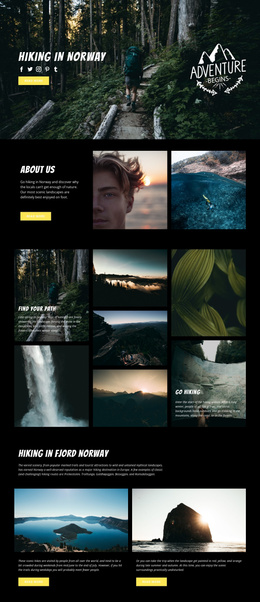
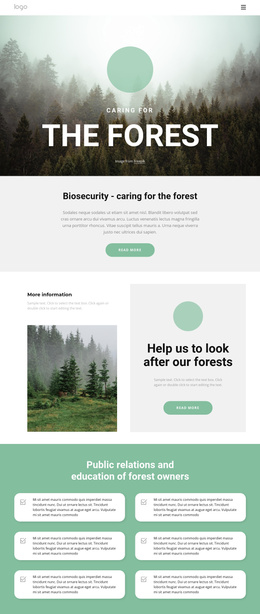
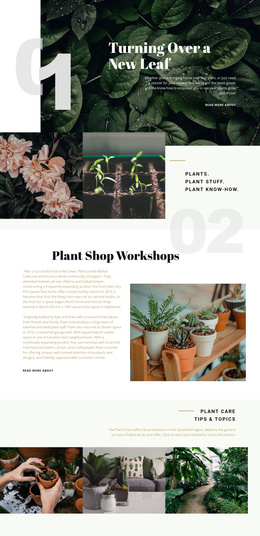
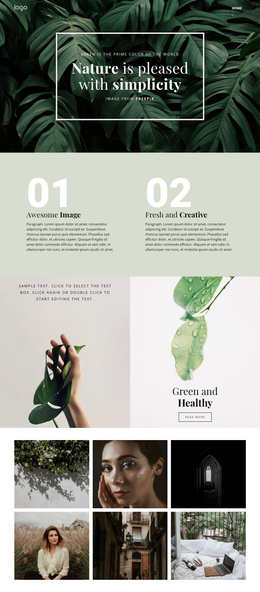
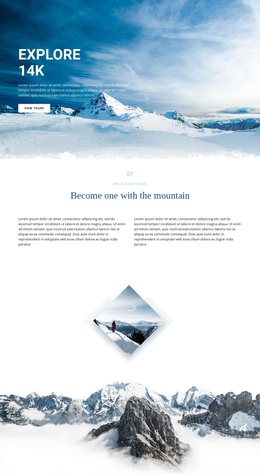
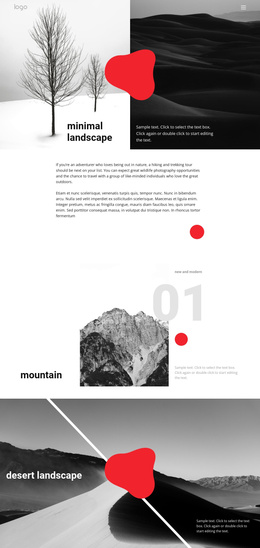
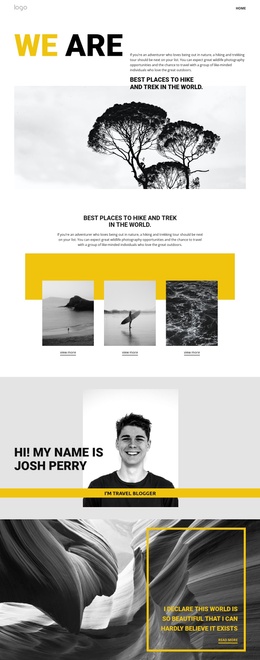
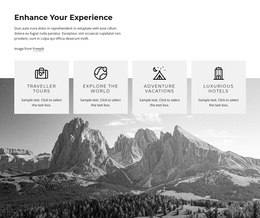
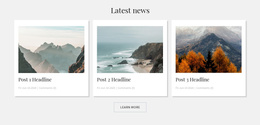
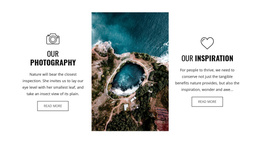
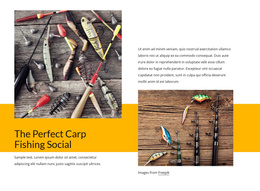
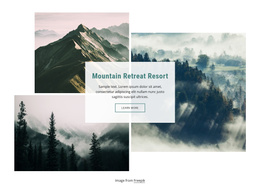
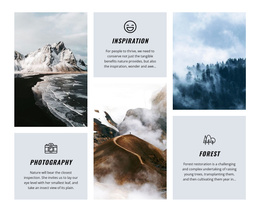
The horizontal row divides the gallery into four equal visual units, each carrying a full-height aerial landscape crop. Coastal and forest scenes provide the subject matter, while the varied turquoise, deep blue, green, white, and earthy tones distinguish the images without requiring text labels. Because the tiles touch edge to edge, the block reads as one coordinated gallery region rather than four unrelated pictures. Its static interaction keeps the content immediately visible in the section.
In a Joomla-managed page, this kind of block can act as a stable visual content area alongside structured information maintained elsewhere in the broader site. It is particularly suited to presenting nature imagery where photographs carry more meaning than explanatory copy. The block contains no heading, button, caption, or visible overlay, so its role remains deliberately narrow: show four landscape images in a consistent arrangement. A Joomla-oriented project can place that gallery beside or between other content regions while preserving the section’s existing image order and visual balance. The CMS context surrounds the block; it does not turn these four cells into a complete Joomla template or site.
Customize with Nicepage
Open this ready-made template in the Joomla Page Builder and customize it visually in the Nicepage editor. Replace demo content, edit page sections, and adapt the design to your project without rebuilding the template from scratch.
Edit Template Offline
2. Create a new page or select existing
3. Click Add new block, search for id 58644 and click enter
Edit Template Online
Create Awesome Websites


Free Nicepage Builder
Keywords
Work With This Template in Joomla
Customize and Install the Joomla Template
Start with this ready-made template instead of building the Joomla design from scratch. Customize its layout, content, typography, images, sections, and other design elements visually in the Nicepage application, then export and install the Joomla Template, Nicepage Extension, and supported content on your Joomla website.
Edit the Template Directly in Joomla
After installation, you can edit the Joomla Template directly in Joomla with the Nicepage Joomla Extension. Customize the Header, Footer, Colors, Fonts, typography, and Page Templates from the Joomla workflow while keeping the site design connected with your CMS content.
Edit Joomla Articles Visually
Use the Nicepage Joomla Extension to open and edit Joomla Articles visually from the Joomla Administrator. Change text, images, sections, layouts, and other page content in the Nicepage editor while continuing to manage the Articles through Joomla.
Joomla Content and Template Integration
Use the customized template together with Joomla Articles, module Positions, menus, forms, Blog Pages, and other supported CMS elements. With the Nicepage Extension used as the Site Style Source, shared design settings can be applied across Joomla Articles while Joomla continues to provide the CMS environment for managing site content.
This workflow combines a ready-made Joomla Template with visual customization, direct template editing in Joomla, and continued content management through the Nicepage Joomla Extension.