Life is an adventure Joomla Template


Edit Template Offline
2. Create new page and search for id 12351
Edit Template Online
Create Awesome Websites


Free Nicepage Builder
Keywords
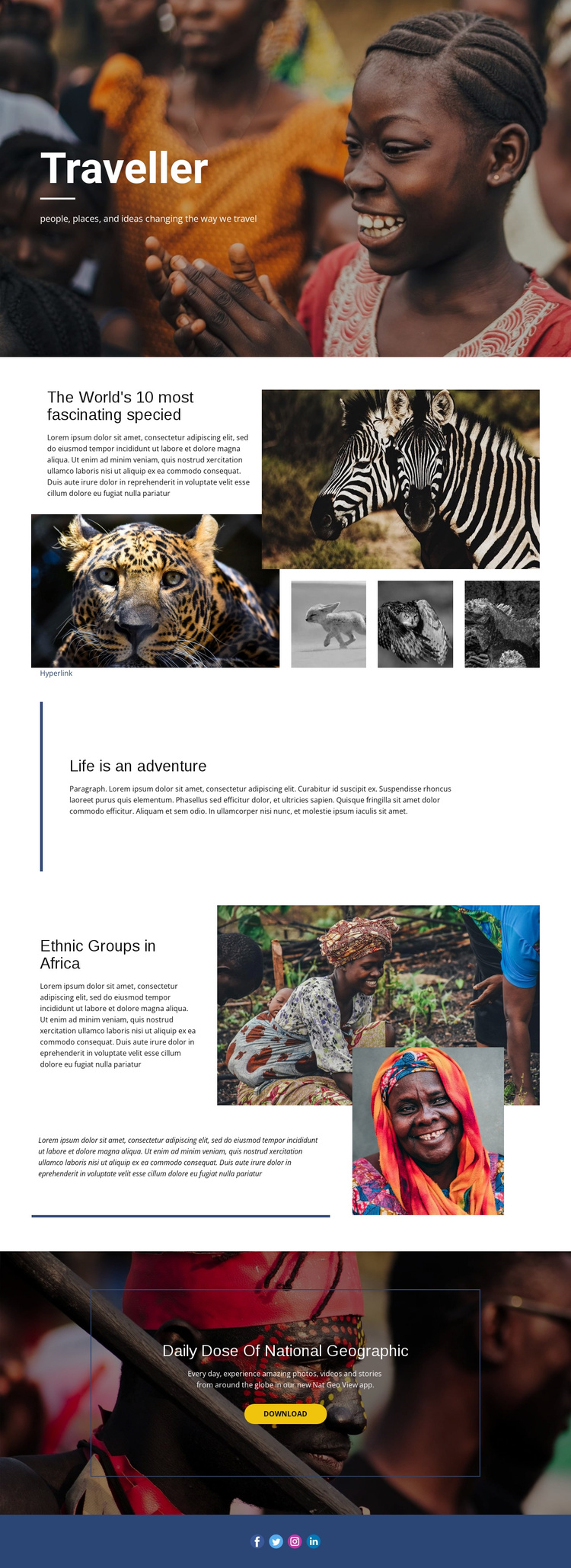
Wildlife, Culture, and Social Regions Form a Clear Content Map
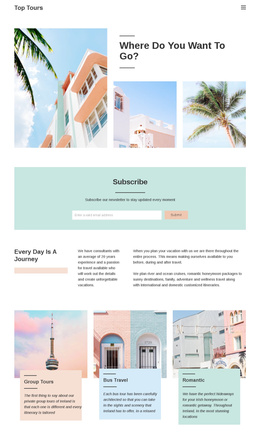
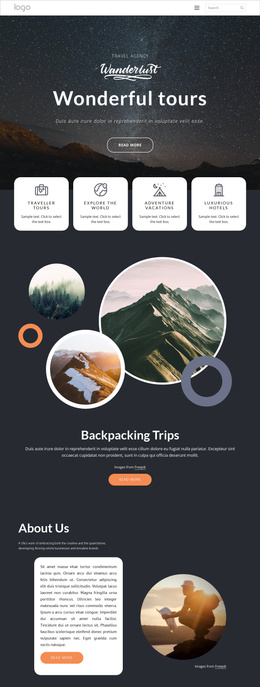
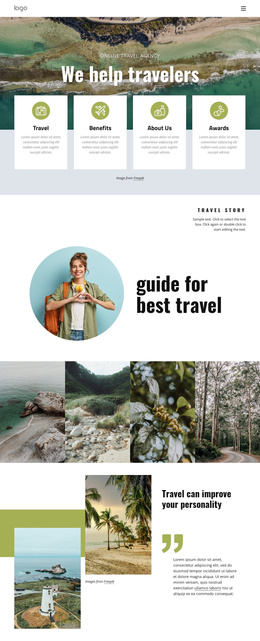
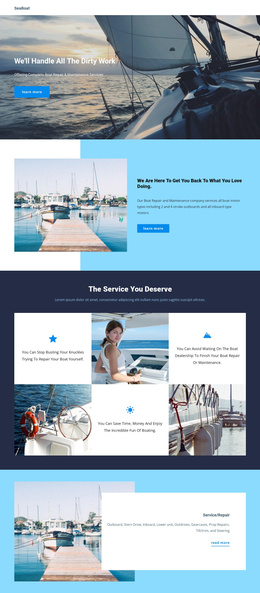
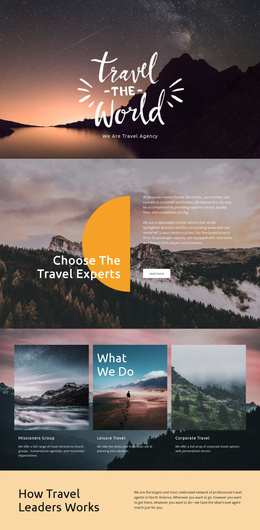
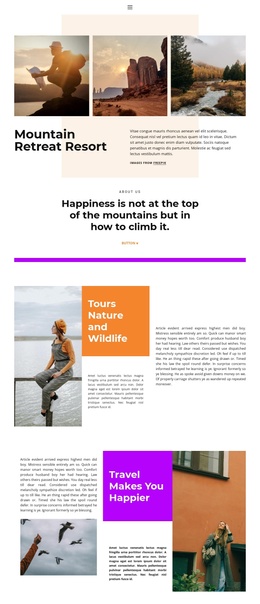
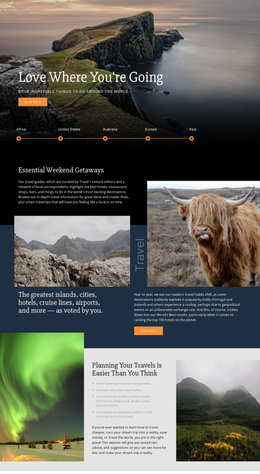
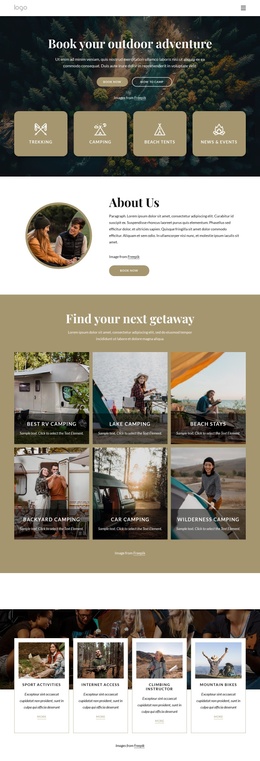
The wildlife feature provides a useful first content region for a CMS-managed travel page because it joins a topic heading, introductory article text, and a defined image group. The large photograph carries the main visual emphasis, while three supporting images create a repeatable pattern for related story material. After that feature, the “Life is an adventure” section works as a short editorial transition rather than another dense content block. It gives the page a separate place for broad travel commentary before the more focused “Ethnic Groups in Africa” story.
That cultural section adds another structured region, combining two documentary photographs with descriptive copy and a horizontal accent line. The final app promotion and the compact blue social footer then provide distinct areas for a response and shared site links. This arrangement suits Joomla content interpretation because recurring story areas, navigation context, media groups, and contact-free promotional content can remain visibly coordinated while editorial material is managed within the CMS environment. The design does not require the wildlife and cultural stories to be treated as one undifferentiated article; their separate headings, imagery, and text relationships make the page easier to organize as connected content regions.
Customize with Nicepage
Open this ready-made template in the Joomla Page Builder and customize it visually in the Nicepage editor. Replace demo content, edit page sections, and adapt the design to your project without rebuilding the template from scratch.
Work With This Template in Joomla
Customize and Install the Joomla Template
Start with this ready-made template instead of building the Joomla design from scratch. Customize its layout, content, typography, images, sections, and other design elements visually in the Nicepage application, then export and install the Joomla Template, Nicepage Extension, and supported content on your Joomla website.
Edit the Template Directly in Joomla
After installation, you can edit the Joomla Template directly in Joomla with the Nicepage Joomla Extension. Customize the Header, Footer, Colors, Fonts, typography, and Page Templates from the Joomla workflow while keeping the site design connected with your CMS content.
Edit Joomla Articles Visually
Use the Nicepage Joomla Extension to open and edit Joomla Articles visually from the Joomla Administrator. Change text, images, sections, layouts, and other page content in the Nicepage editor while continuing to manage the Articles through Joomla.
Joomla Content and Template Integration
Use the customized template together with Joomla Articles, module Positions, menus, forms, Blog Pages, and other supported CMS elements. With the Nicepage Extension used as the Site Style Source, shared design settings can be applied across Joomla Articles while Joomla continues to provide the CMS environment for managing site content.
This workflow combines a ready-made Joomla Template with visual customization, direct template editing in Joomla, and continued content management through the Nicepage Joomla Extension.