Protect The Oceans Joomla Template


Edit Template Offline
2. Create new page and search for id 14604
Edit Template Online
Create Awesome Websites


Free Nicepage Builder
Keywords
Cleanup, Ecology, and Seafood Sections Create Organized CMS Content Areas
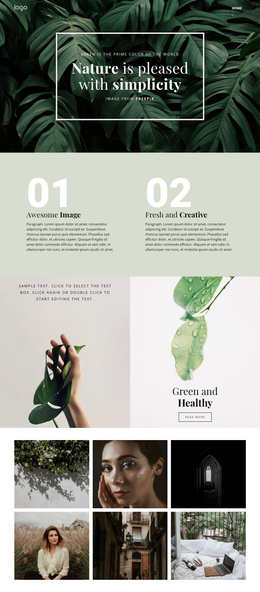
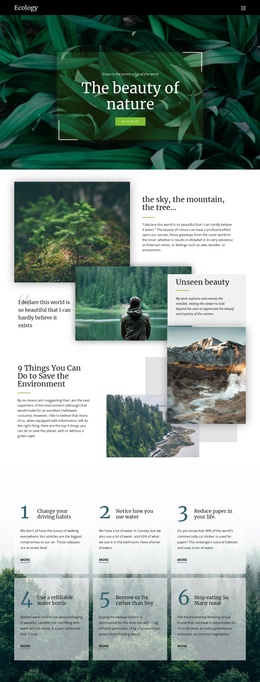
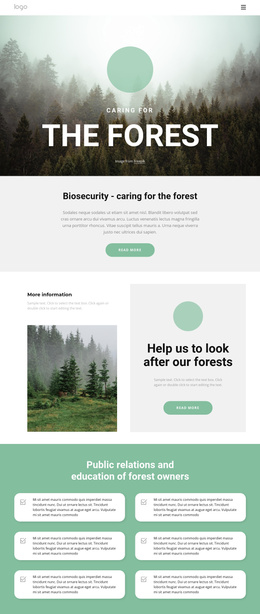
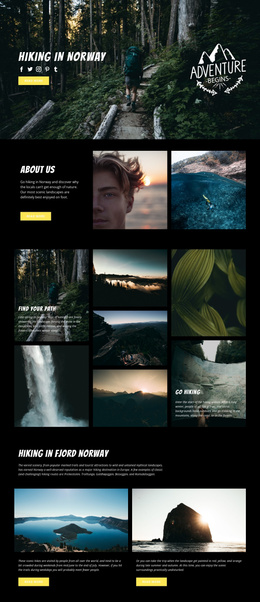
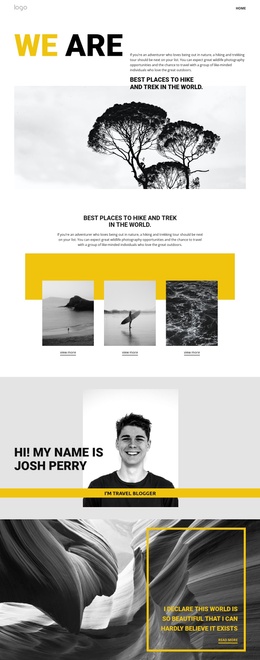
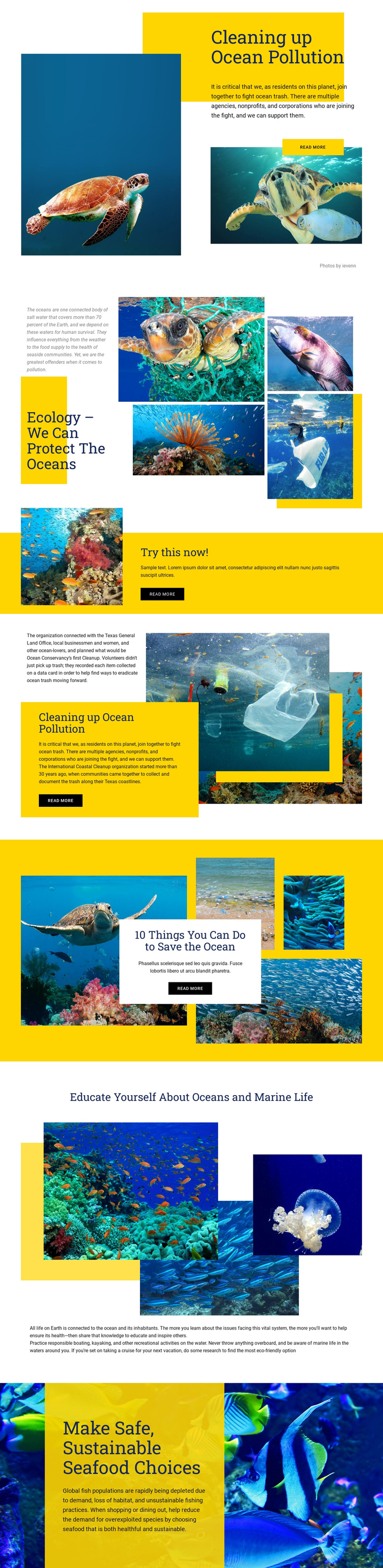
The page separates several kinds of conservation information that can remain distinct when the design is adapted to a Joomla-managed site. The ecology gallery gives environmental explanation a visual content area, while the coastal cleanup section provides a more focused place for participation guidance and the history of the International Coastal Cleanup. The marine-life education section adds another informational region, and the final sustainable seafood area shifts the subject toward everyday decisions. Together, these sections resemble an organized set of editorial topics rather than one long statement.
The shared visual treatment helps those topics remain part of one site structure. Yellow panels carry emphasis, deep blue and white areas separate reading zones, and underwater photography connects cleanup, education, and sustainable choices. The “Try this now!” band can function as a prominent navigation or action region between explanatory sections, while the repeated Read More buttons identify places where related conservation content may continue. The design also discusses responsible boating, kayaking, and eco-friendly cruise options, giving the content structure more than one practical angle. In a Joomla project, those clearly divided regions can support ongoing environmental information while preserving the page’s established visual relationship between headings, images, explanatory copy, and action prompts.
Customize with Nicepage
Open this ready-made template in the Joomla Page Builder and customize it visually in the Nicepage editor. Replace demo content, edit page sections, and adapt the design to your project without rebuilding the template from scratch.
Work With This Template in Joomla
Customize and Install the Joomla Template
Start with this ready-made template instead of building the Joomla design from scratch. Customize its layout, content, typography, images, sections, and other design elements visually in the Nicepage application, then export and install the Joomla Template, Nicepage Extension, and supported content on your Joomla website.
Edit the Template Directly in Joomla
After installation, you can edit the Joomla Template directly in Joomla with the Nicepage Joomla Extension. Customize the Header, Footer, Colors, Fonts, typography, and Page Templates from the Joomla workflow while keeping the site design connected with your CMS content.
Edit Joomla Articles Visually
Use the Nicepage Joomla Extension to open and edit Joomla Articles visually from the Joomla Administrator. Change text, images, sections, layouts, and other page content in the Nicepage editor while continuing to manage the Articles through Joomla.
Joomla Content and Template Integration
Use the customized template together with Joomla Articles, module Positions, menus, forms, Blog Pages, and other supported CMS elements. With the Nicepage Extension used as the Site Style Source, shared design settings can be applied across Joomla Articles while Joomla continues to provide the CMS environment for managing site content.
This workflow combines a ready-made Joomla Template with visual customization, direct template editing in Joomla, and continued content management through the Nicepage Joomla Extension.