Adventure park Joomla Template



Edit Template Offline
2. Create new page and search for id 6310787
Edit Template Online
Create Awesome Websites


Free Nicepage Builder
Keywords
Visitor Information Divided Into Reusable Park Content Areas
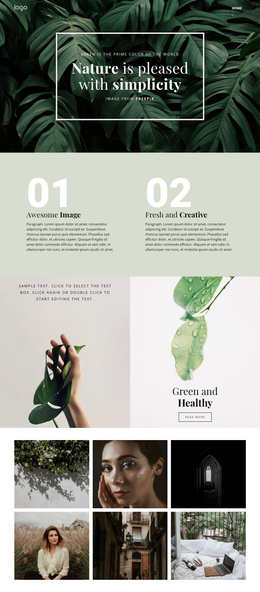
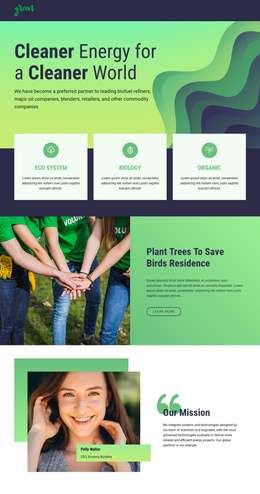
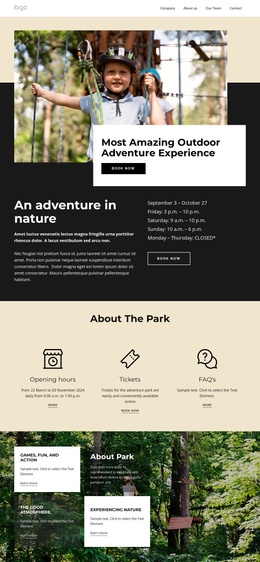
The design divides the park’s information into recognizable regions that can support structured CMS content. Opening hours and tickets appear in dedicated information cards, while the Ways to Explore section separates Adventure Playground, Group Reservations, Summer Camp Groups, and Membership Packages into four peer offerings. These areas have different informational roles but share the same navigation, typography, imagery, and button treatment, making them suitable for a Joomla site whose content grows within a consistent design.
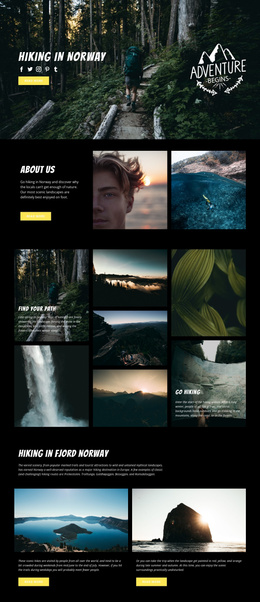
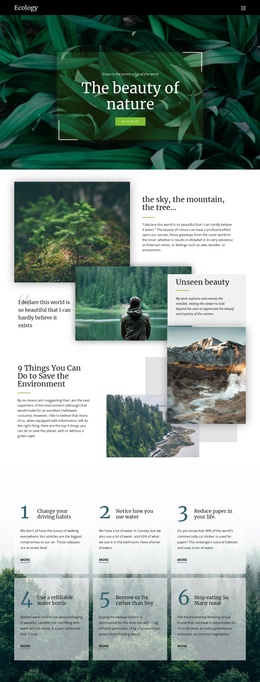
The gallery, testimonials, and FAQ accordion add further content groupings. Six adventure photographs provide a visual showcase, the customer section presents a horizontally browsable set of testimonial cards, and the three-question FAQ area gathers practical visitor concerns in one place. Together, these regions suggest a structured relationship between promotional content and visitor support rather than a page made only from one-off text blocks. The closing contact area extends that structure by pairing inquiry content with a map.
The shared Header, navigation, and Footer provide stable site regions around these changing areas. In a Joomla project, the adventure introduction, activity descriptions, visitor information, questions, and contact content could remain organized as distinct CMS-managed sections while the page preserves its charcoal, cream, blue, and photographic identity. The template therefore offers a content framework for park information and recurring offerings, without requiring claims that particular Joomla Articles or modules already exist in the source design.
Customize with Nicepage
Open this ready-made template in the Joomla Page Builder and customize it visually in the Nicepage editor. Replace demo content, edit page sections, and adapt the design to your project without rebuilding the template from scratch.
Work With This Template in Joomla
Customize and Install the Joomla Template
Start with this ready-made template instead of building the Joomla design from scratch. Customize its layout, content, typography, images, sections, and other design elements visually in the Nicepage application, then export and install the Joomla Template, Nicepage Extension, and supported content on your Joomla website.
Edit the Template Directly in Joomla
After installation, you can edit the Joomla Template directly in Joomla with the Nicepage Joomla Extension. Customize the Header, Footer, Colors, Fonts, typography, and Page Templates from the Joomla workflow while keeping the site design connected with your CMS content.
Edit Joomla Articles Visually
Use the Nicepage Joomla Extension to open and edit Joomla Articles visually from the Joomla Administrator. Change text, images, sections, layouts, and other page content in the Nicepage editor while continuing to manage the Articles through Joomla.
Joomla Content and Template Integration
Use the customized template together with Joomla Articles, module Positions, menus, forms, Blog Pages, and other supported CMS elements. With the Nicepage Extension used as the Site Style Source, shared design settings can be applied across Joomla Articles while Joomla continues to provide the CMS environment for managing site content.
This workflow combines a ready-made Joomla Template with visual customization, direct template editing in Joomla, and continued content management through the Nicepage Joomla Extension.