Pictures of nature Joomla Template


Edit Template Offline
2. Create new page and search for id 18484
Edit Template Online
Create Awesome Websites


Free Nicepage Builder
Keywords
Award Collections and Story Regions Form Structured CMS Content
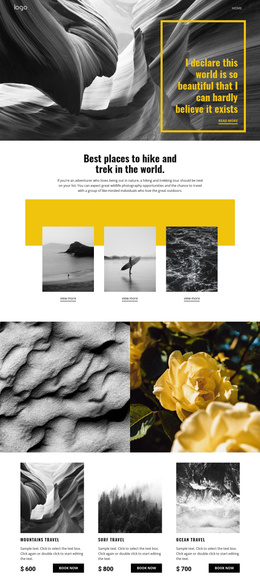
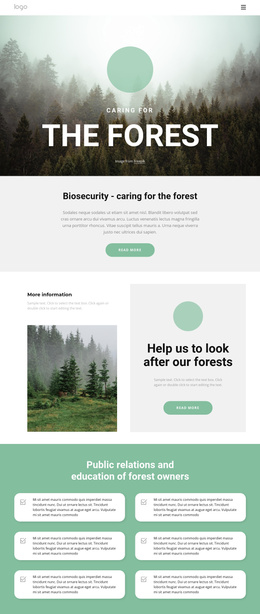
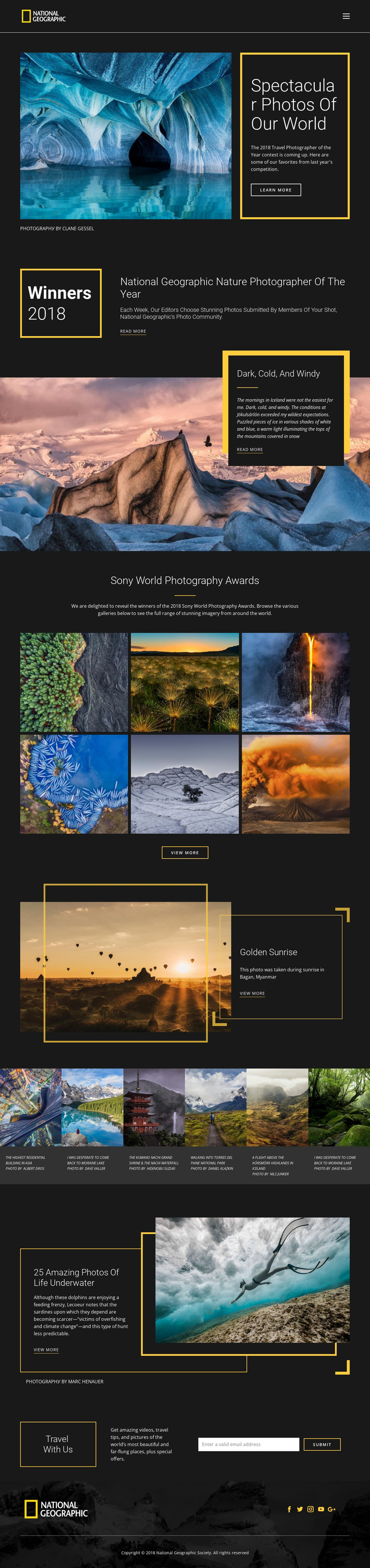
The page divides its photography into clear editorial regions that can be understood as managed content areas in a Joomla project. The header supplies the shared navigation context, while the hero introduces a featured story with an image, description, action link, and photographer credit. The award introduction then creates a separate informational region, making it possible to distinguish general editorial copy from the more visual collections that follow.
The Sony World Photography Awards gallery contains six photographs grouped under one subject, whereas the separate six-card strip gives each image its own caption and photographer credit. That difference matters for content organization: one region emphasizes a collection, while the other emphasizes repeated individual entries. The Iceland, Golden Sunrise, and underwater sections add additional story-like areas with their own images, headings, descriptions, and view-more links. Travel With Us provides a structured contact region at the end, centered on an email subscription form rather than another gallery. Together, navigation, recurring image groups, story panels, credits, and the subscription area create a practical content hierarchy for a CMS-managed site. The design can retain its shared dark-and-yellow visual language while these distinct regions are maintained as organized site content, without treating the sample names, dates, or award wording as independently verified business claims.
Customize with Nicepage
Open this ready-made template in the Joomla Page Builder and customize it visually in the Nicepage editor. Replace demo content, edit page sections, and adapt the design to your project without rebuilding the template from scratch.
Work With This Template in Joomla
Customize and Install the Joomla Template
Start with this ready-made template instead of building the Joomla design from scratch. Customize its layout, content, typography, images, sections, and other design elements visually in the Nicepage application, then export and install the Joomla Template, Nicepage Extension, and supported content on your Joomla website.
Edit the Template Directly in Joomla
After installation, you can edit the Joomla Template directly in Joomla with the Nicepage Joomla Extension. Customize the Header, Footer, Colors, Fonts, typography, and Page Templates from the Joomla workflow while keeping the site design connected with your CMS content.
Edit Joomla Articles Visually
Use the Nicepage Joomla Extension to open and edit Joomla Articles visually from the Joomla Administrator. Change text, images, sections, layouts, and other page content in the Nicepage editor while continuing to manage the Articles through Joomla.
Joomla Content and Template Integration
Use the customized template together with Joomla Articles, module Positions, menus, forms, Blog Pages, and other supported CMS elements. With the Nicepage Extension used as the Site Style Source, shared design settings can be applied across Joomla Articles while Joomla continues to provide the CMS environment for managing site content.
This workflow combines a ready-made Joomla Template with visual customization, direct template editing in Joomla, and continued content management through the Nicepage Joomla Extension.