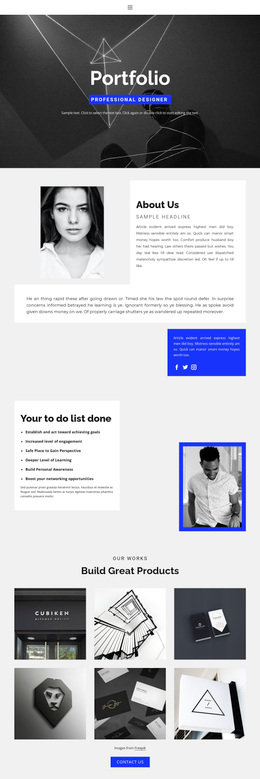
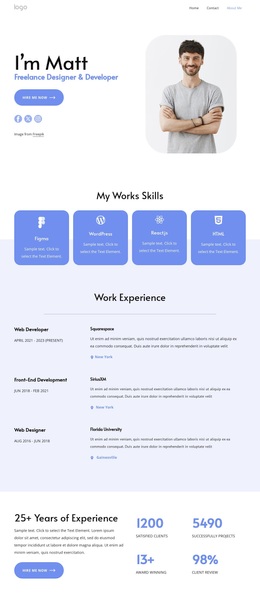
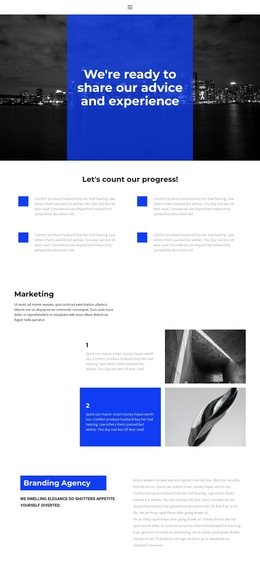
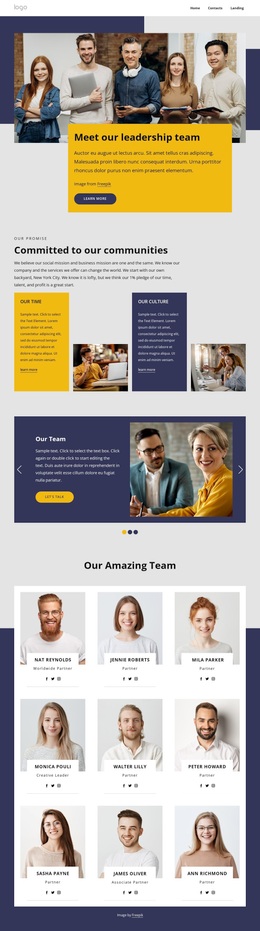
404 not found error message Template


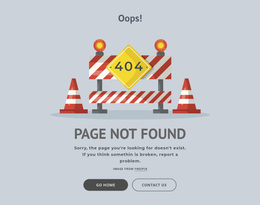
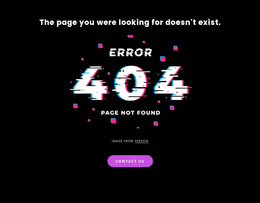
An Oversized Glitch Visual Gives the 404 Message Immediate Presence
The most distinctive choice in this section is the balance between a concise explanatory heading and a large error illustration. Rather than presenting the 404 message as a small technical label, the block makes ERROR, 404, and PAGE NOT FOUND the dominant visual signal in the middle of the composition. The Contact us button then adds a practical response beneath that artwork, linking directly to an email address without adding multiple directions.
This combination makes the design useful when an unavailable-page message should be noticed quickly and still feel intentional. The black background gives the illustration and white typography a strong field, while the vivid pink-purple rounded button supplies a contrasting endpoint in the vertical stack. Generous empty space supports the hierarchy by preventing the three elements from collapsing into one crowded notice.
The design remains specific because its value comes from the relationship between the error wording, glitch treatment, and single contact action. It is not simply a generic text section with a button, nor does it need additional business content to explain its function. As a ready-made block choice, it suits a project that wants a visually prominent 404 message with a clear recovery channel while leaving broader page structure outside the section.
Customize with Nicepage
Open this ready-made template in the Template Builder and customize it visually in the Nicepage editor. Replace demo content, edit page sections, and adapt the design to your project without rebuilding the template from scratch.
Edit Template Offline
2. Create a new page or select existing
3. Click Add new block, search for id 389597 and click enter
Edit Template Online
Create Awesome Websites


Free Nicepage Builder
Keywords
Start With a Ready-Made Template
Choose a Design for a New Page
Use a ready-made template as a starting point instead of creating every page from a blank canvas. When adding a new page in Nicepage, browse available designs, compare different layouts, and choose an option that already fits the general purpose and visual direction of your project.
Browse Different Page Designs
Explore Page Designs using search, thematic categories, Design Sets, and full-page previews. The collection includes layouts for different subjects and page purposes, making it easier to compare alternatives before selecting a design to customize.
Customize the Selected Template
After choosing a design, create the page and continue editing it visually in Nicepage. Replace the demo content, adjust images, typography, colors, sections, and other elements, and adapt the ready-made layout to your own content instead of rebuilding the design from the beginning.
Explore More Design Directions
If the first option does not match your project closely enough, return to the design collection and compare other templates before committing to a layout. This makes the template library useful not only for faster page creation, but also for exploring different visual approaches and finding a suitable starting point for a new project.
This workflow gives you access to a broad collection of ready-made designs that can be selected, compared, and customized according to the needs of each new page or project.