Our modern bouquets One Page Template


The Left Introduction and Right Carousel Form a Distinct Page Destination
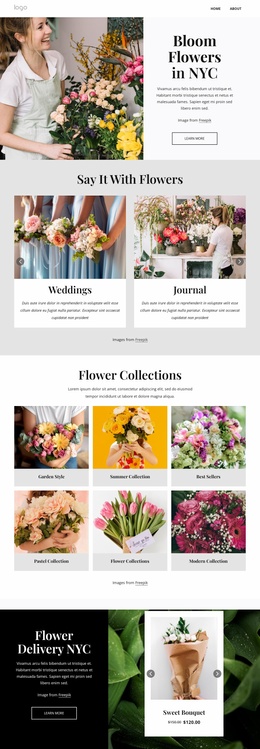
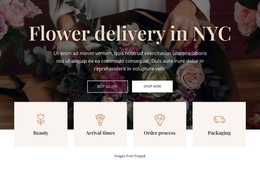
The black panel gives this section a clear identity within a longer page. “Flower Delivery NYC” names the subject, the supporting paragraph provides context, and the outlined Learn More button offers a secondary route onward. Because these elements are contained on the left, the product area can remain visually active without making the whole section feel like one uninterrupted sales message. The block can therefore stand as a recognizable bouquet or services destination between neighboring sections in a continuous page.
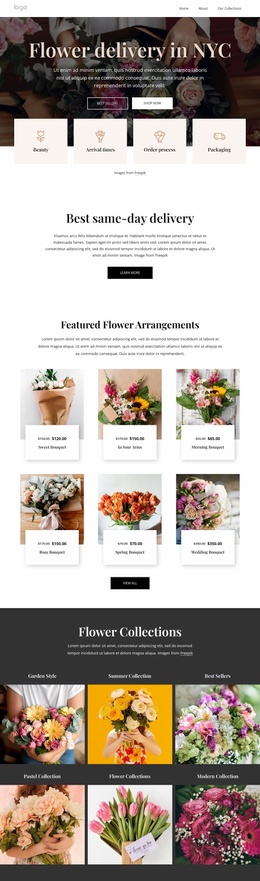
On the right, a leafy background supports a white product-card treatment. The HTML defines seven cards: Sweet Bouquet, In Your Arms, Morning Bouquet, Rosy Bouquet, Spring Bouquet, Wedding Bouquet, and Wonderful Wishes. Previous and next controls allow visitors to move through those products, while the preview confirms the carousel presentation through the visible Sweet Bouquet card. Its displayed price is reduced from $150.00 to $120.00, although sample product values can be changed for the final project.
In a one-page layout, this block can separate a general introduction from later information such as delivery details, testimonials, or contact content. Its strong heading, left-right division, and navigable product group make it easier to recognize as one meaningful destination without requiring the section itself to contain the complete page journey or navigation system.
Customize with Nicepage
Open this ready-made template in the One Page Template Builder and customize it visually in the Nicepage editor. Replace demo content, edit page sections, and adapt the design to your project without rebuilding the template from scratch.
Edit Template Offline
2. Create a new page or select existing
3. Click Add new block, search for id 6247386 and click enter
Edit Template Online
Create Awesome Websites


Free Nicepage Builder
Keywords
Use This Block as a Section in a One-Page Website
Give the Block a Distinct Content Role
A one-page website combines several meaningful content sections within one continuous document. A block can serve as one of those destinations—for example About, Services, Gallery, Testimonials, Pricing, Team, or Contact—while other blocks provide the rest of the page journey.
Connect Navigation to Meaningful Sections
When the final page uses section-based navigation, Menu For One-Page Site can connect menu items to individual page Blocks. The analyzed block does not prove that anchor navigation already exists; it simply provides one possible destination when its content is substantial enough to stand as a recognizable section.
Keep Longer Pages Easy to Explore
For long one-page sites, Back To Top can help visitors return to the beginning after moving through several sections. Navigation behavior is managed at the page level, while each block retains its own content function.
This workflow positions the block as one part of a continuous one-page experience rather than treating a single section as the entire one-page site.