Design your dream space WordPress Theme


Publishable Interior Content With Clear Offering Groups
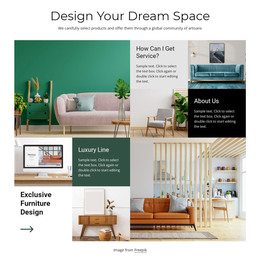
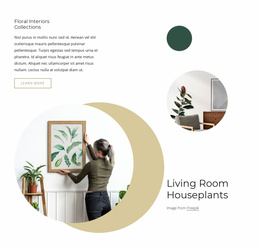
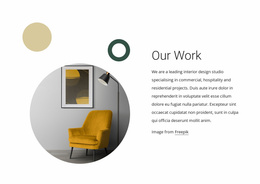
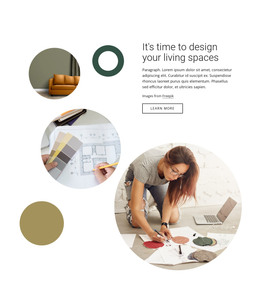
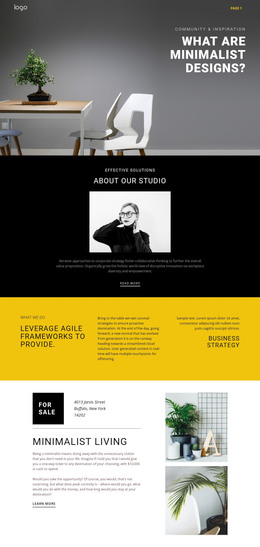
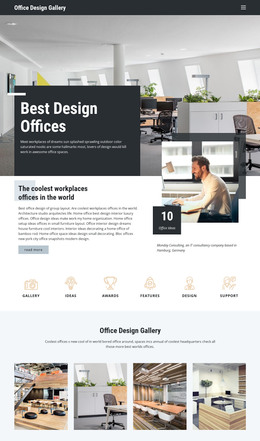
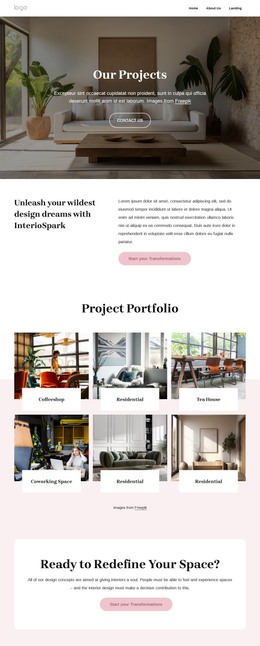
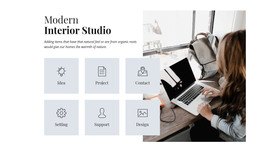
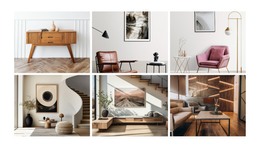
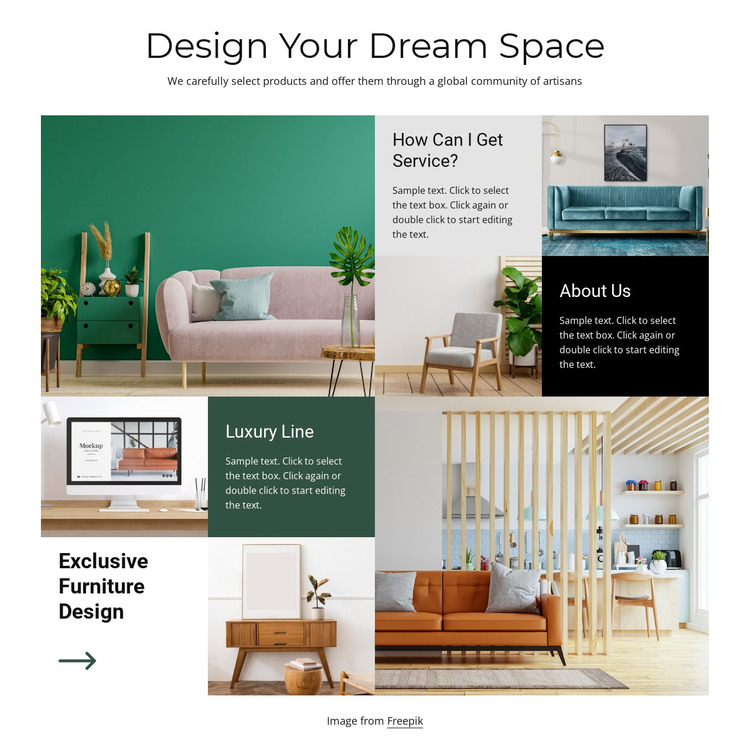
The section reads as stable page content rather than time-sensitive editorial material. Its centered heading, “Design Your Dream Space”, introduces a curated interior design subject, and the paragraph explains that the products are carefully selected through a global community of artisans. The collage then organizes six interior photographs with four labeled content groups: “How Can I Get Service?” and “About Us” provide service and background context, while “Luxury Line” and “Exclusive Furniture Design” focus on specific offering themes. The decorative arrow reinforces the final furniture-design area as a visual point of attention.
Within a WordPress-oriented project, this arrangement can remain a reusable section on a services, about, or offerings page while other content areas handle broader site needs. Its value comes from the stable relationship between images and explanatory panels, not from assuming that posts, categories, or other publishing structures are part of the block. The white background and black typography give the section a dependable base, while the colored panels help distinguish the content groups when the page contains additional material around them. A WordPress-managed page can therefore use this block as a visually consistent interior offering area, preserving its multi-row collage and static behavior while the wider project manages the surrounding content.
Customize with Nicepage
Open this ready-made template in the WordPress Website Builder and customize it visually in the Nicepage editor. Replace demo content, edit page sections, and adapt the design to your project without rebuilding the template from scratch.
Edit Template Offline
2. Create a new page or select existing
3. Click Add new block, search for id 842775 and click enter
Edit Template Online
Create Awesome Websites


Free Nicepage Builder
Keywords
Manage and Edit This Theme in WordPress
Customize and Install the WordPress Theme
Start with this ready-made theme instead of building the WordPress design from scratch. Customize its layout, content, typography, images, sections, and other design elements visually in Nicepage editor, then export and install the WordPress Theme, Plugin, and Pages on your WordPress site. The Nicepage WordPress Plugin lets you continue working with the site after installation.
Edit the Theme Directly in WordPress
After installation, you can edit the WordPress Theme directly in WordPress with the Nicepage WordPress Plugin. Use Site Style to customize site Colors, Fonts, Header, Footer, Blog, and Post Page Templates while working within your WordPress website.
Edit WordPress Pages Visually
Use the Nicepage WordPress Plugin to edit page content directly from the WordPress admin area. Open a WordPress Page with Nicepage and visually change its text, images, sections, and other page elements while continuing to manage the Page through WordPress.
WordPress Content and Theme Integration
Use the customized theme with WordPress Pages, Posts, Blog and Post Templates, menus, widgets, and other CMS-managed content. Shared theme elements such as Colors, Fonts, Header, Footer, Blog, and Post Page Templates can be managed as part of the overall site design, while WordPress provides the CMS environment for managing site content.
This workflow combines a ready-made WordPress Theme with visual customization, direct theme editing in WordPress, and continued content management through the Nicepage WordPress Plugin.