About interior design studio WordPress Theme


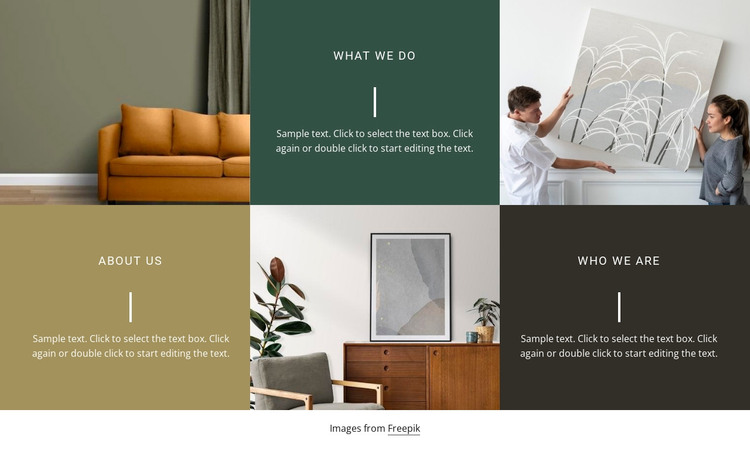
Three identity panels create stable page content for WordPress
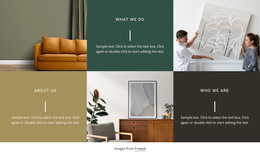
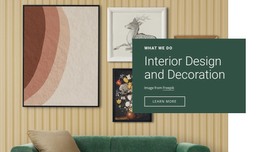
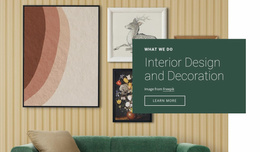
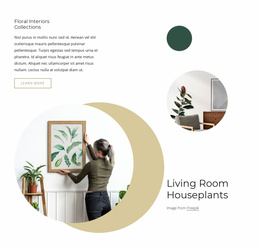
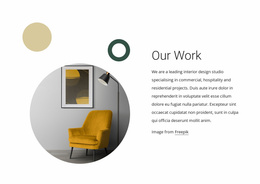
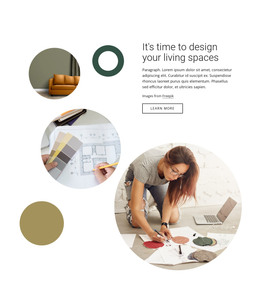
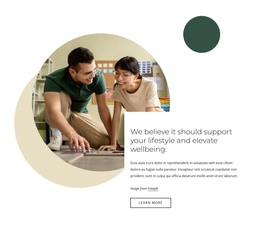
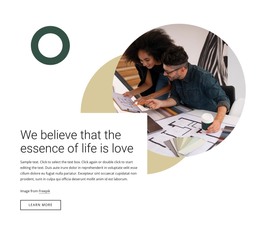
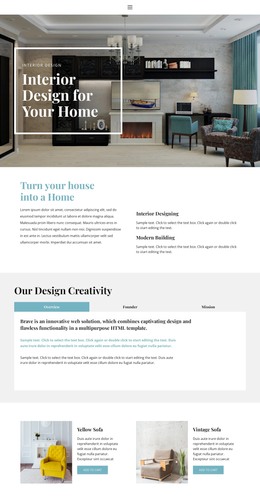
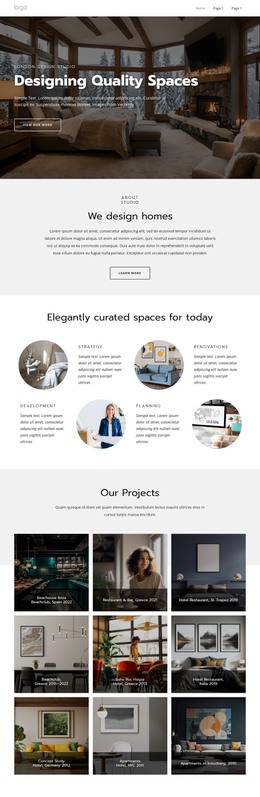
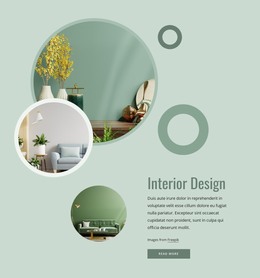
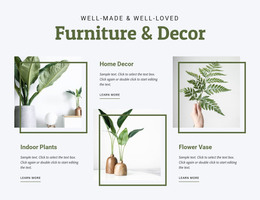
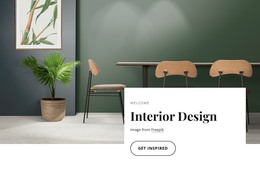
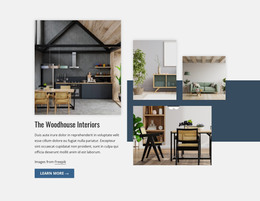
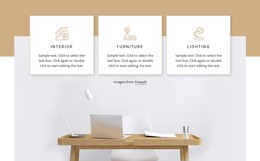
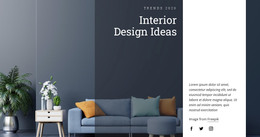
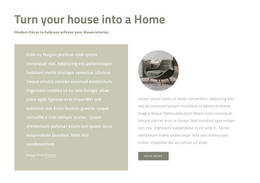
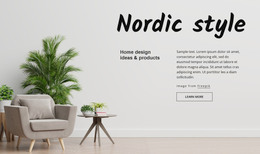
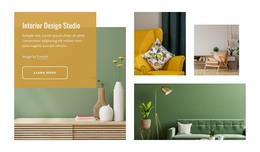
The block reads primarily as durable page content: a compact studio overview that can remain in place while the wider WordPress-managed site develops around it. What We Do, About Us, and Who We Are provide three related identity topics, each supported by a centered paragraph and vertical divider. The adjacent interior photographs reinforce the subject visually without requiring the section to behave like a changing editorial feed.
Its six-cell arrangement also gives the content a repeatable visual pattern. Three image cells and three colored text cells share equal proportions across two rows, so the section can retain a recognizable appearance when it is used alongside other page areas. The dark green, muted ochre, and charcoal panels distinguish the written topics, while the full-bleed photographs add atmosphere associated with interior spaces or design activity.
In a WordPress-oriented project, this block can therefore serve as a stable About or studio information region rather than a standalone theme. Other CMS-managed pages can handle portfolios, service details, project archives, or inquiries. Nicepage’s WordPress Pages workflow describes broader page and theme context, but the relevant role here is the reusable content section placed within that environment. The block’s own identity remains the six-cell mosaic and its three-part studio message.
Customize with Nicepage
Open this ready-made template in the WordPress Website Builder and customize it visually in the Nicepage editor. Replace demo content, edit page sections, and adapt the design to your project without rebuilding the template from scratch.
Edit Template Offline
2. Create a new page or select existing
3. Click Add new block, search for id 843344 and click enter
Edit Template Online
Create Awesome Websites


Free Nicepage Builder
Keywords
Manage and Edit This Theme in WordPress
Customize and Install the WordPress Theme
Start with this ready-made theme instead of building the WordPress design from scratch. Customize its layout, content, typography, images, sections, and other design elements visually in Nicepage editor, then export and install the WordPress Theme, Plugin, and Pages on your WordPress site. The Nicepage WordPress Plugin lets you continue working with the site after installation.
Edit the Theme Directly in WordPress
After installation, you can edit the WordPress Theme directly in WordPress with the Nicepage WordPress Plugin. Use Site Style to customize site Colors, Fonts, Header, Footer, Blog, and Post Page Templates while working within your WordPress website.
Edit WordPress Pages Visually
Use the Nicepage WordPress Plugin to edit page content directly from the WordPress admin area. Open a WordPress Page with Nicepage and visually change its text, images, sections, and other page elements while continuing to manage the Page through WordPress.
WordPress Content and Theme Integration
Use the customized theme with WordPress Pages, Posts, Blog and Post Templates, menus, widgets, and other CMS-managed content. Shared theme elements such as Colors, Fonts, Header, Footer, Blog, and Post Page Templates can be managed as part of the overall site design, while WordPress provides the CMS environment for managing site content.
This workflow combines a ready-made WordPress Theme with visual customization, direct theme editing in WordPress, and continued content management through the Nicepage WordPress Plugin.