Our design philosophy WordPress Theme



Edit Template Offline
2. Create new page and search for id 6268498
Edit Template Online
Create Awesome Websites


Free Nicepage Builder
Keywords
Event Posts and Permanent Studio Sections Share One Visual Direction
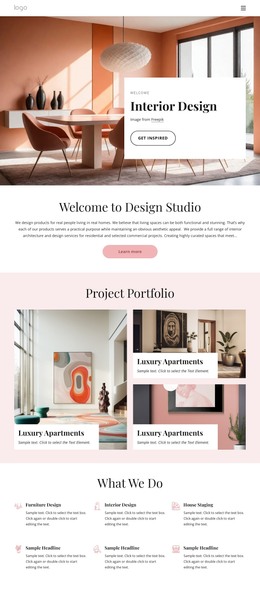
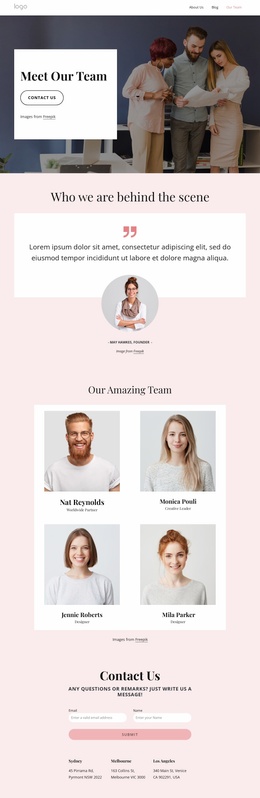
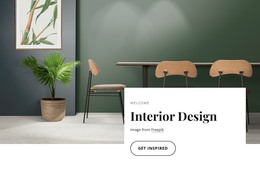
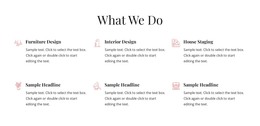
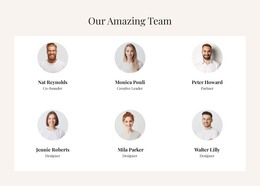
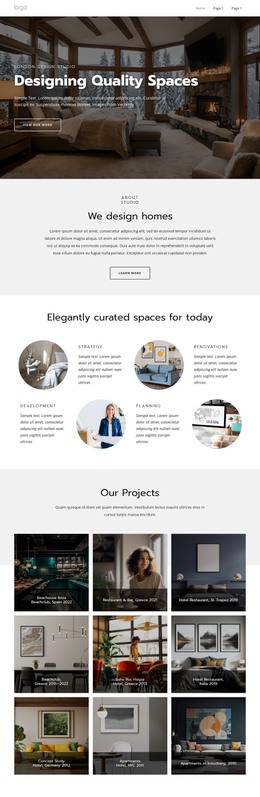
The page separates relatively permanent studio content from repeated content areas that may grow over time. The hero, About Design Studio section, six service entries, capability highlights, and studio-positioning block can function as enduring page content describing the interior design practice. The carousel and six-image “Our works” gallery provide project-focused visual areas, while six team cards present people and roles within the same editorial system.
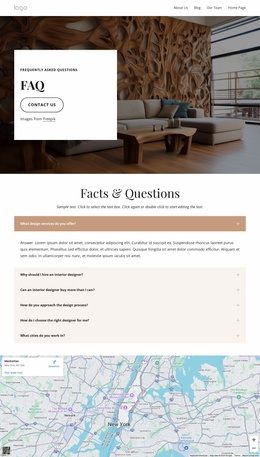
The four Upcoming Events cards introduce a different content relationship. Each image-backed item has a title and Read More button, creating a repeated publishing area that could accommodate changing announcements or event information if the project later connects those entries to WordPress-managed content. The three-question FAQ offers another structured information region, but the sample questions and placeholder text should be replaced with verified project content rather than treated as established business facts.
At the end, the contact form includes name and email inputs, three location listings, and a map. These elements give permanent contact information a clear place beside the page’s visual and editorial areas. The design therefore suits a WordPress theme interpretation through its combination of stable pages, repeated event-style cards, reusable team content, and shared navigation and footer treatment. It does not prove that Posts, categories, or a blog already exist; those would be choices for the completed WordPress project.
Customize with Nicepage
Open this ready-made template in the WordPress Website Builder and customize it visually in the Nicepage editor. Replace demo content, edit page sections, and adapt the design to your project without rebuilding the template from scratch.
Manage and Edit This Theme in WordPress
Customize and Install the WordPress Theme
Start with this ready-made theme instead of building the WordPress design from scratch. Customize its layout, content, typography, images, sections, and other design elements visually in Nicepage editor, then export and install the WordPress Theme, Plugin, and Pages on your WordPress site. The Nicepage WordPress Plugin lets you continue working with the site after installation.
Edit the Theme Directly in WordPress
After installation, you can edit the WordPress Theme directly in WordPress with the Nicepage WordPress Plugin. Use Site Style to customize site Colors, Fonts, Header, Footer, Blog, and Post Page Templates while working within your WordPress website.
Edit WordPress Pages Visually
Use the Nicepage WordPress Plugin to edit page content directly from the WordPress admin area. Open a WordPress Page with Nicepage and visually change its text, images, sections, and other page elements while continuing to manage the Page through WordPress.
WordPress Content and Theme Integration
Use the customized theme with WordPress Pages, Posts, Blog and Post Templates, menus, widgets, and other CMS-managed content. Shared theme elements such as Colors, Fonts, Header, Footer, Blog, and Post Page Templates can be managed as part of the overall site design, while WordPress provides the CMS environment for managing site content.
This workflow combines a ready-made WordPress Theme with visual customization, direct theme editing in WordPress, and continued content management through the Nicepage WordPress Plugin.