Our members get access to over 200 classes a week WordPress Theme


The Heading and Photo Collection Form Stable Activities Page Content
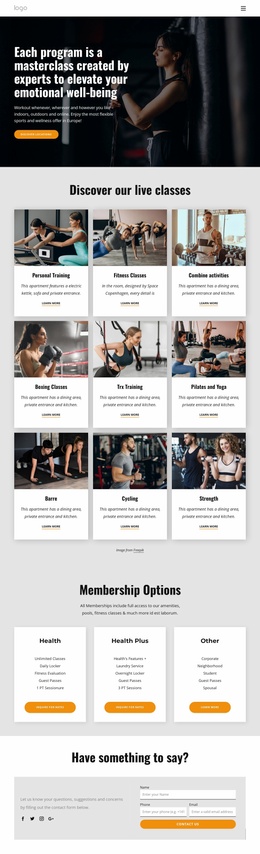
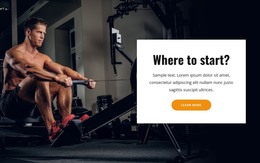
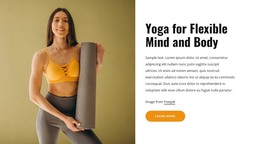
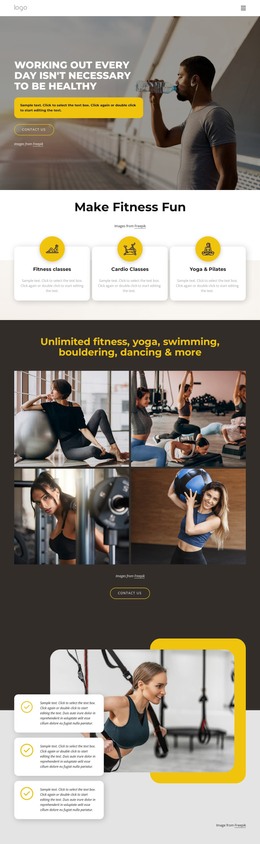
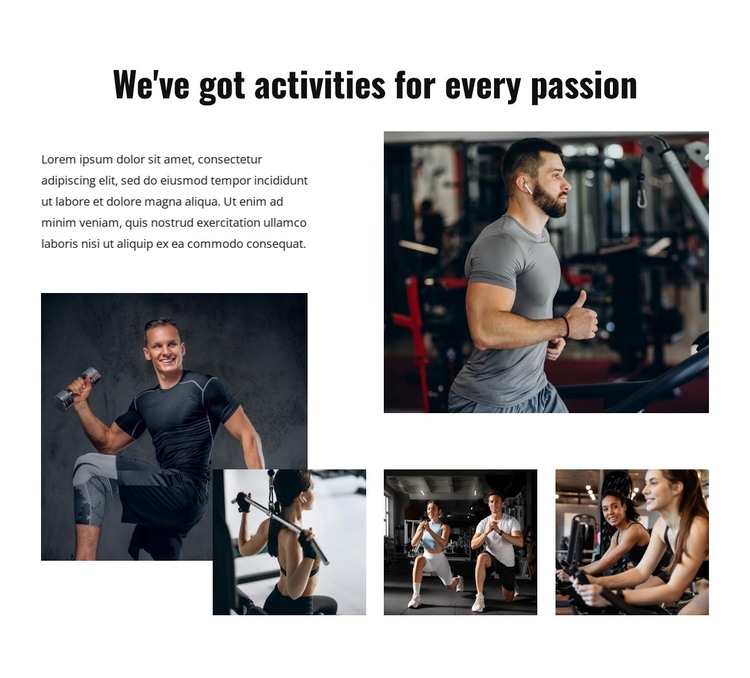
The phrase “We've got activities for every passion” gives the section a durable page-oriented subject, and the supporting paragraph can provide a short introduction before the imagery. Five photographs then present recognizable activity categories through weight training, treadmill running, resistance exercise, group exercise, and cardio training. For a WordPress-managed page, this is useful as stable visual content: it explains the range of activities without depending on a time-sensitive post stream or an invented catalogue structure.
The image relationships make the section more than a simple row of media. A large lower-left photograph supplies the main anchor, the upper-right image balances the composition, and three smaller photographs along the bottom broaden the visual set. Rectangular crops are separated by generous white spacing, while black heading typography provides consistent emphasis above the collage. The mix of brighter and darker gym imagery adds variation without changing the block's static behavior.
Within a broader WordPress theme project, the section can support a permanent activities or fitness page while other content areas handle schedules, articles, instructors, or contact details. Its role is the presentation of this reusable gallery content, not the theme architecture itself. The block can therefore retain its visual arrangement as surrounding page content grows, giving the site a recognizable activity section without claiming any particular CMS item already exists inside it.
Customize with Nicepage
Open this ready-made template in the WordPress Website Builder and customize it visually in the Nicepage editor. Replace demo content, edit page sections, and adapt the design to your project without rebuilding the template from scratch.
Edit Template Offline
2. Create a new page or select existing
3. Click Add new block, search for id 6137963 and click enter
Edit Template Online
Create Awesome Websites


Free Nicepage Builder
Keywords
Manage and Edit This Theme in WordPress
Customize and Install the WordPress Theme
Start with this ready-made theme instead of building the WordPress design from scratch. Customize its layout, content, typography, images, sections, and other design elements visually in Nicepage editor, then export and install the WordPress Theme, Plugin, and Pages on your WordPress site. The Nicepage WordPress Plugin lets you continue working with the site after installation.
Edit the Theme Directly in WordPress
After installation, you can edit the WordPress Theme directly in WordPress with the Nicepage WordPress Plugin. Use Site Style to customize site Colors, Fonts, Header, Footer, Blog, and Post Page Templates while working within your WordPress website.
Edit WordPress Pages Visually
Use the Nicepage WordPress Plugin to edit page content directly from the WordPress admin area. Open a WordPress Page with Nicepage and visually change its text, images, sections, and other page elements while continuing to manage the Page through WordPress.
WordPress Content and Theme Integration
Use the customized theme with WordPress Pages, Posts, Blog and Post Templates, menus, widgets, and other CMS-managed content. Shared theme elements such as Colors, Fonts, Header, Footer, Blog, and Post Page Templates can be managed as part of the overall site design, while WordPress provides the CMS environment for managing site content.
This workflow combines a ready-made WordPress Theme with visual customization, direct theme editing in WordPress, and continued content management through the Nicepage WordPress Plugin.