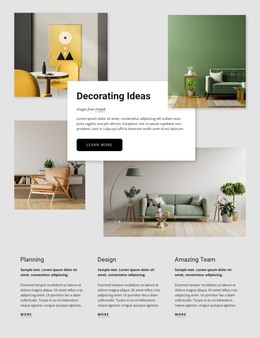
Comprehensive interior design WordPress Theme


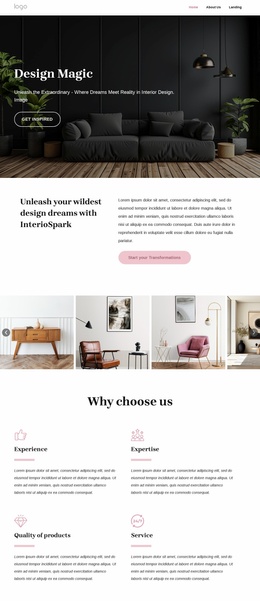
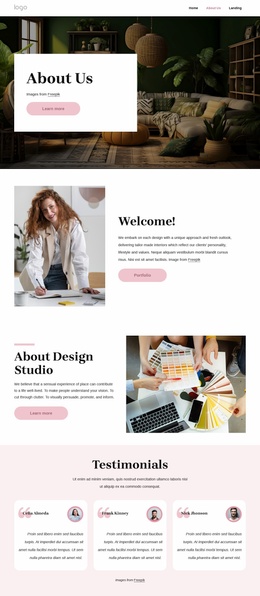
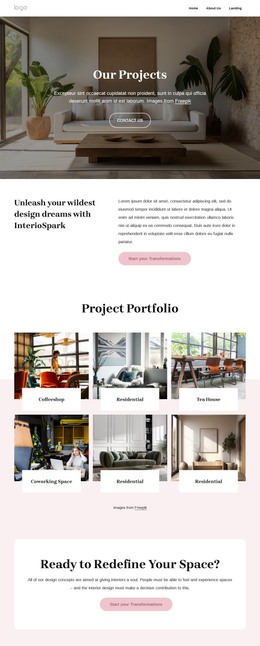
A Stable Interior Design Message for Managed Page Content
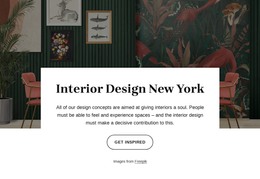
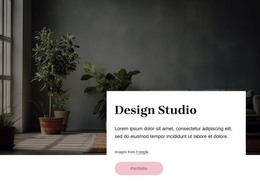
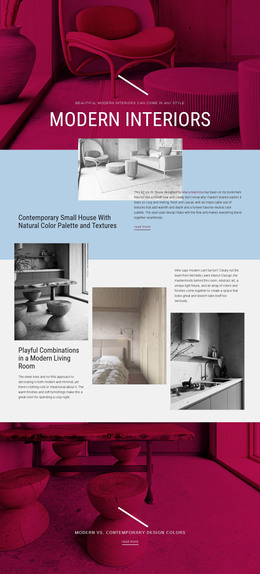
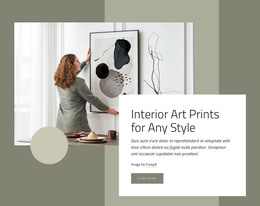
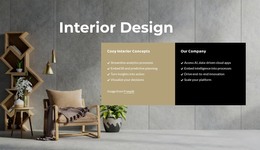
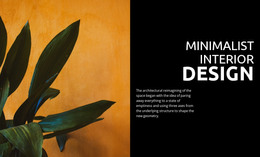
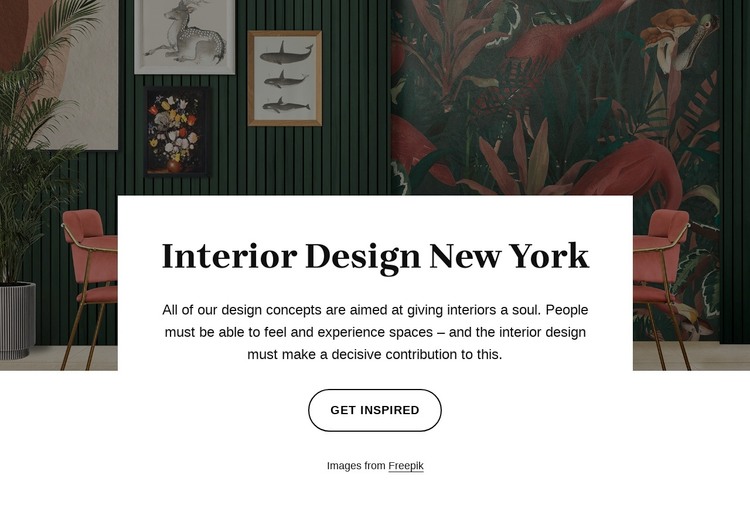
The heading “Interior Design New York” and its supporting paragraph read as a durable introductory message rather than a changing list of items. The paragraph frames design concepts as elements that give interiors a soul, while the single room image supplies the visual setting. In a WordPress-managed project, this combination can serve as a stable page section for introducing an interior design topic before other content explains projects, services, or inspiration in greater depth.
The centered white card gives the content a distinct editorial container over the dark, richly patterned image. Its internal order is straightforward: the large serif heading establishes the subject, the paragraph adds context, and the rounded outlined “Get Inspired” button offers a next step. That order makes the block suitable for permanent page content because the visual relationship remains meaningful even when the surrounding page evolves.
The section can participate in a WordPress-oriented page without being treated as the entire theme or site. Other managed content can surround it, while the block preserves its own image-led identity and focused purpose. Nicepage’s WordPress workflow supports editing and managing broader page content, but the key contribution of this section is its self-contained presentation of an interior design message. The block gives the page a recognizable introduction while leaving publishing and site-wide structure to the surrounding project.
Customize with Nicepage
Open this ready-made template in the WordPress Website Builder and customize it visually in the Nicepage editor. Replace demo content, edit page sections, and adapt the design to your project without rebuilding the template from scratch.
Edit Template Offline
2. Create a new page or select existing
3. Click Add new block, search for id 6266499 and click enter
Edit Template Online
Create Awesome Websites


Free Nicepage Builder
Keywords
Manage and Edit This Theme in WordPress
Customize and Install the WordPress Theme
Start with this ready-made theme instead of building the WordPress design from scratch. Customize its layout, content, typography, images, sections, and other design elements visually in Nicepage editor, then export and install the WordPress Theme, Plugin, and Pages on your WordPress site. The Nicepage WordPress Plugin lets you continue working with the site after installation.
Edit the Theme Directly in WordPress
After installation, you can edit the WordPress Theme directly in WordPress with the Nicepage WordPress Plugin. Use Site Style to customize site Colors, Fonts, Header, Footer, Blog, and Post Page Templates while working within your WordPress website.
Edit WordPress Pages Visually
Use the Nicepage WordPress Plugin to edit page content directly from the WordPress admin area. Open a WordPress Page with Nicepage and visually change its text, images, sections, and other page elements while continuing to manage the Page through WordPress.
WordPress Content and Theme Integration
Use the customized theme with WordPress Pages, Posts, Blog and Post Templates, menus, widgets, and other CMS-managed content. Shared theme elements such as Colors, Fonts, Header, Footer, Blog, and Post Page Templates can be managed as part of the overall site design, while WordPress provides the CMS environment for managing site content.
This workflow combines a ready-made WordPress Theme with visual customization, direct theme editing in WordPress, and continued content management through the Nicepage WordPress Plugin.