Practical interiors WordPress Theme


Stable Feature Content for a WordPress-Managed Page
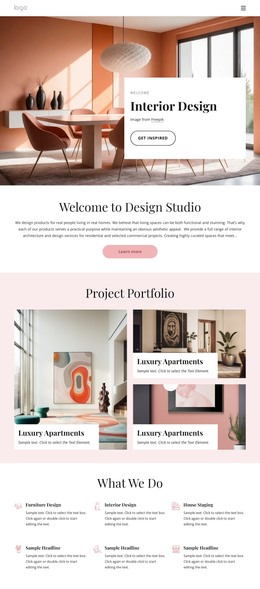
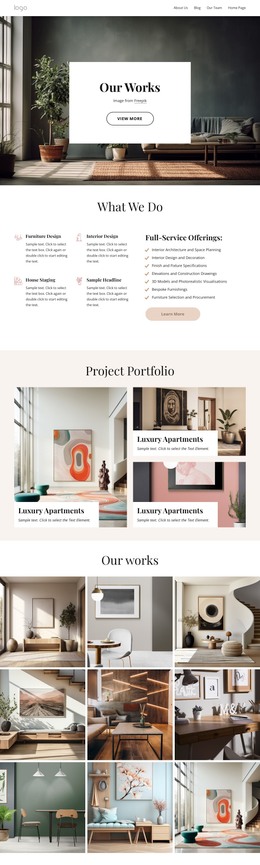
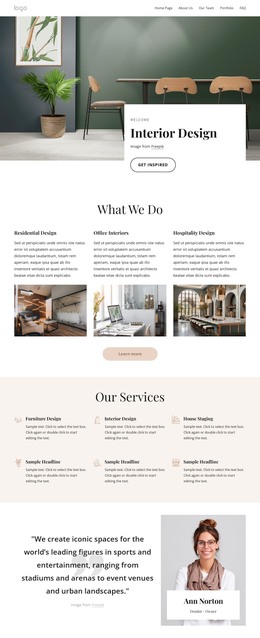
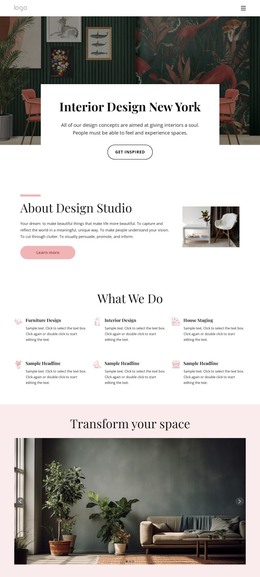
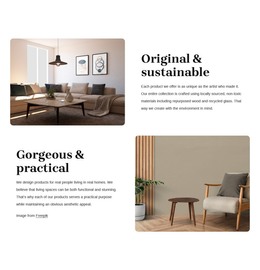
The first row reads as durable page content because it explains a product value rather than presenting a time-sensitive update. “Original & sustainable” is paired with an interior photograph and a paragraph referring to locally sourced, non-toxic materials, repurposed wood, and recycled glass. A “Learn more” button can connect that explanation with a deeper product or material destination maintained elsewhere in the project. The second row provides a separate, equally stable message through “Gorgeous & practical,” describing products that combine functional use with aesthetic appeal.
In a WordPress-oriented project, these two rows can remain a visually consistent features area while the wider site manages other content around them. The alternating image placement gives each feature a distinct reading sequence, and the repeated heading, paragraph, image, and button pattern keeps the section easy to recognize as page content. Rounded photographs and a warm neutral palette establish continuity, while dark serif headings and blush pink buttons mark the hierarchy of each row. The block does not need to become a complete theme to be useful in this context: it can occupy one services, products, or brand-values area while other page sections handle navigation, detailed offerings, editorial material, or contact information.
Customize with Nicepage
Open this ready-made template in the WordPress Website Builder and customize it visually in the Nicepage editor. Replace demo content, edit page sections, and adapt the design to your project without rebuilding the template from scratch.
Edit Template Offline
2. Create a new page or select existing
3. Click Add new block, search for id 6280553 and click enter
Edit Template Online
Create Awesome Websites


Free Nicepage Builder
Keywords
Manage and Edit This Theme in WordPress
Customize and Install the WordPress Theme
Start with this ready-made theme instead of building the WordPress design from scratch. Customize its layout, content, typography, images, sections, and other design elements visually in Nicepage editor, then export and install the WordPress Theme, Plugin, and Pages on your WordPress site. The Nicepage WordPress Plugin lets you continue working with the site after installation.
Edit the Theme Directly in WordPress
After installation, you can edit the WordPress Theme directly in WordPress with the Nicepage WordPress Plugin. Use Site Style to customize site Colors, Fonts, Header, Footer, Blog, and Post Page Templates while working within your WordPress website.
Edit WordPress Pages Visually
Use the Nicepage WordPress Plugin to edit page content directly from the WordPress admin area. Open a WordPress Page with Nicepage and visually change its text, images, sections, and other page elements while continuing to manage the Page through WordPress.
WordPress Content and Theme Integration
Use the customized theme with WordPress Pages, Posts, Blog and Post Templates, menus, widgets, and other CMS-managed content. Shared theme elements such as Colors, Fonts, Header, Footer, Blog, and Post Page Templates can be managed as part of the overall site design, while WordPress provides the CMS environment for managing site content.
This workflow combines a ready-made WordPress Theme with visual customization, direct theme editing in WordPress, and continued content management through the Nicepage WordPress Plugin.