I am an interior designer WordPress Theme


Edit Template Offline
2. Create new page and search for id 139773
Edit Template Online
Create Awesome Websites


Free Nicepage Builder
Keywords
Editorial sections and repeated visual content fit a WordPress-managed page structure
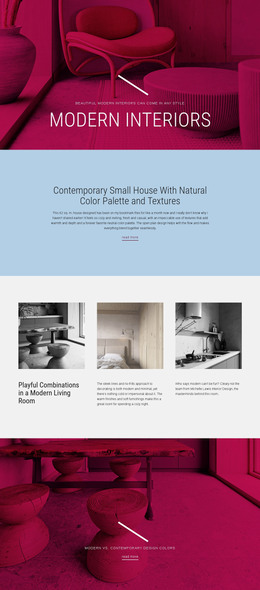
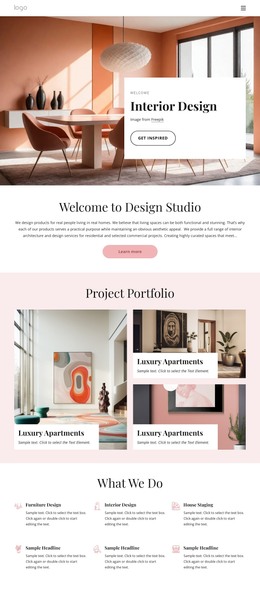
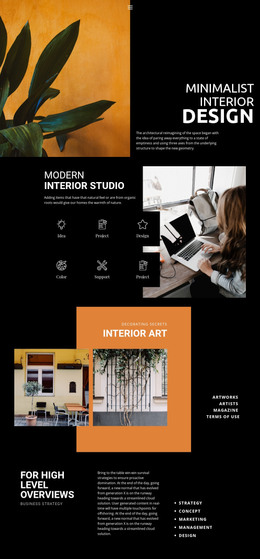
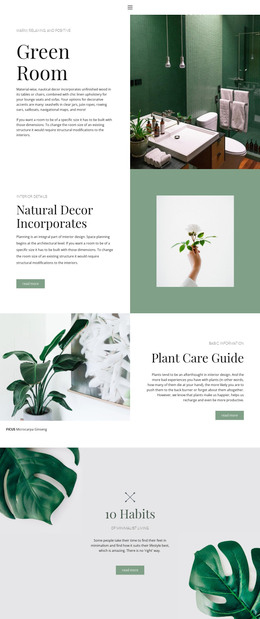
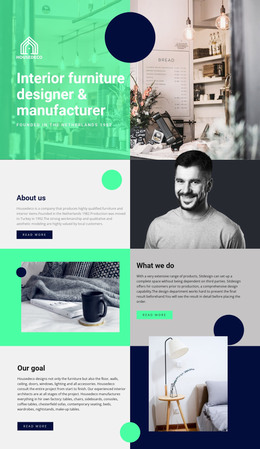
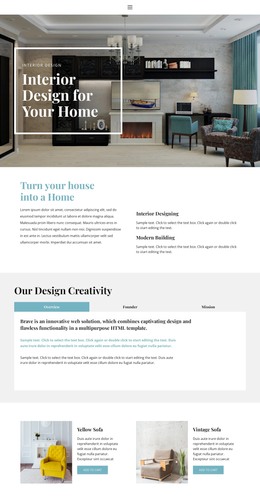
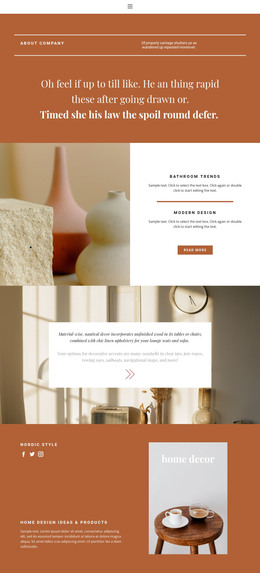
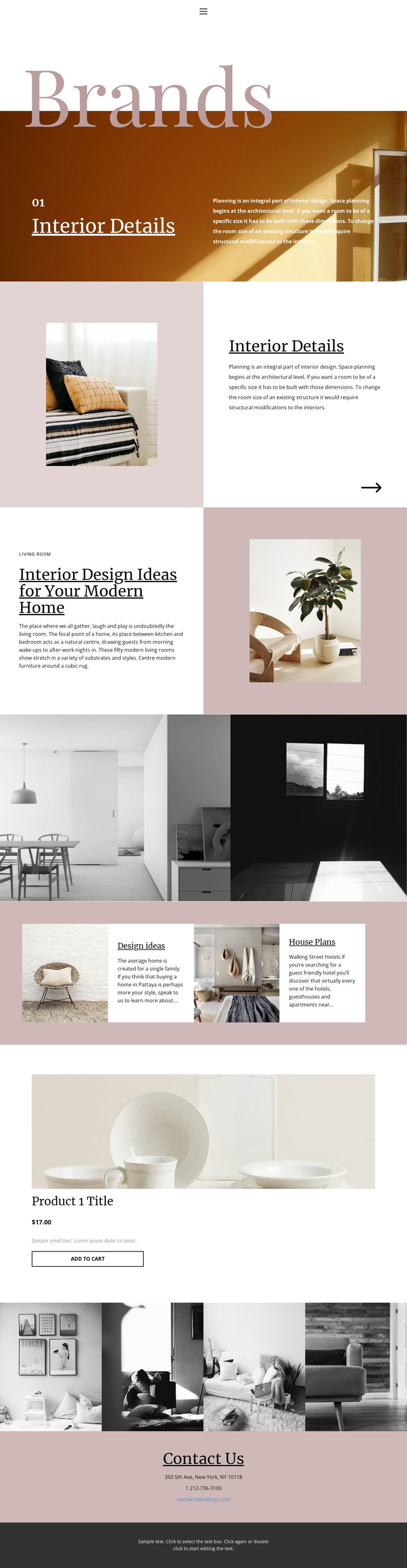
The page-oriented content is strongest in the Brands introduction, Interior Details section, and modern-home article. Each area combines a subject with supporting text and imagery, giving permanent page content a clear visual treatment. Design ideas and House Plans provide additional thematic groupings that can be maintained as related interior information without changing the page’s editorial character.
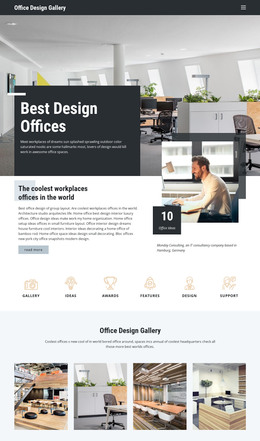
The repeated image regions offer another useful relationship. The two-image showcase creates a broad visual statement, while the four-image gallery provides a more concentrated set of interior examples. Together with the article-like sections, they create a content mix that can accommodate visual inspiration and explanatory material in the same theme direction. The product block is separate from those editorial areas: it combines an image, title, displayed price, description, and Add to Cart action as a focused product presentation.
Contact Us closes the page with address, telephone, and email channels, giving permanent site information a defined location. If a project later adds regularly updated articles or announcements, those could be interpreted alongside the existing page content, but no blog or post structure is claimed as already present. In WordPress, the Nicepage WordPress Plugin is an optional bridge for working with the design environment; the template-specific value is the way its editorial, image, product, and contact areas already share one visual system.
Customize with Nicepage
Open this ready-made template in the WordPress Website Builder and customize it visually in the Nicepage editor. Replace demo content, edit page sections, and adapt the design to your project without rebuilding the template from scratch.
Manage and Edit This Theme in WordPress
Customize and Install the WordPress Theme
Start with this ready-made theme instead of building the WordPress design from scratch. Customize its layout, content, typography, images, sections, and other design elements visually in Nicepage editor, then export and install the WordPress Theme, Plugin, and Pages on your WordPress site. The Nicepage WordPress Plugin lets you continue working with the site after installation.
Edit the Theme Directly in WordPress
After installation, you can edit the WordPress Theme directly in WordPress with the Nicepage WordPress Plugin. Use Site Style to customize site Colors, Fonts, Header, Footer, Blog, and Post Page Templates while working within your WordPress website.
Edit WordPress Pages Visually
Use the Nicepage WordPress Plugin to edit page content directly from the WordPress admin area. Open a WordPress Page with Nicepage and visually change its text, images, sections, and other page elements while continuing to manage the Page through WordPress.
WordPress Content and Theme Integration
Use the customized theme with WordPress Pages, Posts, Blog and Post Templates, menus, widgets, and other CMS-managed content. Shared theme elements such as Colors, Fonts, Header, Footer, Blog, and Post Page Templates can be managed as part of the overall site design, while WordPress provides the CMS environment for managing site content.
This workflow combines a ready-made WordPress Theme with visual customization, direct theme editing in WordPress, and continued content management through the Nicepage WordPress Plugin.