Help in organizing the space at home WordPress Theme
Edit Template Offline
2. Create new page and search for id 290466
Edit Template Online
Create Awesome Websites


Free Nicepage Builder
Keywords
Interior Categories and Gallery Content Support WordPress Pages
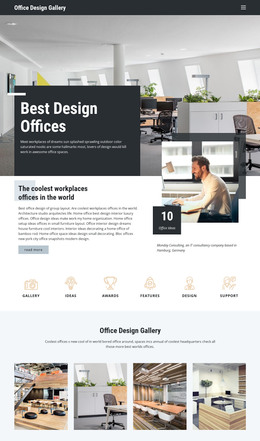
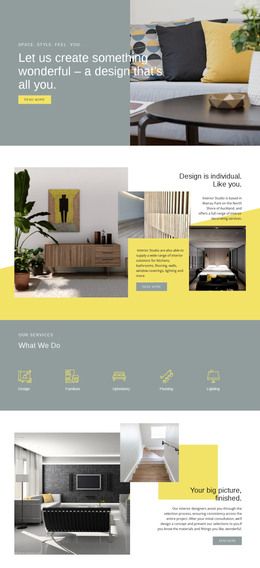
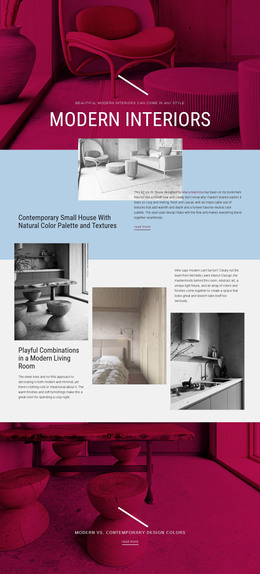
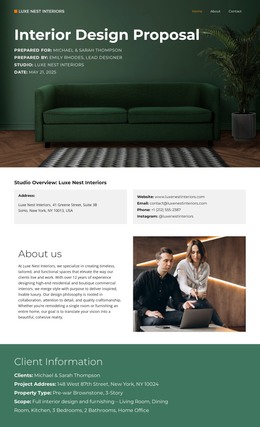
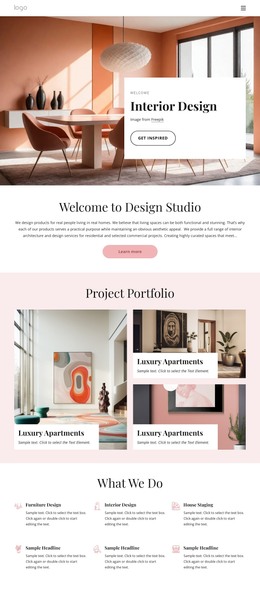
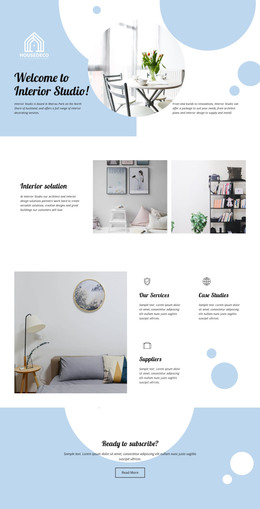
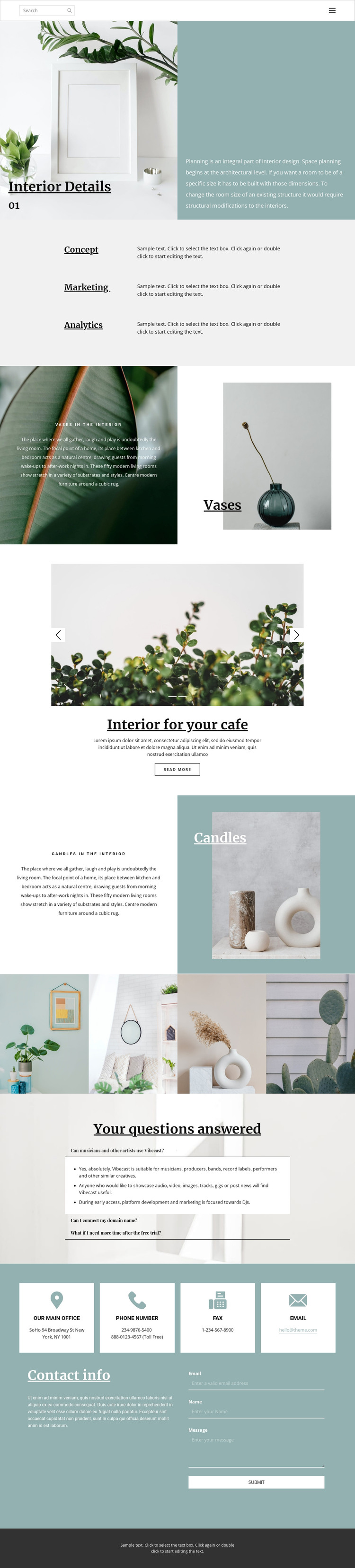
The page separates its subject into clear content areas that can work naturally as permanent WordPress page content. Interior Details introduces space planning through a split image-and-text panel, while the Concept, Marketing, and Analytics rows provide three compact categories for describing related services or ideas. Vases and Candles then give individual decor subjects their own visual treatment, making the layout suitable for distinct page sections rather than one continuous block of undifferentiated copy.
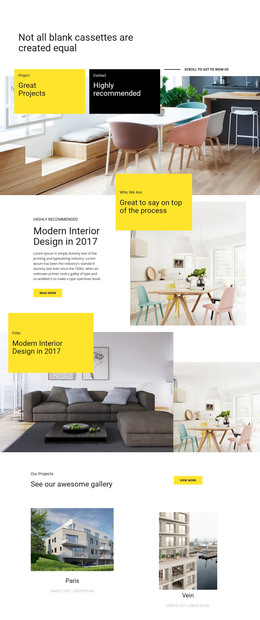
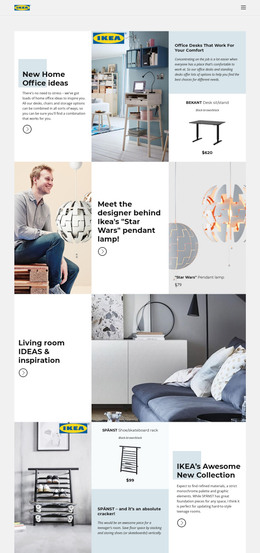
The two-image cafe carousel and four-image interior gallery add visual content that can support project examples, portfolio material, or a focused cafe-related page. The three expandable FAQ items provide a separate information area, while four contact information cards and the message form establish reusable contact content near the end of the page. These areas can be mapped to WordPress Pages and maintained within the same theme direction; the analysis does not prove that posts, categories, or blog content already exist. If the site later adds regularly updated articles or announcements, the editorial serif typography, muted teal panels, warm photography, and restrained spacing provide a consistent visual setting around that content. The sample FAQ wording, business identity, address, and contact values remain placeholders, but the page organization clearly supports a WordPress-managed interior design presentation.
Customize with Nicepage
Open this ready-made template in the WordPress Website Builder and customize it visually in the Nicepage editor. Replace demo content, edit page sections, and adapt the design to your project without rebuilding the template from scratch.
Manage and Edit This Theme in WordPress
Customize and Install the WordPress Theme
Start with this ready-made theme instead of building the WordPress design from scratch. Customize its layout, content, typography, images, sections, and other design elements visually in Nicepage editor, then export and install the WordPress Theme, Plugin, and Pages on your WordPress site. The Nicepage WordPress Plugin lets you continue working with the site after installation.
Edit the Theme Directly in WordPress
After installation, you can edit the WordPress Theme directly in WordPress with the Nicepage WordPress Plugin. Use Site Style to customize site Colors, Fonts, Header, Footer, Blog, and Post Page Templates while working within your WordPress website.
Edit WordPress Pages Visually
Use the Nicepage WordPress Plugin to edit page content directly from the WordPress admin area. Open a WordPress Page with Nicepage and visually change its text, images, sections, and other page elements while continuing to manage the Page through WordPress.
WordPress Content and Theme Integration
Use the customized theme with WordPress Pages, Posts, Blog and Post Templates, menus, widgets, and other CMS-managed content. Shared theme elements such as Colors, Fonts, Header, Footer, Blog, and Post Page Templates can be managed as part of the overall site design, while WordPress provides the CMS environment for managing site content.
This workflow combines a ready-made WordPress Theme with visual customization, direct theme editing in WordPress, and continued content management through the Nicepage WordPress Plugin.