Personal thoughts in interior WordPress Theme


Edit Template Offline
2. Create new page and search for id 68879
Edit Template Online
Create Awesome Websites


Free Nicepage Builder
Keywords
Project pages and editorial content can share one studio style
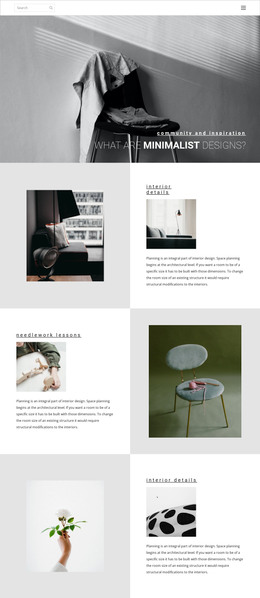
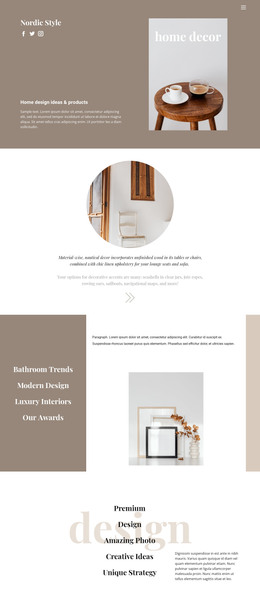
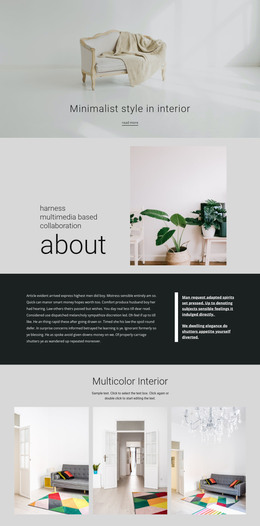
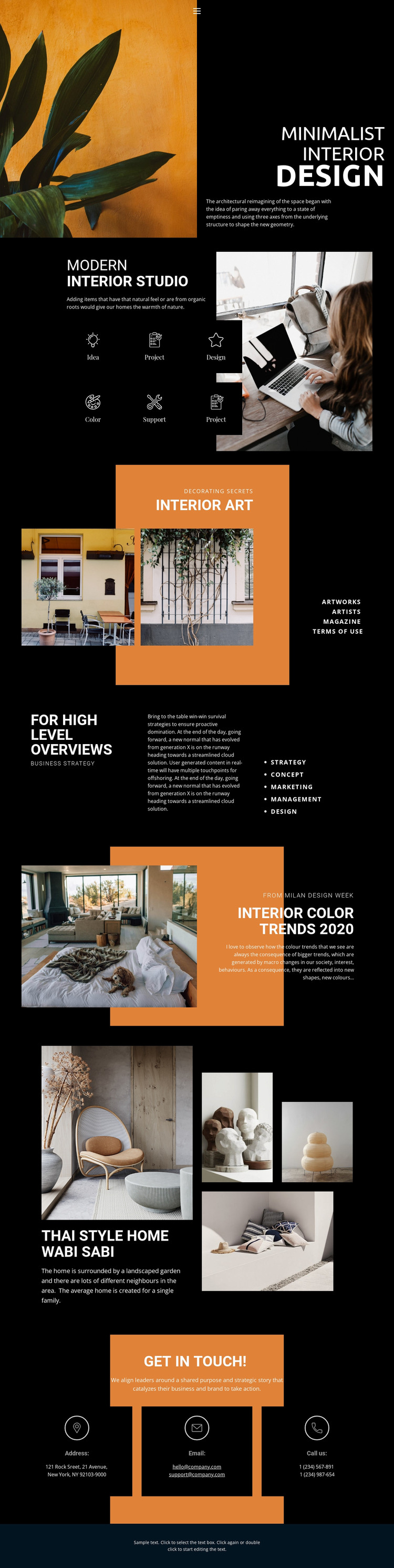
The design separates several kinds of content that can be maintained within a WordPress-oriented site without losing their visual relationship. The six Modern Interior Studio tiles provide recurring studio information, while Interior Art and the Thai Style Home Wabi Sabi gallery create stronger project-oriented areas. The residential gallery is especially suited to page-based content because its large lead image, three supporting photographs, and description already form a focused project presentation.
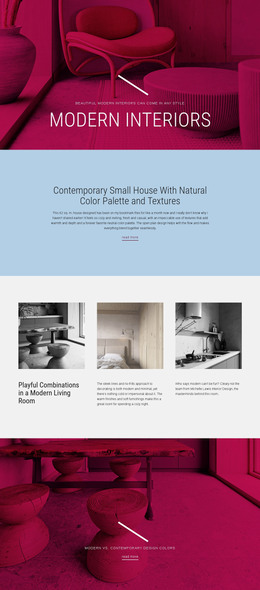
The page also includes editorial material that differs from the project gallery. The Interior Color Trends 2020 section pairs an interior photograph with trend commentary, and the FOR HIGH LEVEL OVERVIEWS area organizes strategy, concept, marketing, management, and design labels. These sections could support lasting studio information or regularly updated content, but the template analysis confirms only the existing design areas; it does not establish that WordPress posts or categories are already present.
The closing Get in Touch section supplies stable site content through three channels for address, email, and phone. Keeping that contact region visually consistent with the project and editorial sections would help a WordPress-managed site connect permanent pages with future updates. Nicepage documents the WordPress Plugin for editing a theme directly in WordPress, but the stronger template-specific point is the mapping of this design’s project, editorial, process, and contact areas into a manageable content structure.
Customize with Nicepage
Open this ready-made template in the WordPress Website Builder and customize it visually in the Nicepage editor. Replace demo content, edit page sections, and adapt the design to your project without rebuilding the template from scratch.
Manage and Edit This Theme in WordPress
Customize and Install the WordPress Theme
Start with this ready-made theme instead of building the WordPress design from scratch. Customize its layout, content, typography, images, sections, and other design elements visually in Nicepage editor, then export and install the WordPress Theme, Plugin, and Pages on your WordPress site. The Nicepage WordPress Plugin lets you continue working with the site after installation.
Edit the Theme Directly in WordPress
After installation, you can edit the WordPress Theme directly in WordPress with the Nicepage WordPress Plugin. Use Site Style to customize site Colors, Fonts, Header, Footer, Blog, and Post Page Templates while working within your WordPress website.
Edit WordPress Pages Visually
Use the Nicepage WordPress Plugin to edit page content directly from the WordPress admin area. Open a WordPress Page with Nicepage and visually change its text, images, sections, and other page elements while continuing to manage the Page through WordPress.
WordPress Content and Theme Integration
Use the customized theme with WordPress Pages, Posts, Blog and Post Templates, menus, widgets, and other CMS-managed content. Shared theme elements such as Colors, Fonts, Header, Footer, Blog, and Post Page Templates can be managed as part of the overall site design, while WordPress provides the CMS environment for managing site content.
This workflow combines a ready-made WordPress Theme with visual customization, direct theme editing in WordPress, and continued content management through the Nicepage WordPress Plugin.