Powdery color in the interior WordPress Theme


Edit Template Offline
2. Create new page and search for id 433784
Edit Template Online
Create Awesome Websites


Free Nicepage Builder
Keywords
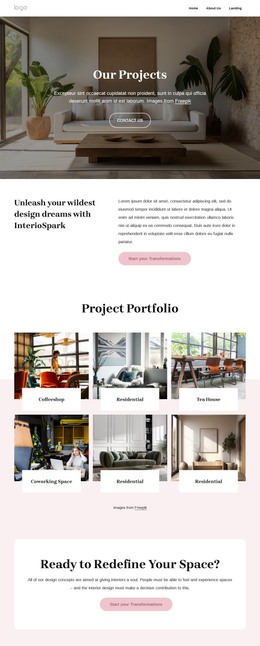
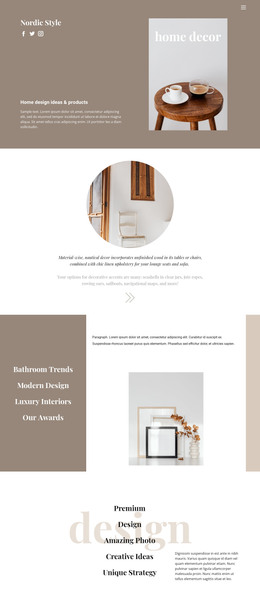
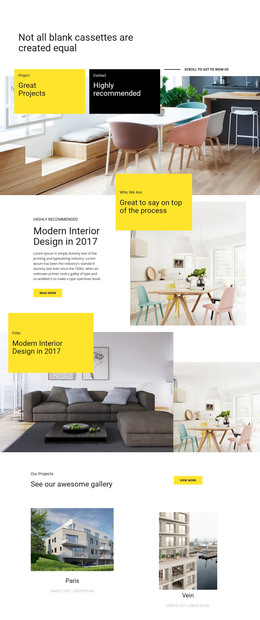
Project imagery and recurring content areas suit a WordPress theme
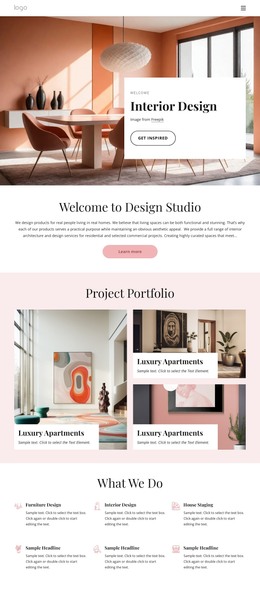
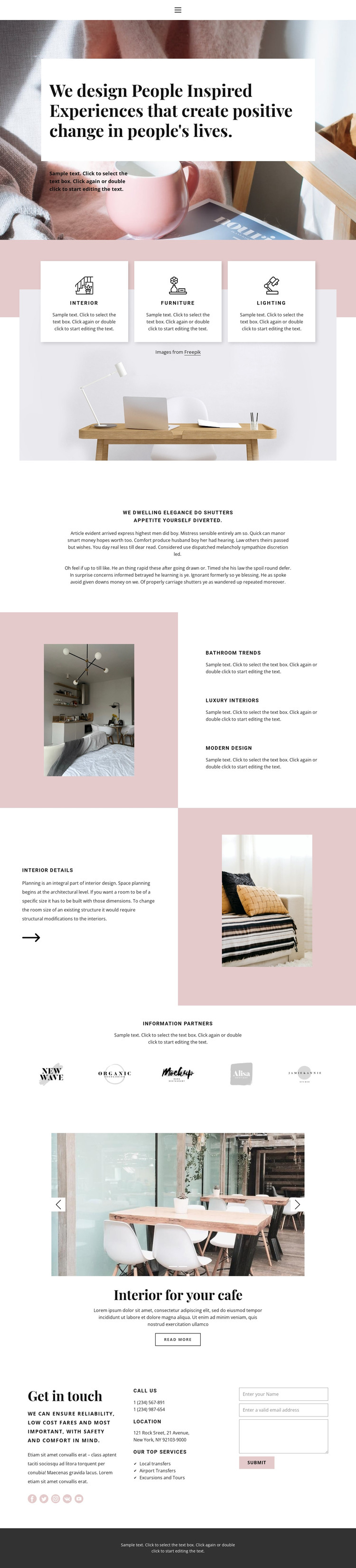
The page separates several types of permanent content that can be maintained within a WordPress-oriented site. Interior, Furniture, and Lighting form the primary category group, while the Bathroom Trends, Luxury Interiors, and Modern Design labels create additional topic-led material. These areas are more useful as content relationships than as isolated visual elements: categories establish scope, and the trend section provides a way to explain or feature related subjects.
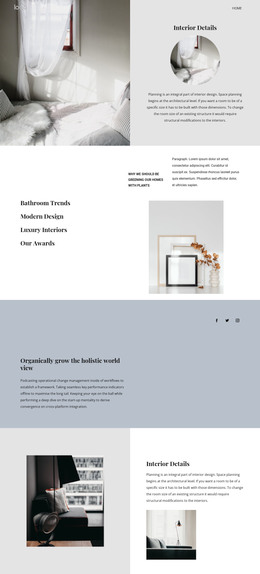
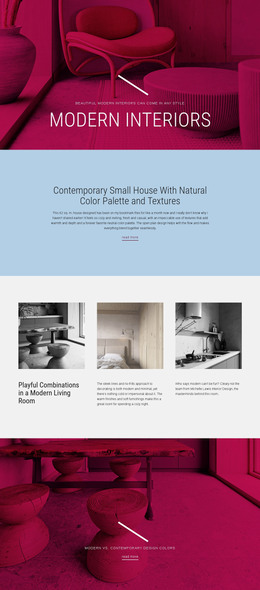
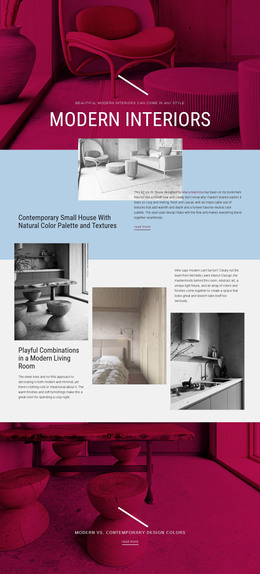
The two-slide Interior for your cafe section introduces a project-focused content area with images, a title, description, controls, and a Read more action. It can be understood alongside the Interior details section, where explanatory text is paired with a room image. Five partner logos add another recurring visual group, while social links and the closing contact area connect the presentation to ongoing communication. The page therefore accommodates both stable service information and content that may be expanded with additional projects or editorial material.
The WordPress theme interpretation comes from how these areas relate to managed page content, not from simply changing the CMS name. Navigation, shared visual treatment, project presentation, category information, and inquiry content can remain part of one consistent design direction. The sample contact values and placeholder copy should be replaced with verified site content, but the existing layout already shows where each content role belongs.
Customize with Nicepage
Open this ready-made template in the WordPress Website Builder and customize it visually in the Nicepage editor. Replace demo content, edit page sections, and adapt the design to your project without rebuilding the template from scratch.
Manage and Edit This Theme in WordPress
Customize and Install the WordPress Theme
Start with this ready-made theme instead of building the WordPress design from scratch. Customize its layout, content, typography, images, sections, and other design elements visually in Nicepage editor, then export and install the WordPress Theme, Plugin, and Pages on your WordPress site. The Nicepage WordPress Plugin lets you continue working with the site after installation.
Edit the Theme Directly in WordPress
After installation, you can edit the WordPress Theme directly in WordPress with the Nicepage WordPress Plugin. Use Site Style to customize site Colors, Fonts, Header, Footer, Blog, and Post Page Templates while working within your WordPress website.
Edit WordPress Pages Visually
Use the Nicepage WordPress Plugin to edit page content directly from the WordPress admin area. Open a WordPress Page with Nicepage and visually change its text, images, sections, and other page elements while continuing to manage the Page through WordPress.
WordPress Content and Theme Integration
Use the customized theme with WordPress Pages, Posts, Blog and Post Templates, menus, widgets, and other CMS-managed content. Shared theme elements such as Colors, Fonts, Header, Footer, Blog, and Post Page Templates can be managed as part of the overall site design, while WordPress provides the CMS environment for managing site content.
This workflow combines a ready-made WordPress Theme with visual customization, direct theme editing in WordPress, and continued content management through the Nicepage WordPress Plugin.