Soul nourishing spaces WordPress Theme


Edit Template Offline
2. Create new page and search for id 6353871
Edit Template Online
Create Awesome Websites


Free Nicepage Builder
Keywords
Portfolio categories create page-oriented content areas for WordPress
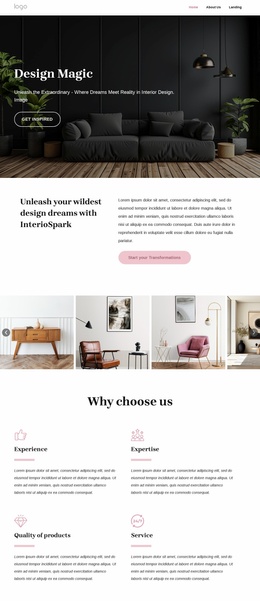
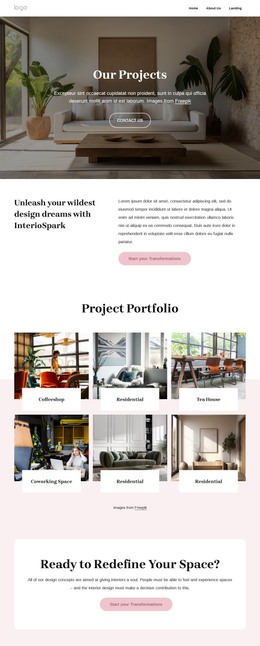
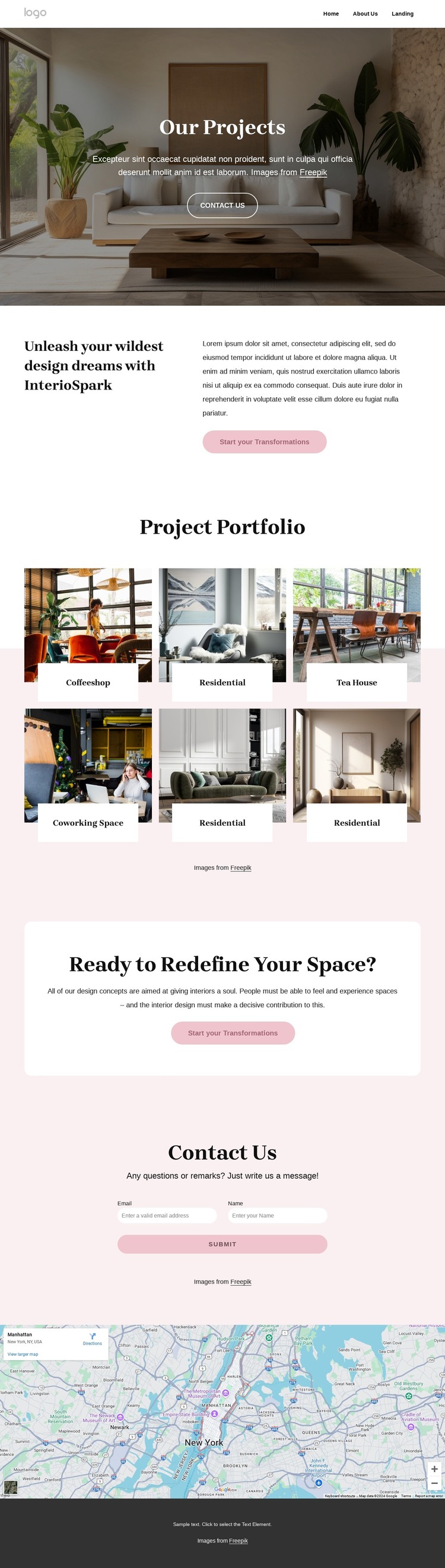
The six project tiles give this design a natural content structure for an interior portfolio managed through a WordPress site. Instead of treating the gallery as one flat image collection, the coffeeshop, residential, tea house, and coworking space labels can guide the organization of project-focused page content. The visual arrangement remains the same while descriptions, images, and supporting material can develop around the relevant project areas.
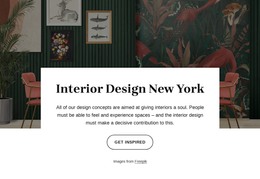
The page-oriented parts of the design also have distinct roles. Our Projects introduces the portfolio, the transformation statement explains the service direction, and the Ready to Redefine Your Space? panel connects project evidence with the next action. The Contact Us section requests a name and email address, giving the site a clear place for inquiries. The map below it and the centered footer can operate as shared supporting areas around those main content zones.
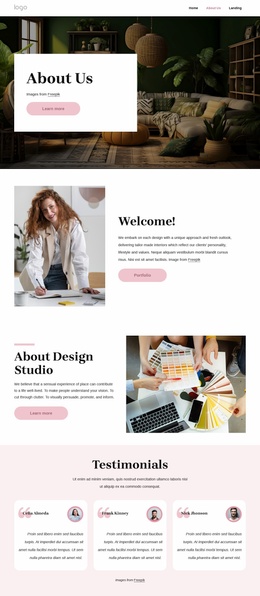
The navigation includes Home, About Us, and Landing, so the design already shows how visitors may move between broader site information and the portfolio presentation. In a WordPress project, regularly updated project stories or related editorial content could be added around this page without claiming that posts or categories already exist in the template. The key value is the separation of visual work, service positioning, and contact content, which gives managed site content a stable visual framework.
Customize with Nicepage
Open this ready-made template in the WordPress Website Builder and customize it visually in the Nicepage editor. Replace demo content, edit page sections, and adapt the design to your project without rebuilding the template from scratch.
Manage and Edit This Theme in WordPress
Customize and Install the WordPress Theme
Start with this ready-made theme instead of building the WordPress design from scratch. Customize its layout, content, typography, images, sections, and other design elements visually in Nicepage editor, then export and install the WordPress Theme, Plugin, and Pages on your WordPress site. The Nicepage WordPress Plugin lets you continue working with the site after installation.
Edit the Theme Directly in WordPress
After installation, you can edit the WordPress Theme directly in WordPress with the Nicepage WordPress Plugin. Use Site Style to customize site Colors, Fonts, Header, Footer, Blog, and Post Page Templates while working within your WordPress website.
Edit WordPress Pages Visually
Use the Nicepage WordPress Plugin to edit page content directly from the WordPress admin area. Open a WordPress Page with Nicepage and visually change its text, images, sections, and other page elements while continuing to manage the Page through WordPress.
WordPress Content and Theme Integration
Use the customized theme with WordPress Pages, Posts, Blog and Post Templates, menus, widgets, and other CMS-managed content. Shared theme elements such as Colors, Fonts, Header, Footer, Blog, and Post Page Templates can be managed as part of the overall site design, while WordPress provides the CMS environment for managing site content.
This workflow combines a ready-made WordPress Theme with visual customization, direct theme editing in WordPress, and continued content management through the Nicepage WordPress Plugin.