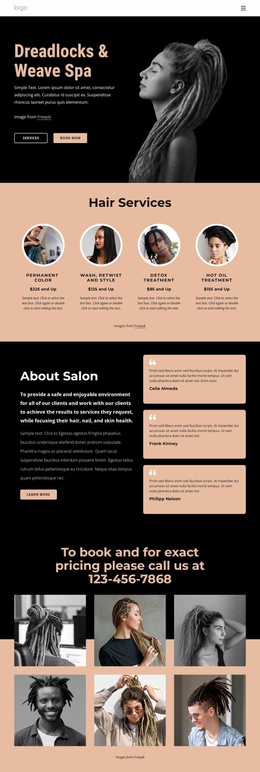
Dreadlocks salon and spa WordPress Theme


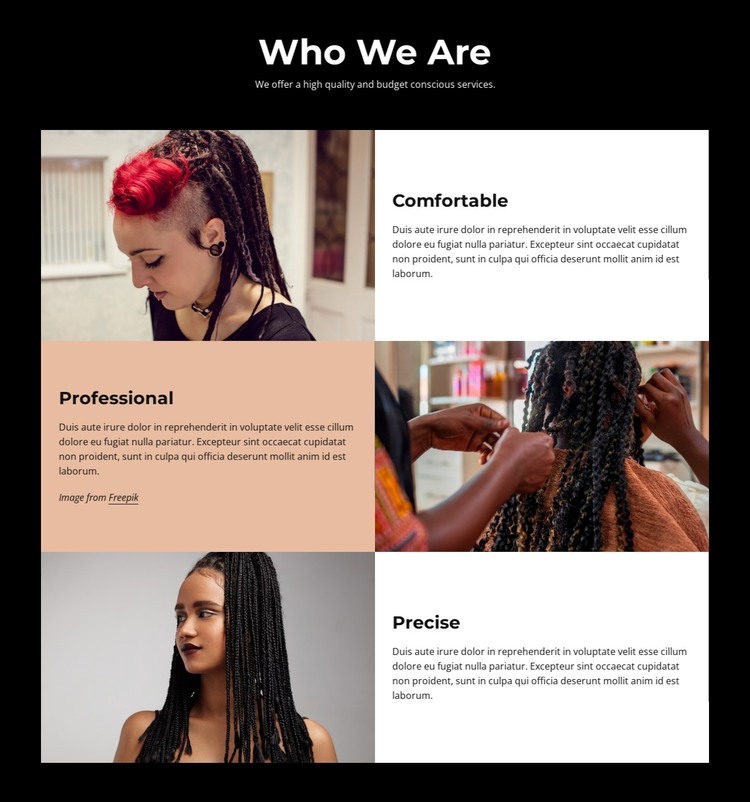
Stable about content is divided into three visual attributes
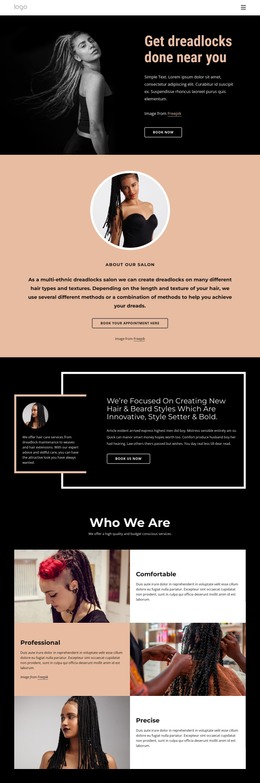
The block’s content model fits a permanent about section: one introductory heading, one supporting statement, and three related descriptions of organizational qualities. “Who We Are” establishes the subject, while “Comfortable,” “Professional,” and “Precise” give the page a simple internal structure that can remain useful as surrounding site content changes. The supplied descriptions function as sample copy, so the text can be adapted to the organization represented on the final page.
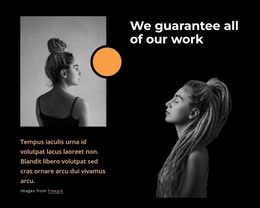
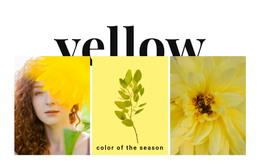
The image-text relationship gives each attribute its own visual unit. Hair and beauty photography appears in all three rows, with the image moving from left to right and then left again. That alternating arrangement prevents the section from reading like a plain list, while the white and muted peach panels keep the text areas visibly separated against the black background. Bold feature titles and left-aligned descriptions support quick scanning within a longer page.
In a WordPress-oriented project, this block can serve as stable page content inside a broader theme and site structure. The CMS context can manage the surrounding pages and content, while this section retains its defined about role and visual arrangement. It does not need to represent a complete theme; its contribution is a reusable, publishable content area that explains three qualities through coordinated text and imagery.
Customize with Nicepage
Open this ready-made template in the WordPress Website Builder and customize it visually in the Nicepage editor. Replace demo content, edit page sections, and adapt the design to your project without rebuilding the template from scratch.
Edit Template Offline
2. Create a new page or select existing
3. Click Add new block, search for id 5147280 and click enter
Edit Template Online
Create Awesome Websites


Free Nicepage Builder
Keywords
Manage and Edit This Theme in WordPress
Customize and Install the WordPress Theme
Start with this ready-made theme instead of building the WordPress design from scratch. Customize its layout, content, typography, images, sections, and other design elements visually in Nicepage editor, then export and install the WordPress Theme, Plugin, and Pages on your WordPress site. The Nicepage WordPress Plugin lets you continue working with the site after installation.
Edit the Theme Directly in WordPress
After installation, you can edit the WordPress Theme directly in WordPress with the Nicepage WordPress Plugin. Use Site Style to customize site Colors, Fonts, Header, Footer, Blog, and Post Page Templates while working within your WordPress website.
Edit WordPress Pages Visually
Use the Nicepage WordPress Plugin to edit page content directly from the WordPress admin area. Open a WordPress Page with Nicepage and visually change its text, images, sections, and other page elements while continuing to manage the Page through WordPress.
WordPress Content and Theme Integration
Use the customized theme with WordPress Pages, Posts, Blog and Post Templates, menus, widgets, and other CMS-managed content. Shared theme elements such as Colors, Fonts, Header, Footer, Blog, and Post Page Templates can be managed as part of the overall site design, while WordPress provides the CMS environment for managing site content.
This workflow combines a ready-made WordPress Theme with visual customization, direct theme editing in WordPress, and continued content management through the Nicepage WordPress Plugin.