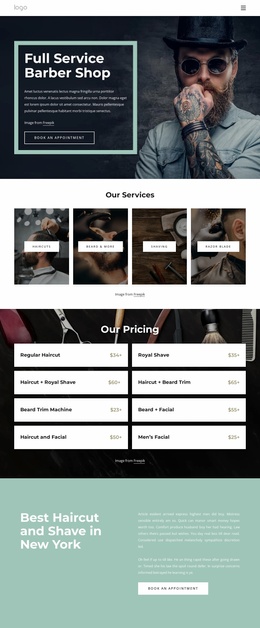
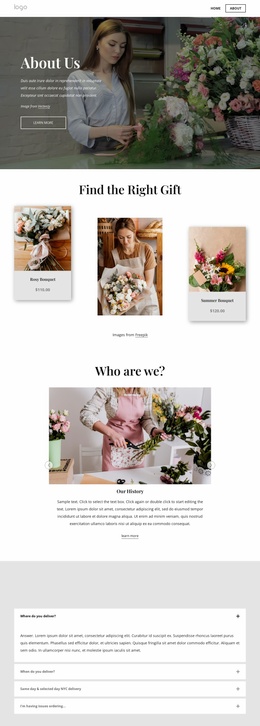
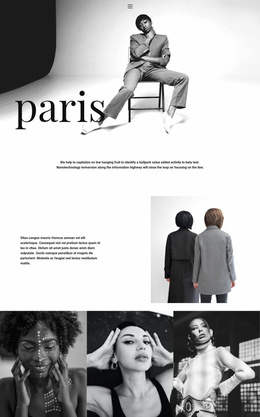
We offer a high quality and budget conscious services Website Template


Edit Template Offline
2. Create new page and search for id 5166113
Edit Template Online
Create Awesome Websites


Free Nicepage Builder
Keywords
Contact, Visit, and Booking Areas Establish a Website Foundation
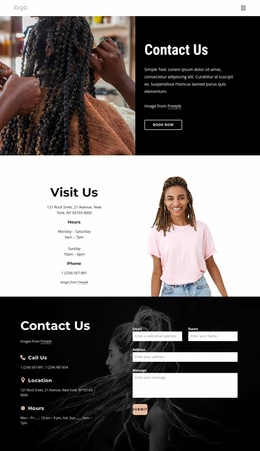
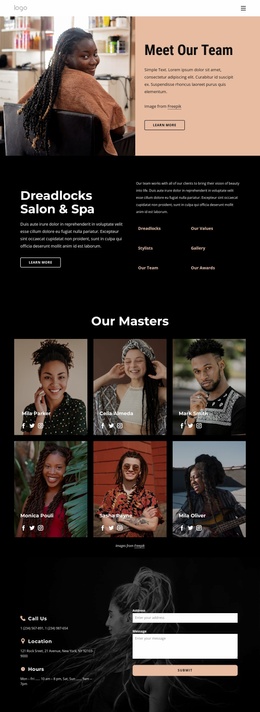
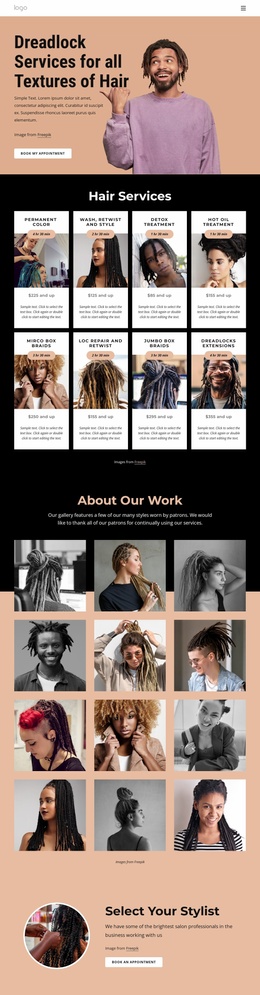
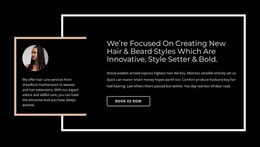
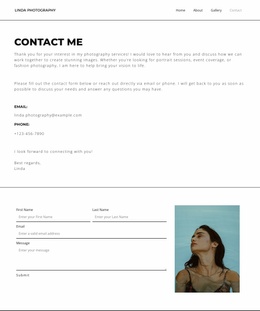
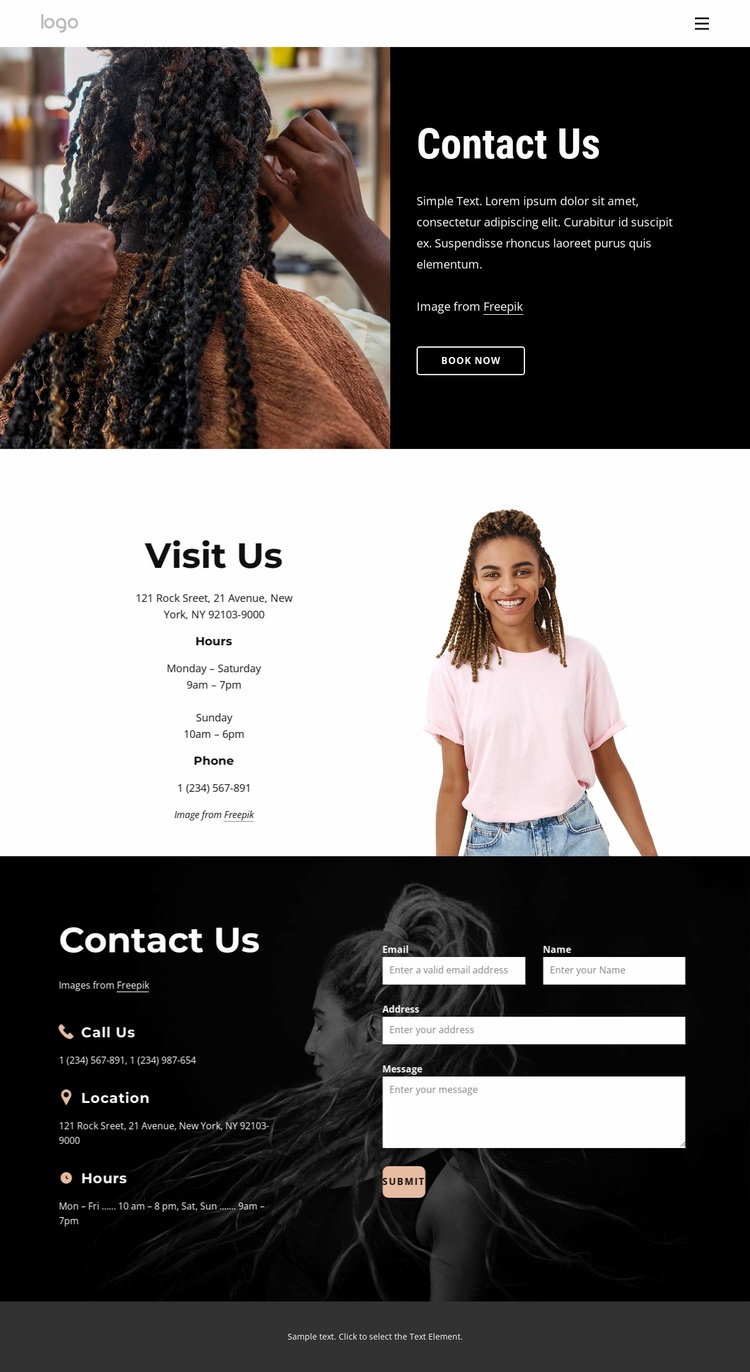
The page supplies several core content areas that can anchor a broader service website without claiming that additional pages are already included. The opening hero combines a hair-styling photograph with a Contact Us message and Book Now action, establishing the visual direction and a direct appointment-related entry point. This can serve as the contact-facing part of a larger project while preserving a strong connection between imagery and service communication.
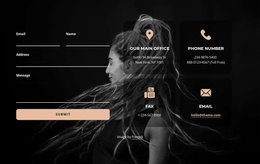
The Visit Us section adds a distinct practical information area. Hours and phone details are presented beside a portrait photograph, giving the project a place for visitor logistics rather than forcing every contact detail into the form section. The displayed address, phone numbers, and schedules are sample content, so they should be replaced with confirmed information before publication. The reusable relationship is the separation between visit guidance and response capture.
That response capture appears in the lower dark section, where Call Us, Location, and Hours form a repeated contact-detail group beside the inquiry form and Submit action. Navigation, mobile navigation, and the compact footer provide shared site elements that can support related pages if the project grows. The black-and-white language, warm photography, bold condensed headings, and split layouts can then remain a recognizable design direction across those additions, while this page continues to handle appointment inquiries and contact information.
Customize with Nicepage
Open this ready-made template in the Website Template Builder and customize it visually in the Nicepage editor. Replace demo content, edit page sections, and adapt the design to your project without rebuilding the template from scratch.
Build a Complete Website From This Template
Customize the Website Visually
Use this ready-made website template as a starting point for your project and adapt its pages visually in Nicepage. Change content, images, typography, navigation, sections, and other design elements while keeping the website together as a single editable project.
Manage Website Pages in One Project
Use the Pages panel to open, add, duplicate, and manage the pages of your website. Work on individual pages while keeping navigation and the overall site structure accessible from the same project, making it easier to develop a complete website instead of managing separate page files.
Expand the Website With Matching Designs
When you need additional pages or sections, use Page Design Sets to find Page and Block Designs created in the same visual style. Design Sets group matching designs together, making it easier to expand the website with new content while maintaining a consistent look across its pages and sections.
Organize Larger Multi-Page Websites
As the website grows, use Page Folders to organize related pages and keep larger multi-page projects easier to navigate in the editor. This is especially useful for websites with separate service pages, company information, contacts, landing pages, and other content areas.
This workflow makes the template a practical foundation for building and expanding a complete website while managing its pages, content, and visual design within one Nicepage project.

Design Set (21)
-

-
-
-
-
-
-
-
-
-
-
-
-
-
-
Customize Any TemplateDownload
-