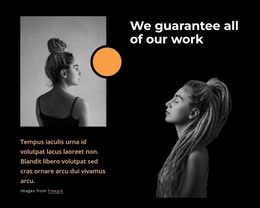
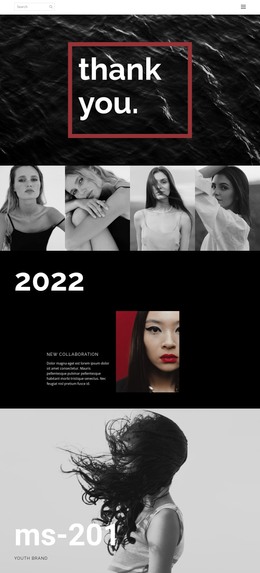
We specialize in fresh and diversified styles WordPress Theme


Edit Template Offline
2. Create new page and search for id 5166543
Edit Template Online
Create Awesome Websites


Free Nicepage Builder
Keywords
Portfolio Imagery and Repeated Service Content Suit WordPress Pages
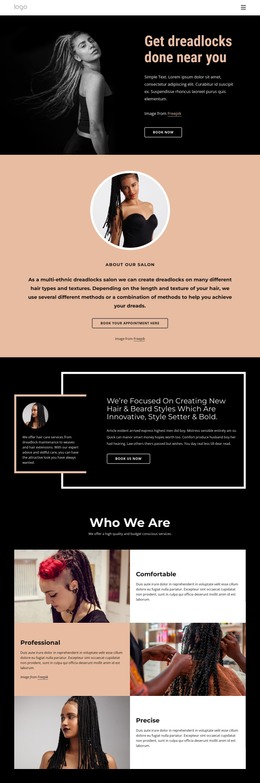
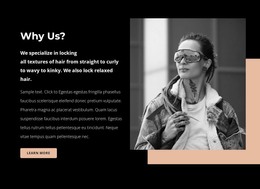
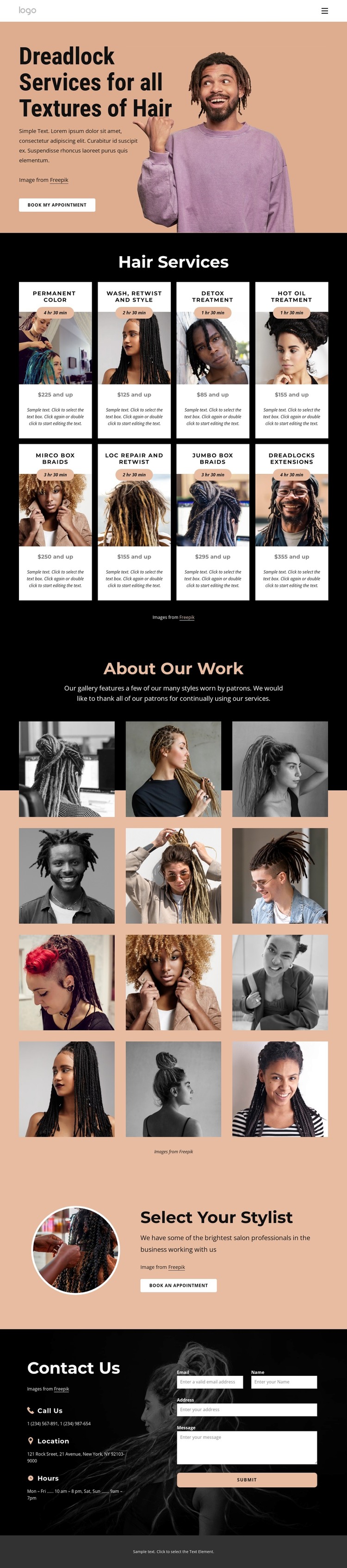
The design divides permanent salon information into page-oriented areas that can remain part of a WordPress theme’s visual direction. The hero establishes the main service subject with a portrait and a Dreadlock Services for all Textures of Hair heading, then places an appointment action close to the introduction. The Hair Services section provides repeated content units: eight cards cover coloring, washing, retwist and styling, treatments, braids, loc repair, and extensions, with each card using a consistent image, title, duration, price, and description pattern.
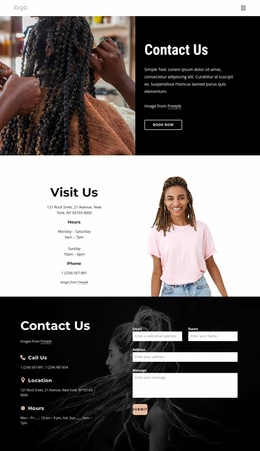
The twelve-image About Our Work gallery gives the page a strong portfolio-oriented content area, while the Select Your Stylist section adds a more personal presentation through a circular portrait and a second booking action. These two areas can support different kinds of ongoing page content: visual examples show the work, while stylist information helps explain the service relationship. The closing contact block brings together call, location, and hours labels with a message form, keeping practical visitor questions connected to the same design language. In a WordPress project, these page sections can provide a stable theme framework around content that is updated over time. Demo prices, durations, contact details, and sample text should be replaced with the salon’s verified information.
Customize with Nicepage
Open this ready-made template in the WordPress Website Builder and customize it visually in the Nicepage editor. Replace demo content, edit page sections, and adapt the design to your project without rebuilding the template from scratch.
Manage and Edit This Theme in WordPress
Customize and Install the WordPress Theme
Start with this ready-made theme instead of building the WordPress design from scratch. Customize its layout, content, typography, images, sections, and other design elements visually in Nicepage editor, then export and install the WordPress Theme, Plugin, and Pages on your WordPress site. The Nicepage WordPress Plugin lets you continue working with the site after installation.
Edit the Theme Directly in WordPress
After installation, you can edit the WordPress Theme directly in WordPress with the Nicepage WordPress Plugin. Use Site Style to customize site Colors, Fonts, Header, Footer, Blog, and Post Page Templates while working within your WordPress website.
Edit WordPress Pages Visually
Use the Nicepage WordPress Plugin to edit page content directly from the WordPress admin area. Open a WordPress Page with Nicepage and visually change its text, images, sections, and other page elements while continuing to manage the Page through WordPress.
WordPress Content and Theme Integration
Use the customized theme with WordPress Pages, Posts, Blog and Post Templates, menus, widgets, and other CMS-managed content. Shared theme elements such as Colors, Fonts, Header, Footer, Blog, and Post Page Templates can be managed as part of the overall site design, while WordPress provides the CMS environment for managing site content.
This workflow combines a ready-made WordPress Theme with visual customization, direct theme editing in WordPress, and continued content management through the Nicepage WordPress Plugin.