Meet our masters WordPress Theme


Edit Template Offline
2. Create new page and search for id 5167905
Edit Template Online
Create Awesome Websites


Free Nicepage Builder
Keywords
Master profiles and salon information suit WordPress page content
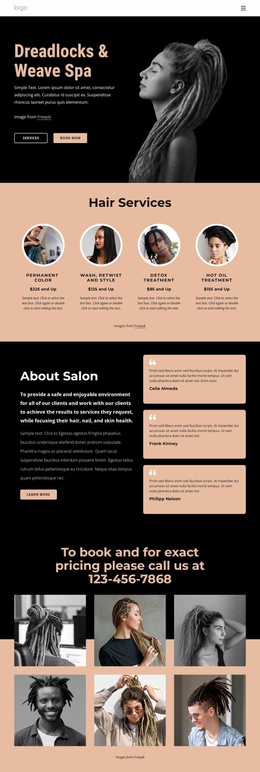
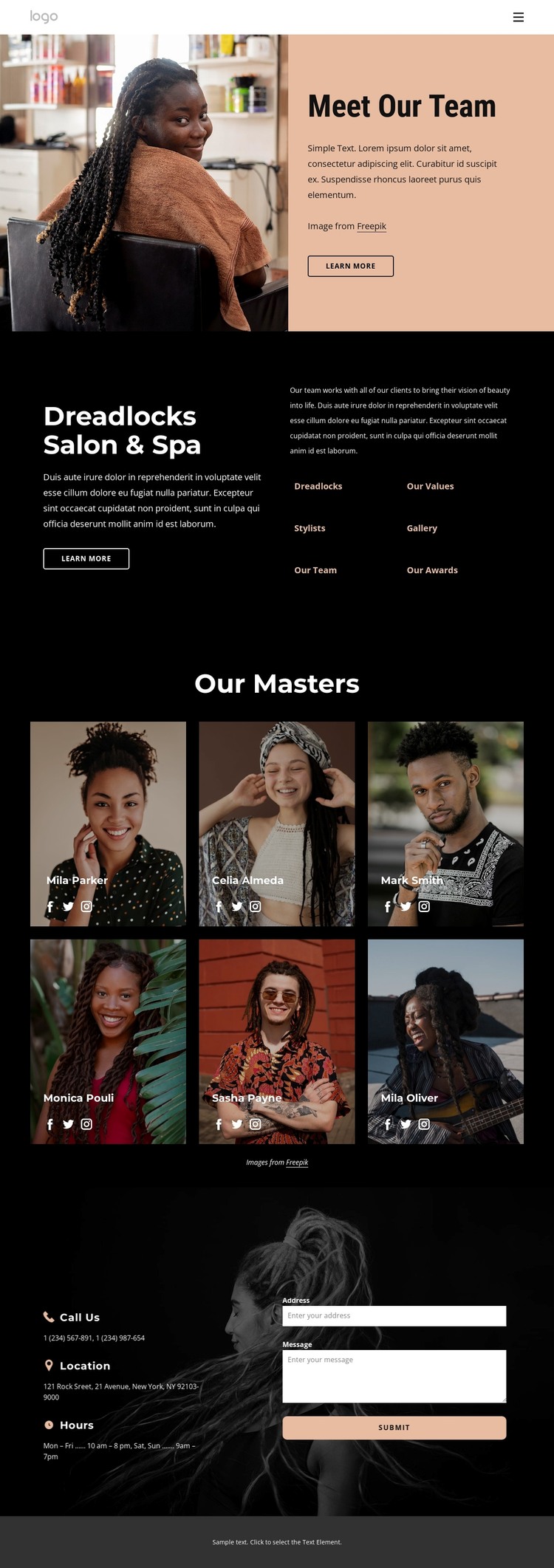
The six master cards create a clear set of permanent page content for the salon. Each repeated card combines a portrait, a displayed name, and social links, making the team easy to present as a coherent group while preserving an individual identity for every profile. In a WordPress-managed project, this page-oriented structure can remain part of the theme’s visual system as the approved names, images, descriptions, and social destinations are replaced or maintained.
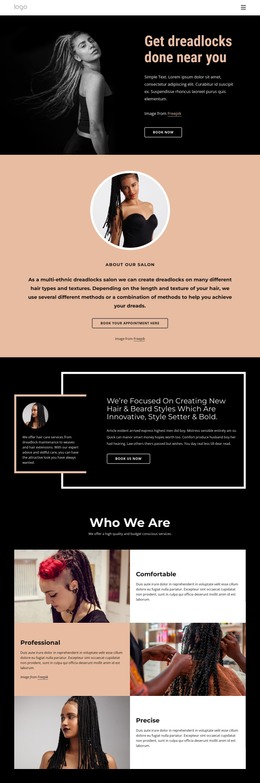
The dark Dreadlocks Salon & Spa section provides a different content relationship. Its overview copy is paired with links for Dreadlocks, Stylists, Our Values, and Our Awards, so visitors can move from the team presentation toward related informational areas. These are verified labels and structural links, not proof that WordPress Posts, categories, or separate pages already exist. They simply show where page content and navigation can connect.
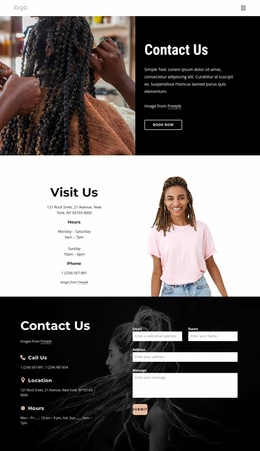
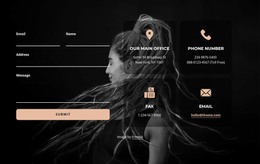
The final contact region adds practical permanent content through phone, location, and opening hours, then places an inquiry form beside those details. That arrangement gives the theme a recognizable closing interaction without making the form the only content type on the page. The combination of profile cards, salon information, navigation, social links, and contact content can support a WordPress-oriented site while preserving the design’s editorial salon character.
Customize with Nicepage
Open this ready-made template in the WordPress Website Builder and customize it visually in the Nicepage editor. Replace demo content, edit page sections, and adapt the design to your project without rebuilding the template from scratch.
Manage and Edit This Theme in WordPress
Customize and Install the WordPress Theme
Start with this ready-made theme instead of building the WordPress design from scratch. Customize its layout, content, typography, images, sections, and other design elements visually in Nicepage editor, then export and install the WordPress Theme, Plugin, and Pages on your WordPress site. The Nicepage WordPress Plugin lets you continue working with the site after installation.
Edit the Theme Directly in WordPress
After installation, you can edit the WordPress Theme directly in WordPress with the Nicepage WordPress Plugin. Use Site Style to customize site Colors, Fonts, Header, Footer, Blog, and Post Page Templates while working within your WordPress website.
Edit WordPress Pages Visually
Use the Nicepage WordPress Plugin to edit page content directly from the WordPress admin area. Open a WordPress Page with Nicepage and visually change its text, images, sections, and other page elements while continuing to manage the Page through WordPress.
WordPress Content and Theme Integration
Use the customized theme with WordPress Pages, Posts, Blog and Post Templates, menus, widgets, and other CMS-managed content. Shared theme elements such as Colors, Fonts, Header, Footer, Blog, and Post Page Templates can be managed as part of the overall site design, while WordPress provides the CMS environment for managing site content.
This workflow combines a ready-made WordPress Theme with visual customization, direct theme editing in WordPress, and continued content management through the Nicepage WordPress Plugin.