Facials, waxing, makeup services WordPress Theme

Edit Template Offline
2. Create new page and search for id 6002189
Edit Template Online
Create Awesome Websites


Free Nicepage Builder
Keywords
Treatment Cards and Contact Content Fit a WordPress Theme Structure
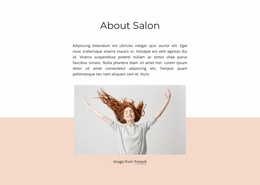
The opening services section gives the design a clear permanent page role: it introduces facials, waxing, and makeup services through a large beauty image, supporting text, and a high-contrast button. The six numbered benefit cards extend that message with structured explanatory content, while the “Be beauty with us!” section provides a separate invitation area. Together, these sections can form the main content of a salon page managed within a WordPress site rather than leaving the theme as only a visual shell.
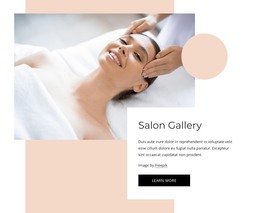
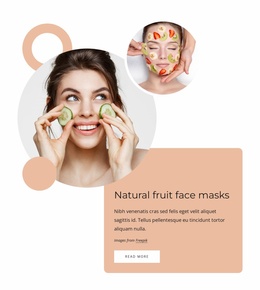
The treatment catalog adds a different content relationship. Eight image-led cards present named offerings such as Classic Facial, Teen Facial, Vajacial, Hydrafacial, and Skin tightening. In a WordPress project, this repeated structure can guide the presentation of page content that a salon maintains over time, while the demo labels and prices remain placeholders to replace with verified information. The three testimonial columns similarly establish a reusable proof area, although the displayed names and quotations are sample content.
At the bottom, the “Visit Our Beauty Salon” section combines two phone contacts with a compact inquiry form, giving the page a defined communication area. The dark footer completes the shared visual frame. WordPress Pages or other managed content can therefore be organized around the design’s existing service, treatment, proof, and contact areas without claiming that blog posts or other CMS-specific sections already exist.
Customize with Nicepage
Open this ready-made template in the WordPress Website Builder and customize it visually in the Nicepage editor. Replace demo content, edit page sections, and adapt the design to your project without rebuilding the template from scratch.
Manage and Edit This Theme in WordPress
Customize and Install the WordPress Theme
Start with this ready-made theme instead of building the WordPress design from scratch. Customize its layout, content, typography, images, sections, and other design elements visually in Nicepage editor, then export and install the WordPress Theme, Plugin, and Pages on your WordPress site. The Nicepage WordPress Plugin lets you continue working with the site after installation.
Edit the Theme Directly in WordPress
After installation, you can edit the WordPress Theme directly in WordPress with the Nicepage WordPress Plugin. Use Site Style to customize site Colors, Fonts, Header, Footer, Blog, and Post Page Templates while working within your WordPress website.
Edit WordPress Pages Visually
Use the Nicepage WordPress Plugin to edit page content directly from the WordPress admin area. Open a WordPress Page with Nicepage and visually change its text, images, sections, and other page elements while continuing to manage the Page through WordPress.
WordPress Content and Theme Integration
Use the customized theme with WordPress Pages, Posts, Blog and Post Templates, menus, widgets, and other CMS-managed content. Shared theme elements such as Colors, Fonts, Header, Footer, Blog, and Post Page Templates can be managed as part of the overall site design, while WordPress provides the CMS environment for managing site content.
This workflow combines a ready-made WordPress Theme with visual customization, direct theme editing in WordPress, and continued content management through the Nicepage WordPress Plugin.