We offer first class services at affordable prices WordPress Theme


Edit Template Offline
2. Create new page and search for id 5158228
Edit Template Online
Create Awesome Websites


Free Nicepage Builder
Keywords
Service Content and Testimonials Fit a Managed Salon Page
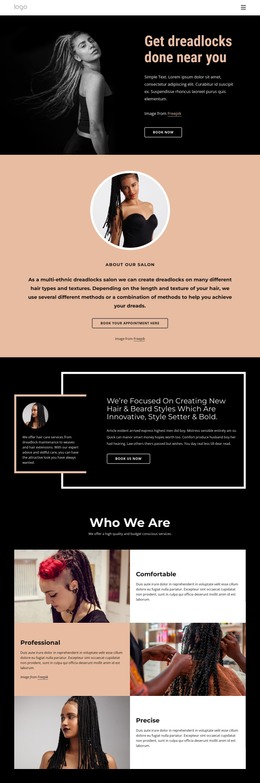
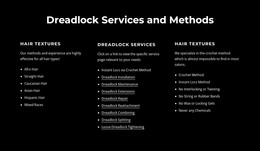
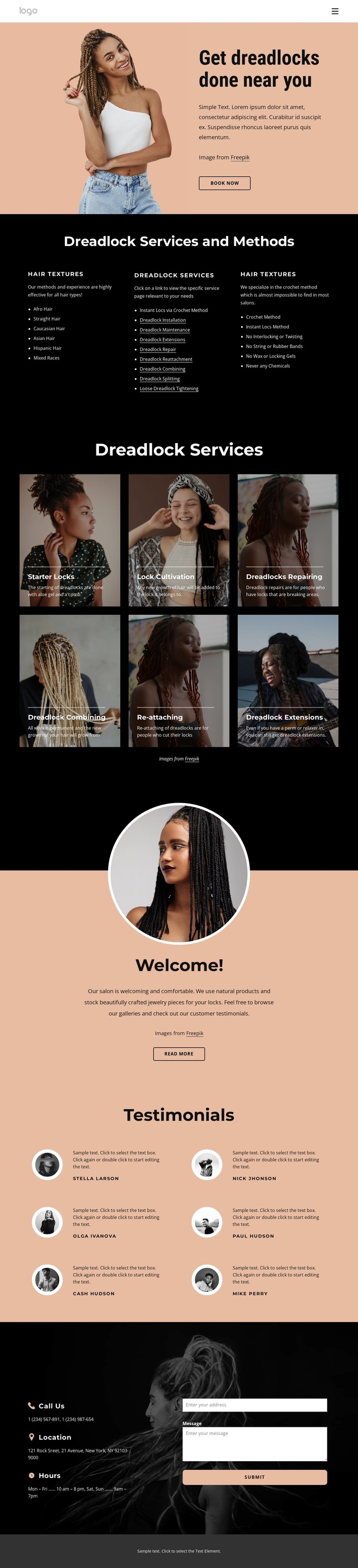
The page divides its permanent informational content into areas that are easy to interpret within a managed salon website. The hero can carry the main introduction and booking direction, while the three-column section gives separate space to hair textures, dreadlock services, and methods. This makes the page-oriented content more specific than a generic beauty-site layout and leaves each category with a clear editorial role.
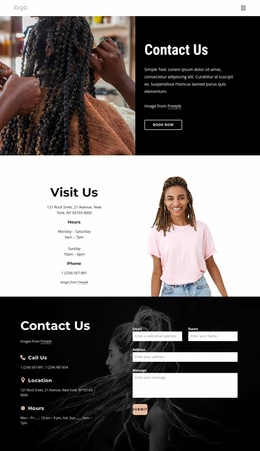
The six image-backed service cards are especially suitable for recurring service information because each offering has a consistent visual position and a distinct subject: Starter Locks, Lock Cultivation, Repairing, Combining, Re-attaching, and Extensions. The testimonial block provides another repeated content pattern, pairing portraits with customer-story text without presenting the demo names or quotations as verified business claims. The Welcome section can hold a concise salon introduction, and the Contact Us area groups location, hours, phone details, and an inquiry form into a practical closing region. Together, these areas create a coherent WordPress-oriented content structure: permanent salon information, repeatable service presentation, social-proof content, and contact content remain connected by the same visual language. The theme therefore supports managed page content without requiring unsupported claims about blog posts, categories, or existing WordPress-specific elements.
Customize with Nicepage
Open this ready-made template in the WordPress Website Builder and customize it visually in the Nicepage editor. Replace demo content, edit page sections, and adapt the design to your project without rebuilding the template from scratch.
Manage and Edit This Theme in WordPress
Customize and Install the WordPress Theme
Start with this ready-made theme instead of building the WordPress design from scratch. Customize its layout, content, typography, images, sections, and other design elements visually in Nicepage editor, then export and install the WordPress Theme, Plugin, and Pages on your WordPress site. The Nicepage WordPress Plugin lets you continue working with the site after installation.
Edit the Theme Directly in WordPress
After installation, you can edit the WordPress Theme directly in WordPress with the Nicepage WordPress Plugin. Use Site Style to customize site Colors, Fonts, Header, Footer, Blog, and Post Page Templates while working within your WordPress website.
Edit WordPress Pages Visually
Use the Nicepage WordPress Plugin to edit page content directly from the WordPress admin area. Open a WordPress Page with Nicepage and visually change its text, images, sections, and other page elements while continuing to manage the Page through WordPress.
WordPress Content and Theme Integration
Use the customized theme with WordPress Pages, Posts, Blog and Post Templates, menus, widgets, and other CMS-managed content. Shared theme elements such as Colors, Fonts, Header, Footer, Blog, and Post Page Templates can be managed as part of the overall site design, while WordPress provides the CMS environment for managing site content.
This workflow combines a ready-made WordPress Theme with visual customization, direct theme editing in WordPress, and continued content management through the Nicepage WordPress Plugin.