
Sofa Landing Pages
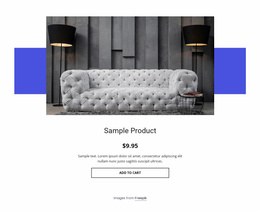
For a featured modular sofa, shoppers need to assess upholstery texture and chaise fit before committing. A sofa landing page keeps close-up photos, swatch terms, and one request form on a focused conversion path.


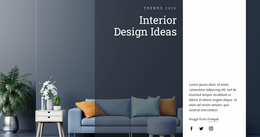
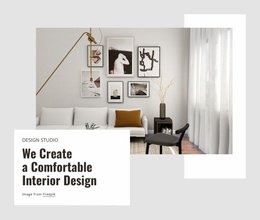

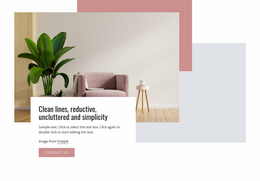
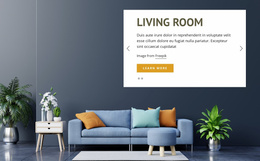






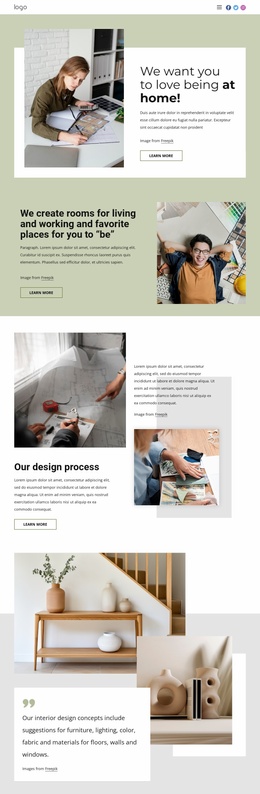
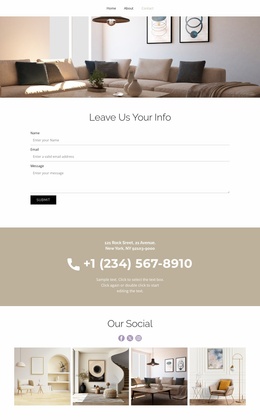
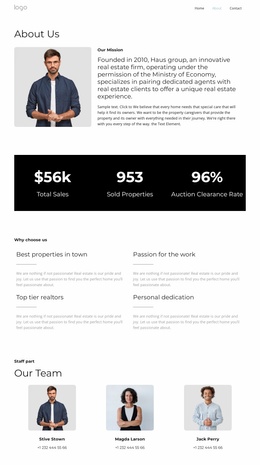
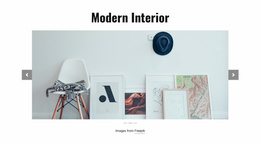



Other Interior Landing Pages
High-Performance Sofa Landing Page Templates for Furniture Collections
When a furniture store wants to push a single model, a new collection, or a seasonal offer, a sofa landing page template provides a ready-made single-page design. The same store might use one to launch a modular range in spring and another to clear its last sofa beds before new stock arrives. The designs differ mostly in what they put first.
Deciding What Goes First
Most ready layouts follow one of these approaches:
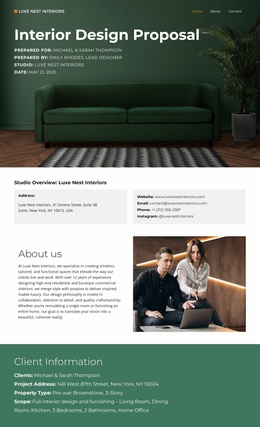
- A mood-led layout opens with a full-width room scene and short copy, which suits a statement piece like a curved sofa.
- A product-led layout puts dimensions, a few highlights, and the price beside the photo so that shoppers can judge the model without much scrolling.
- A collection layout lines up several models or configurations from the same range, each with its own image.
Many designs mix two of these. A focused page can still link to the full catalog lower down.
Selling the Shape Up Front
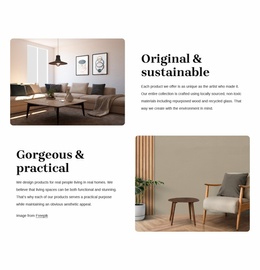
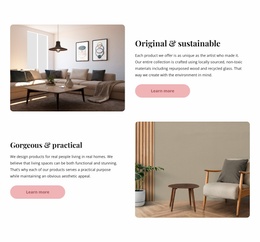
A well-built hero fits the sofa photo, the headline, and the main button into one view. Room scenes convey scale and mood, though cushions and throws often hide the arm profile. A cutout on a plain background shows the profile, legs, and seat height at a glance.
Below the hero, highlights for a modular sectional might cover the number of pieces, how they connect, and the footprint of the largest setup. A sofa bed needs a short image sequence showing it folded, half-open, and made up for a guest.
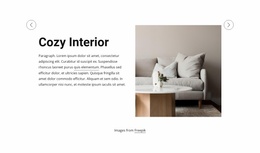
Put width and depth near the top, since many shoppers check them with a tape measure. Upholstery choices read well as small swatches beside the photo. When the page sells one model outright, a visible price with delivery terms can do more than a form. Reviews help if real buyers wrote them.
Buttons That Fit Each Offer
The button label follows from the offer. A launch might say "Explore Configurations," a clearance offer "Shop the Collection," and a brand with a showroom "Book a Visit." Use a fabric sample request when color is the main concern.
For pages that collect requests, Nicepage's Button Element can link to a block anchor further down, and the Contact Form Element guide explains fields, labels, and submission settings.
Phones are hardest on the hero, since a wide sofa photo can fill the screen and leave the headline and button for the next swipe. Preview that view before the offer goes live. The strongest sofa landing page templates feel almost quiet: one sofa in clear view, a few solid reasons to want it, and one obvious next step.