
Portrait Web Page Designs
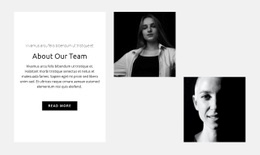
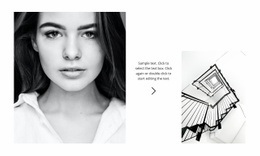
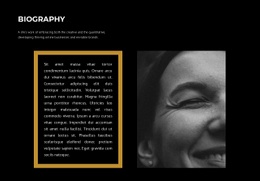
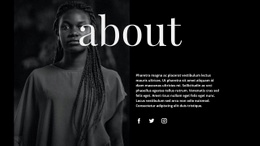
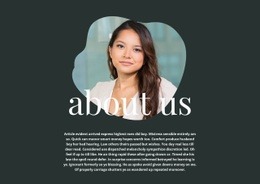
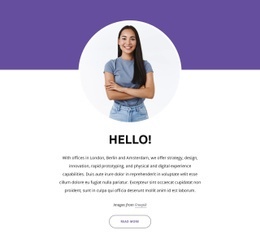
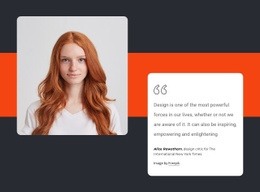
When a close-up portrait competes with dense text, the expression loses impact. Portrait web page design uses purposeful image scale, breathing room, and captions to lead the eye down a single visual composition.




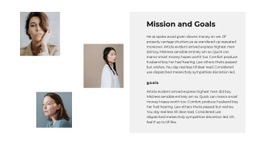
More Website & HTML Templates for Portrait
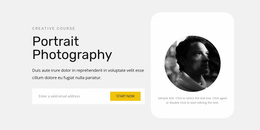
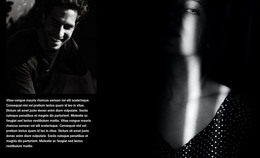
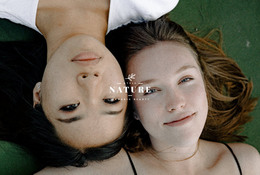
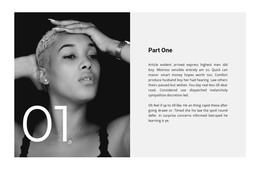
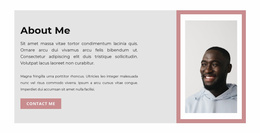
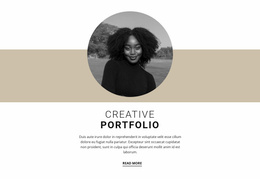
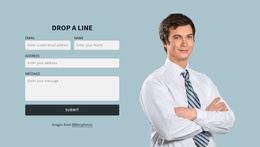


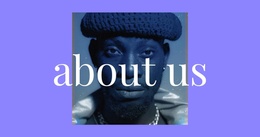
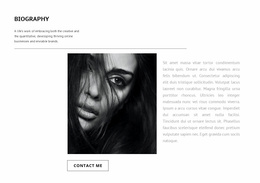
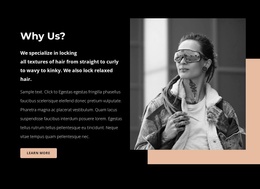
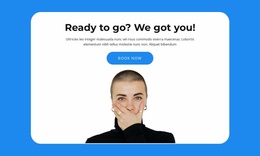
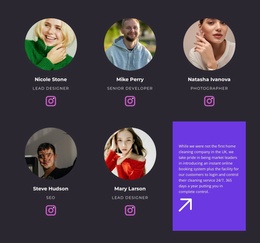

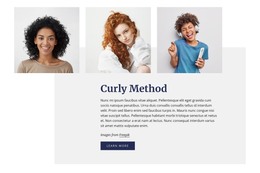
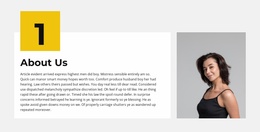
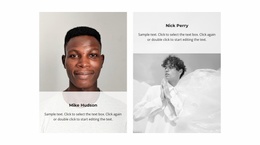
Other Art & Design Web Page Designs
Creative Portrait Web Page Designs for Photography and Fine Art
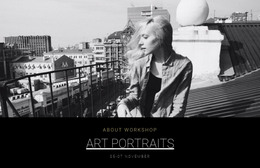
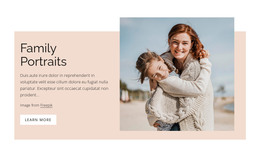
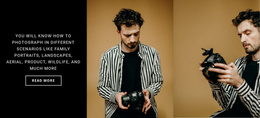
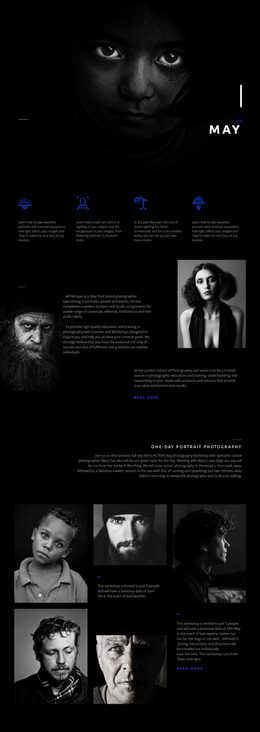
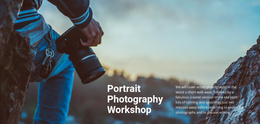
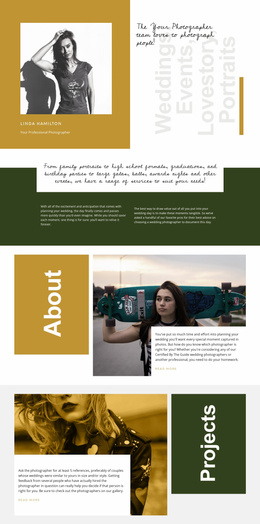
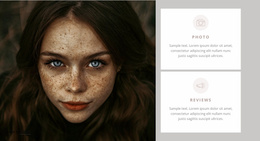
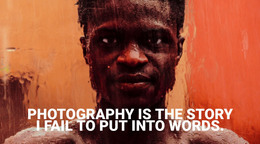
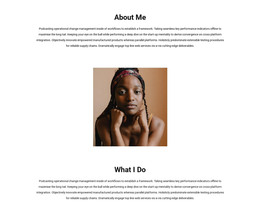
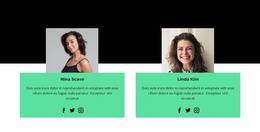
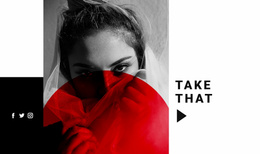
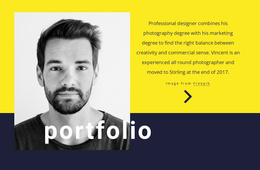
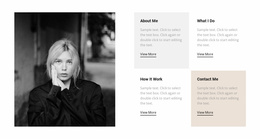
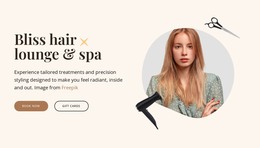
A tightly framed portrait loses its emotional force when crowded text, awkward crops, and competing thumbnails all demand attention. A ready-made portrait web page design should let visitors read the gaze and expression first. The eye then moves from the featured portrait to the collection title and the supporting images. A portfolio page shows variety, an exhibition page sets the viewing order, and on a session page the offer should never crowd the faces.
Compare Portrait Page Compositions
Most ready portrait designs rely on one of four compositions:
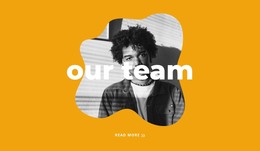
- A portrait that fills the screen, made for one editorial or fashion image and weak at showing many headshots.
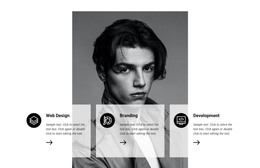
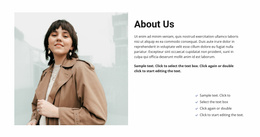
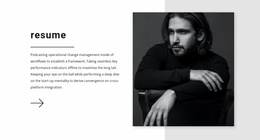
- A split layout that keeps a painting's texture visible while visitors read its medium and dimensions.
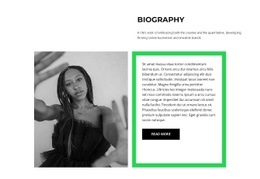
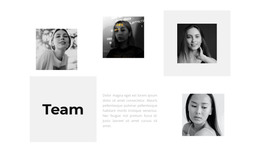
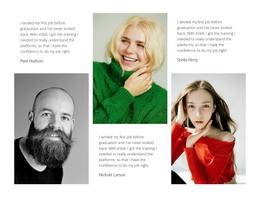
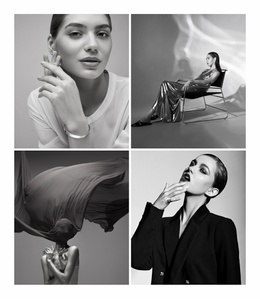
- A vertical sequence ordered by expression and distance, which often says more than the order of the shoot.
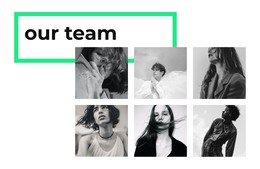
- An exhibition layout where a repeated angle or a closing group portrait ties separate works into one series.
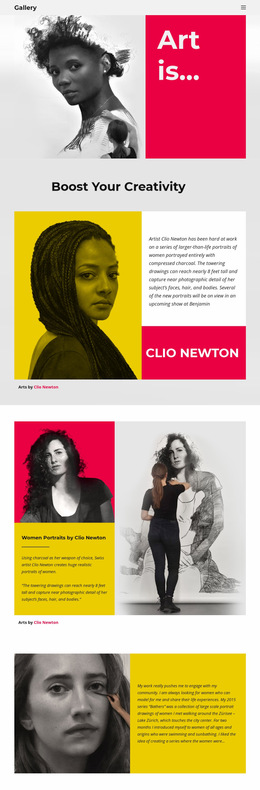
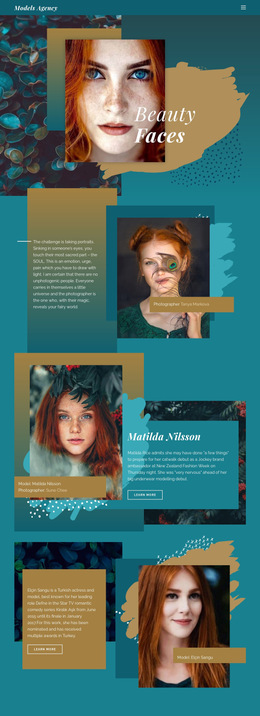
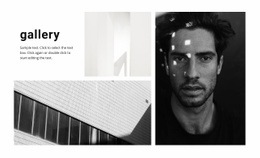
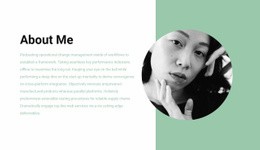
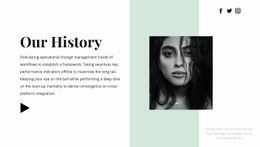
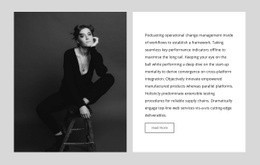
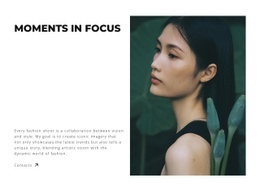
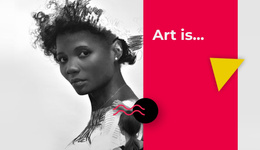
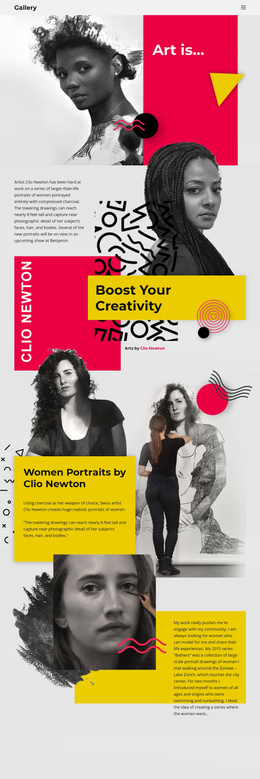
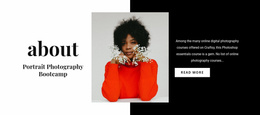
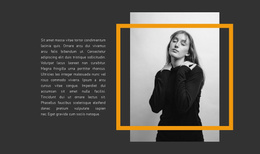
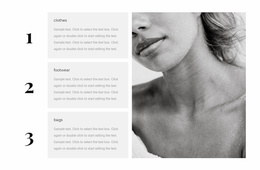
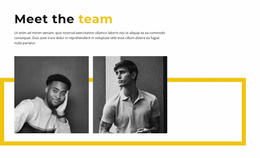
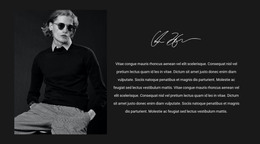
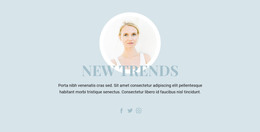
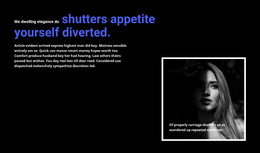
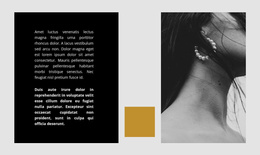
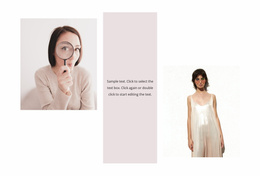
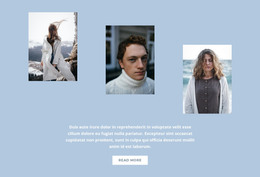
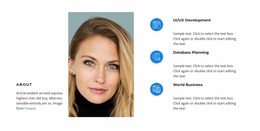
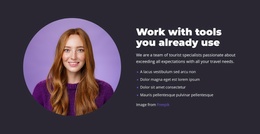
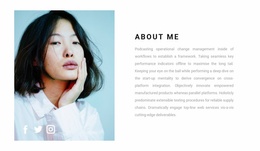
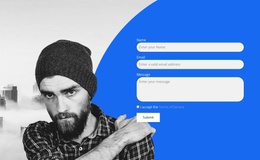
Proportions narrow the choice, since wide environmental portraits need the full width and half-length verticals suit a split layout. Drawing Charcoal Portraits sets bright color panels beside monochrome drawings, so the eye pauses on each face in turn. Faces Of Modern Fashion opens with one large portrait before the model profiles, so a single face comes first.
Keep Faces Legible
While scrolling a demo, check three things:
- Eyes, expression, and hands stay clear of text, since a title across a face ruins even a striking demo.
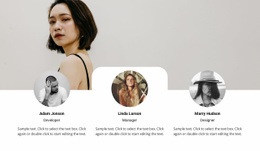
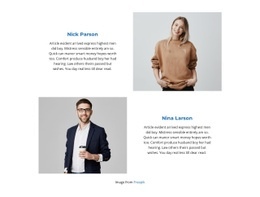
- Each caption clearly belongs to its own portrait when images stand close together.
- The featured portrait has a clear role, whether it opens the series, sets its character, or serves as the climax.
Alternating close-ups, half-length shots, and environmental portraits give a series its rhythm. A gallery that groups such a series and opens each portrait larger, like the Image Gallery Element, suits this kind of storytelling. White space between images keeps neighboring expressions from competing.
Preserve the Viewing Order on Mobile
On a phone, a caption that drifts away from its portrait breaks the viewing order. A close-up survives a tight crop, while a full-length figure or an environmental portrait loses meaning without the space around it. A very tall first photo can hide the rest of the series and make the page look finished. Nicepage Responsive Modes let you check and adjust the mobile version. Scroll from the first image to the last, checking that the subject remains recognizable and each caption stays with its work. Keep the design that holds its composition once your own portraits of every format replace the demo.