

News Joomla Templates
Place headline modules around Joomla articles and update the site's presentation without confusing template editing with everyday publishing. News Joomla templates support newsroom layouts built around the CMS's content and module system.
-

-
-
-
-
-
-
-
-
-
-
-
-
-
-
-
-
-
-
-
-
-
Free Website Builder SoftwareDownload
-
-
-
-
-
-
-
-
-
-
-
-
-
-
-
-










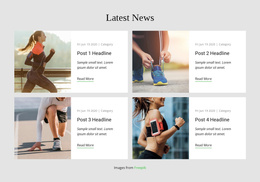
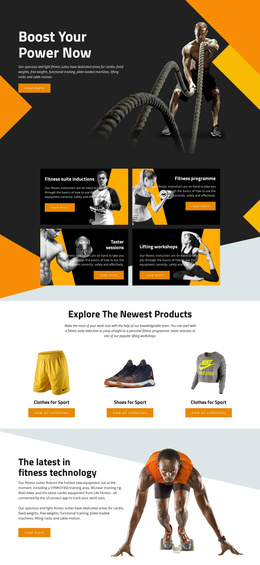
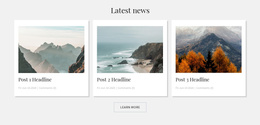
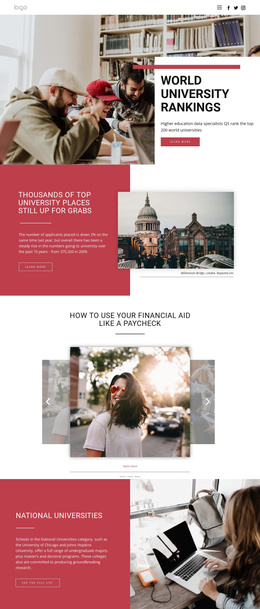
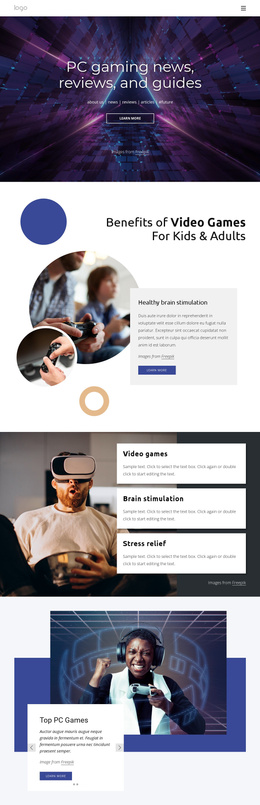
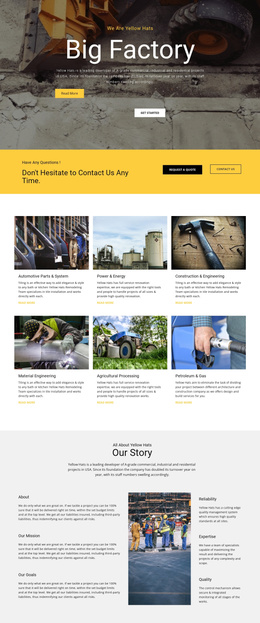

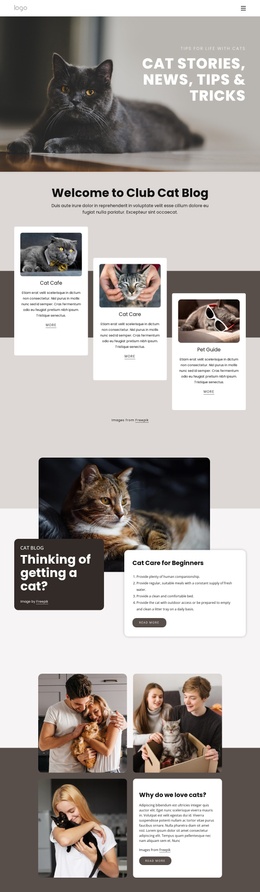









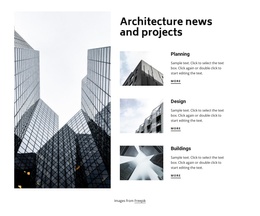
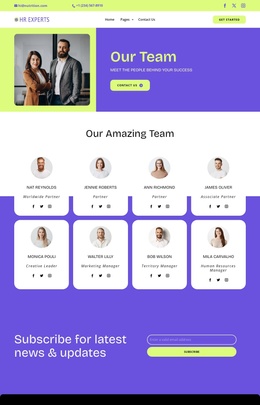
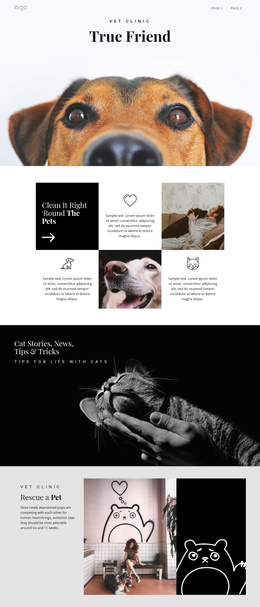
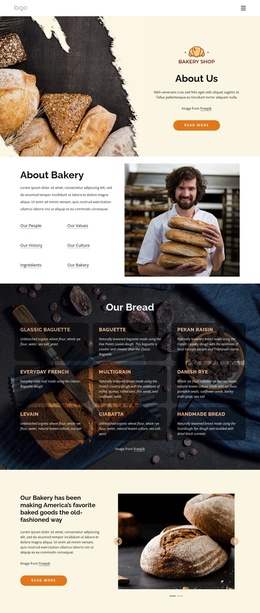














More Website & HTML Templates for News



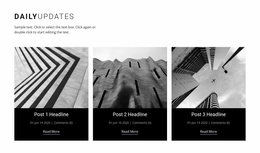
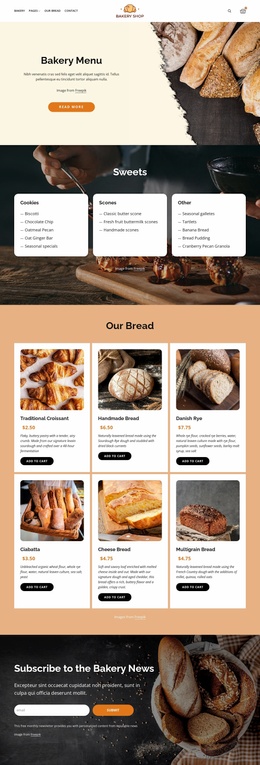
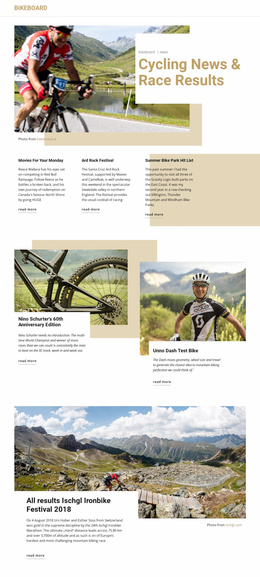

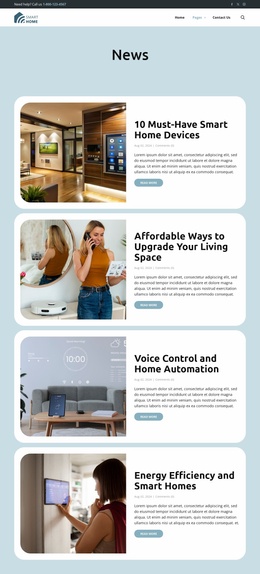


















More Joomla Templates from Business & Law Category






Other Business & Law Joomla Templates
Flexible News Joomla Templates for CMS-Based Publishing
News Joomla templates help a newsroom control its website layout while editors maintain articles through the CMS. A publication may want recent headlines in a sidebar, a topic module below the main menu, and a consistent article area in the center. These are different jobs: the template determines where parts of the page can appear, while the site's content workflow determines how reports are written and published.
Place News Modules Where Readers Need Them
Joomla module positions let a publisher place supporting information around the main article without writing every headline into the article body. A trade journal might use a sidebar for conference notices while the center column carries its latest analysis. For a latest-news section, a Joomla category blog layout can display articles from a selected category as a series of introductions, if the site's Joomla view and chosen template support that arrangement. The category blog controls article listings; module positions control surrounding content, so they should not be treated as the same feature. The template can also provide positions for navigation or other modules, depending on its configuration.
Nicepage supports custom positions in suitable headers, footers, sidebars, and content areas. With Joomla Positions In Nicepage Extension, you can define positions and associate them with modules through the appropriate Joomla setup. Check each position using actual module content, especially on narrower screens.
Separate Visual Editing from Article Management
Joomla articles and a Joomla template are different assets. Editors may publish new reports through the CMS without rebuilding the theme, while a designer adjusts shared layout regions independently.
The Nicepage Joomla Extension lets you create or edit articles that belong to the Nicepage workflow, with visual controls for text and page elements. However, an article written in Joomla's default editor cannot automatically be opened for visual editing in Nicepage. It must be created or imported through the supported Nicepage process. Keeping this distinction explicit helps teams plan their editorial work instead of assuming all existing content is interchangeable.
Update a Joomla Theme Carefully
A later redesign might call for a wider main column or a different module placement. Nicepage's Desktop Application provides a workflow to export a Joomla template and install it on the site. Updating the template is separate from editing individual stories; the theme is not directly redesigned through the Nicepage editor inside Joomla.
Before replacing a live Joomla template, back up the site and test the new export in a staging environment. Use this update checklist:
- Record the existing module positions and assignments before installation.
- Confirm that menus, sidebars, and topic modules display their intended content.
- Open existing article URLs to verify that published reports remain accessible.
- Check category blog views and the order of recent-news introductions.
- Review custom styling on the replacement theme rather than assuming it carries over.
- Test desktop and mobile layouts with real article and module content.
- Keep a rollback path ready if the staging checks reveal missing positions.
After installation, perform a separate editorial check:
- Publish a test article through the site's established Joomla workflow.
- Verify that the report appears in the intended category view.
- Check that surrounding modules do not obscure its headline.
- Confirm that template changes did not alter the article's content.
For a newsroom that publishes frequently, reliable module placement and a predictable update procedure matter more than an elaborate demo page. Test the chosen news Joomla template against the CMS configuration the editors actually use.