

Business Card Joomla Templates
Professionals who already use Joomla can present their identity without a separate contact website. These business card templates support profile articles, designated module positions, and consistent contact information within an established Joomla site structure.
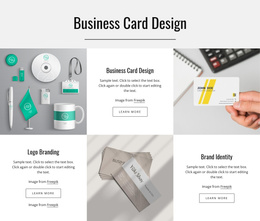

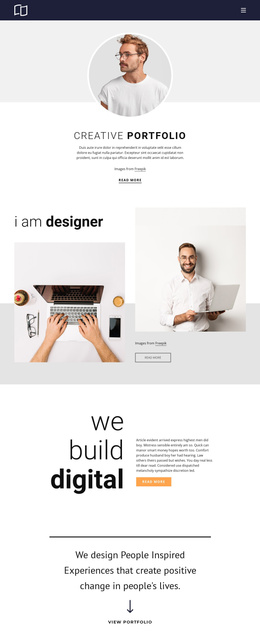
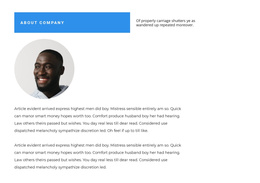


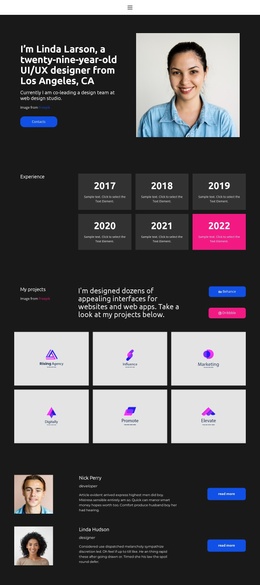





























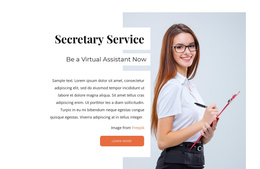



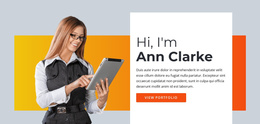
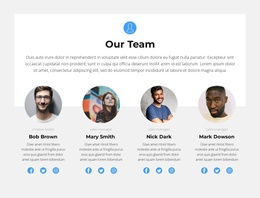


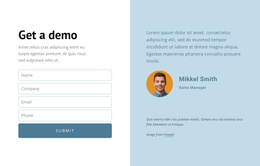














Other Business & Law Joomla Templates
Flexible Business Card Joomla Templates
A professional profile does not always need a separate website. Business card Joomla templates help you add an individual introduction to an established Joomla site, using its existing navigation and shared information. The most suitable layout depends on how the site already manages articles, modules, and template areas.
Present a Professional Profile Within Joomla
A profile article can contain a biography, credentials, and a short explanation of responsibilities. Supporting information that appears across several pages, such as an office telephone number, can instead be managed through a module assigned to an appropriate template position. This distinction keeps the personal introduction focused without repeating shared details in every article.
Consider a professional association that publishes profiles for its committee members. Each member can have an article with their biography and areas of responsibility, while an association contact module supplies the common office details. The arrangement works only when the chosen template exposes useful positions, and the site's module assignments are configured appropriately.
Use Joomla Positions in the Nicepage Extension to place Joomla modules in designated template areas. Check which positions the selected design provides before planning a shared contact block or sidebar.
Check Template Positions and Profile Layout
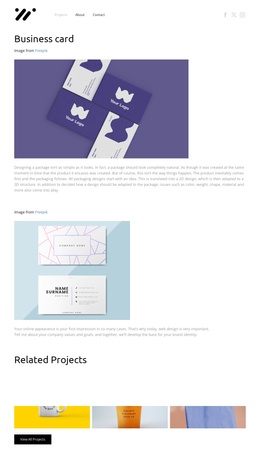
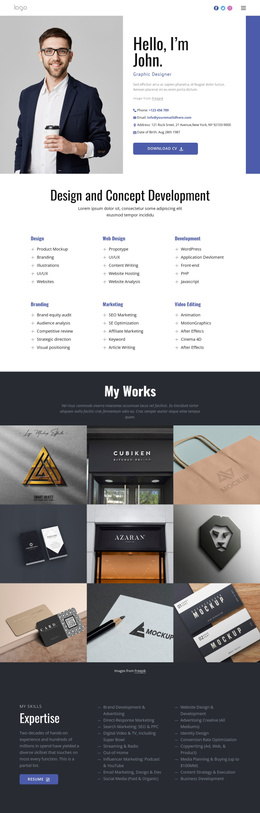
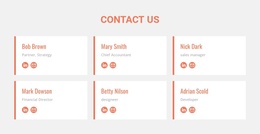
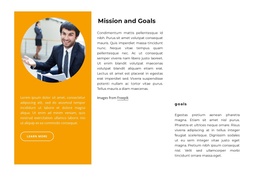
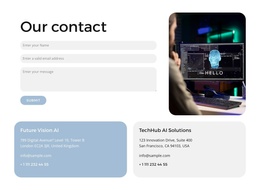
A good business card layout should make the person's name and role easy to locate. Look at the space available for a portrait, the readability of credentials, and the placement of contact links. Then check whether the template's module positions suit the surrounding Joomla site rather than assuming every design supports the same arrangement.
For a Joomla site with several professional profiles, check these elements together:
- Article content: each person's biography and credentials remain specific to that profile.
- Module position: shared office contact details appear in a suitable, consistently assigned area.
- Directory navigation: visitors can reach other profiles without losing their place on the site.
- Contact links: confirm that personal and shared contact routes lead to the intended recipients.
If the profile is part of a larger directory, consistent page structure may be more valuable than decorative variation. Visitors should be able to move between member profiles without relearning where contact details appear.
Plan the Nicepage and Joomla Editing Workflow
Nicepage supports Joomla template export and an extension for editing compatible articles. Template design and supported-article content follow different management paths: template-level changes are prepared in Nicepage. In contrast, compatible article content is maintained through the Joomla editing workflow.
Before choosing a template, verify the maintenance workflow:
- Confirm that the required module positions exist in the selected template.
- Identify which profile fields belong in Joomla articles rather than shared modules.
- Assign responsibility for maintaining shared office contact information.
- Test module assignments on the intended profile pages before publishing.
- Check who can update the Nicepage-designed content through the Joomla extension.
- Review a profile after a template change to catch unexpected shifts in module placement.
- Confirm that shared office details stay consistent across the relevant pages.
This review helps determine whether the site can maintain professional profiles without duplicating information. It is more useful than choosing a design solely because its preview resembles a printed business card.