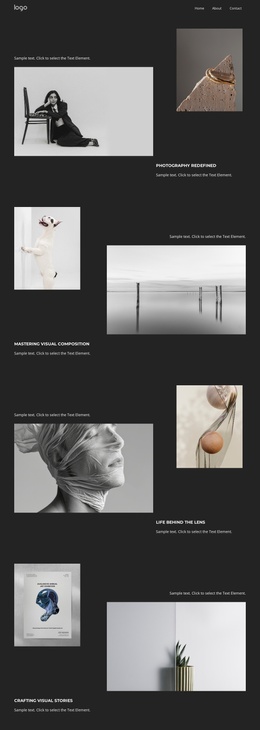
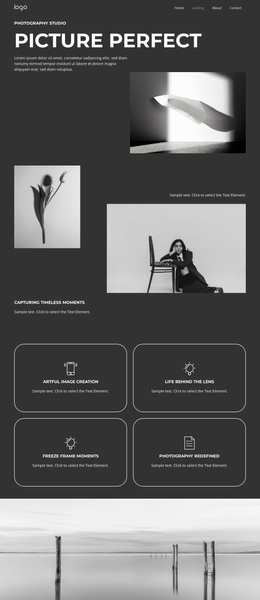
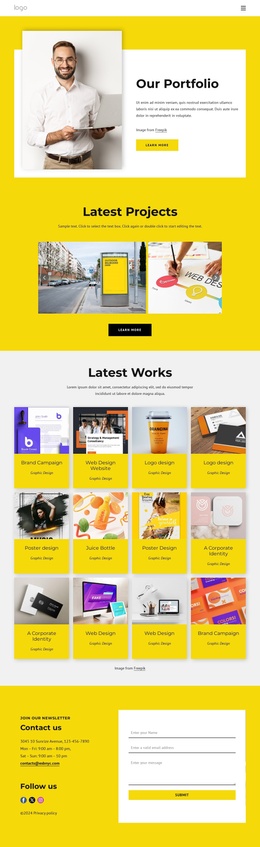
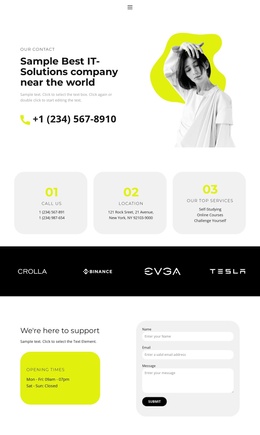
Gallery of fashion photographers Joomla Template


Edit Template Offline
2. Create new page and search for id 28649
Edit Template Online
Create Awesome Websites


Free Nicepage Builder
Keywords
Exhibitions and community programs form clear Joomla content regions
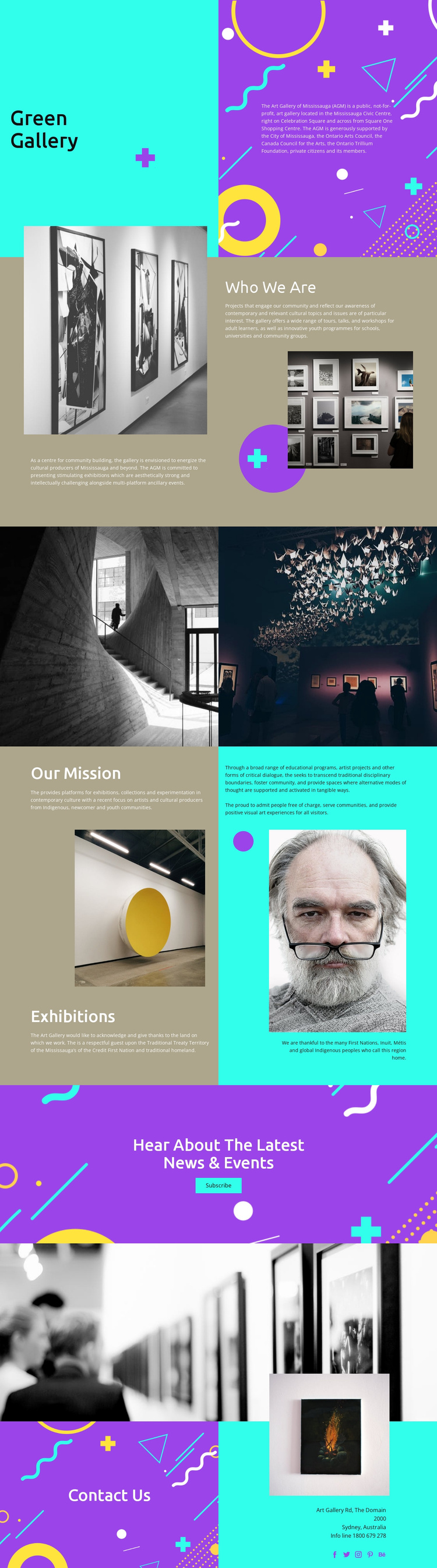
The opening Green Gallery panel establishes the institution’s identity before the page moves into Who We Are, Our Mission, and Exhibitions content. That progression gives a Joomla project several distinct information regions to organize: the gallery’s public, not-for-profit role, its relationship with the Mississauga Civic Centre, and its focus on exhibitions, collections, tours, talks, workshops, and educational programs. The sections are specific enough to support structured editorial content while remaining connected by the same visual language.
The visual separation also helps recurring information stay understandable. Artwork imagery introduces the gallery’s cultural context, while the mission section explains community and education themes. The acknowledgment of the Mississauga’s of the Credit First Nation and other Indigenous peoples gives the Exhibitions area an important cultural context that should remain visible rather than being reduced to generic promotional copy. A Joomla-managed implementation could preserve these distinctions between institutional information, program content, and exhibition-related material.
Near the end, the vivid Hear About The Latest News & Events panel provides a clear place for subscription-oriented communication, while the final Contact Us section gathers address, phone, imagery, and social links. Together, these regions create a structured content path for a gallery website without claiming that Joomla articles or modules already exist in the source design.
Customize with Nicepage
Open this ready-made template in the Joomla Page Builder and customize it visually in the Nicepage editor. Replace demo content, edit page sections, and adapt the design to your project without rebuilding the template from scratch.
Work With This Template in Joomla
Customize and Install the Joomla Template
Start with this ready-made template instead of building the Joomla design from scratch. Customize its layout, content, typography, images, sections, and other design elements visually in the Nicepage application, then export and install the Joomla Template, Nicepage Extension, and supported content on your Joomla website.
Edit the Template Directly in Joomla
After installation, you can edit the Joomla Template directly in Joomla with the Nicepage Joomla Extension. Customize the Header, Footer, Colors, Fonts, typography, and Page Templates from the Joomla workflow while keeping the site design connected with your CMS content.
Edit Joomla Articles Visually
Use the Nicepage Joomla Extension to open and edit Joomla Articles visually from the Joomla Administrator. Change text, images, sections, layouts, and other page content in the Nicepage editor while continuing to manage the Articles through Joomla.
Joomla Content and Template Integration
Use the customized template together with Joomla Articles, module Positions, menus, forms, Blog Pages, and other supported CMS elements. With the Nicepage Extension used as the Site Style Source, shared design settings can be applied across Joomla Articles while Joomla continues to provide the CMS environment for managing site content.
This workflow combines a ready-made Joomla Template with visual customization, direct template editing in Joomla, and continued content management through the Nicepage Joomla Extension.