Build your dream industrial Joomla Template



Edit Template Offline
2. Create new page and search for id 12341
Edit Template Online
Create Awesome Websites


Free Nicepage Builder
Keywords
Service categories and news regions suit structured CMS content
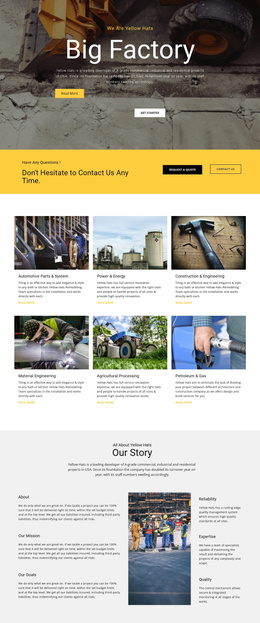
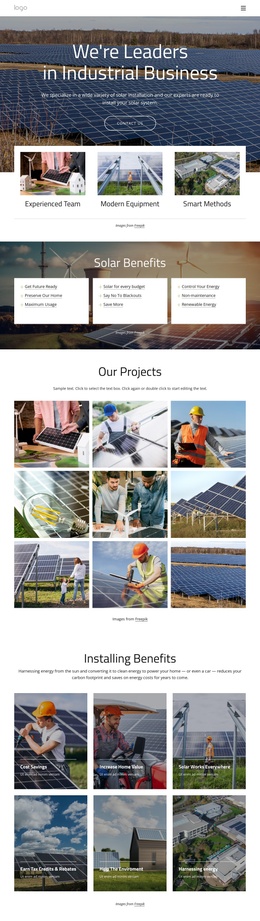
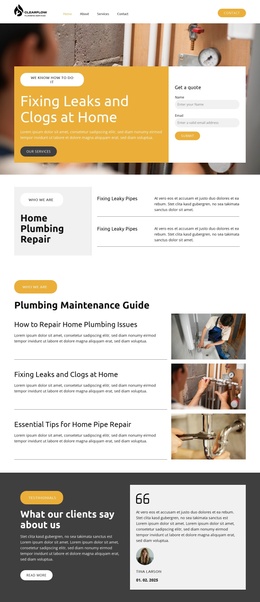
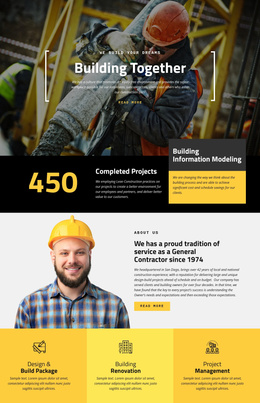
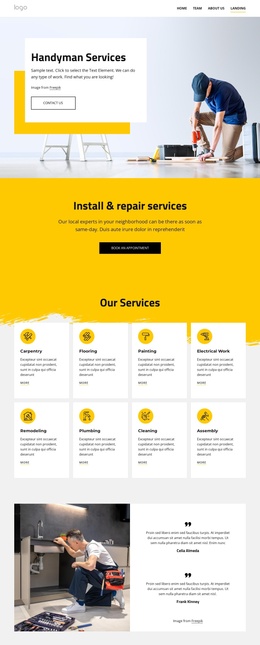
The page divides construction information into several regions that can be understood as organized CMS content areas. The three image-backed service panels introduce broad categories, while the six detailed service items cover design and planning, building renovation, interior design, construction services, documentation, and professional support. This distinction gives a Joomla project a useful separation between overview content and more specific service information without changing the page’s visual language.
The eight-image project showcase and the three testimonial profiles add recurring content types with different presentation roles. Projects can be treated as visual evidence, while testimonials provide attributed social proof through three construction-related profiles. The four-step planning, design, building, and finish sequence supplies a structured process region, and the three news previews create an editorial area that can be maintained separately from permanent service information. Navigation and shared regions can continue to connect these areas within the same design.
The final yellow banner gives the page a prominent action area, but it does not replace the broader content structure. In Joomla, the layout can therefore be interpreted as coordinated site content: service information, project imagery, process explanation, testimonials, and news. The Nicepage Joomla Extension is a possible product bridge for CMS-managed content, while the template-specific value comes from the way these real regions are already separated and visually related.
Customize with Nicepage
Open this ready-made template in the Joomla Page Builder and customize it visually in the Nicepage editor. Replace demo content, edit page sections, and adapt the design to your project without rebuilding the template from scratch.
Work With This Template in Joomla
Customize and Install the Joomla Template
Start with this ready-made template instead of building the Joomla design from scratch. Customize its layout, content, typography, images, sections, and other design elements visually in the Nicepage application, then export and install the Joomla Template, Nicepage Extension, and supported content on your Joomla website.
Edit the Template Directly in Joomla
After installation, you can edit the Joomla Template directly in Joomla with the Nicepage Joomla Extension. Customize the Header, Footer, Colors, Fonts, typography, and Page Templates from the Joomla workflow while keeping the site design connected with your CMS content.
Edit Joomla Articles Visually
Use the Nicepage Joomla Extension to open and edit Joomla Articles visually from the Joomla Administrator. Change text, images, sections, layouts, and other page content in the Nicepage editor while continuing to manage the Articles through Joomla.
Joomla Content and Template Integration
Use the customized template together with Joomla Articles, module Positions, menus, forms, Blog Pages, and other supported CMS elements. With the Nicepage Extension used as the Site Style Source, shared design settings can be applied across Joomla Articles while Joomla continues to provide the CMS environment for managing site content.
This workflow combines a ready-made Joomla Template with visual customization, direct template editing in Joomla, and continued content management through the Nicepage Joomla Extension.