Fashion Style Joomla Template


Edit Template Offline
2. Create new page and search for id 25122
Edit Template Online
Create Awesome Websites


Free Nicepage Builder
Keywords
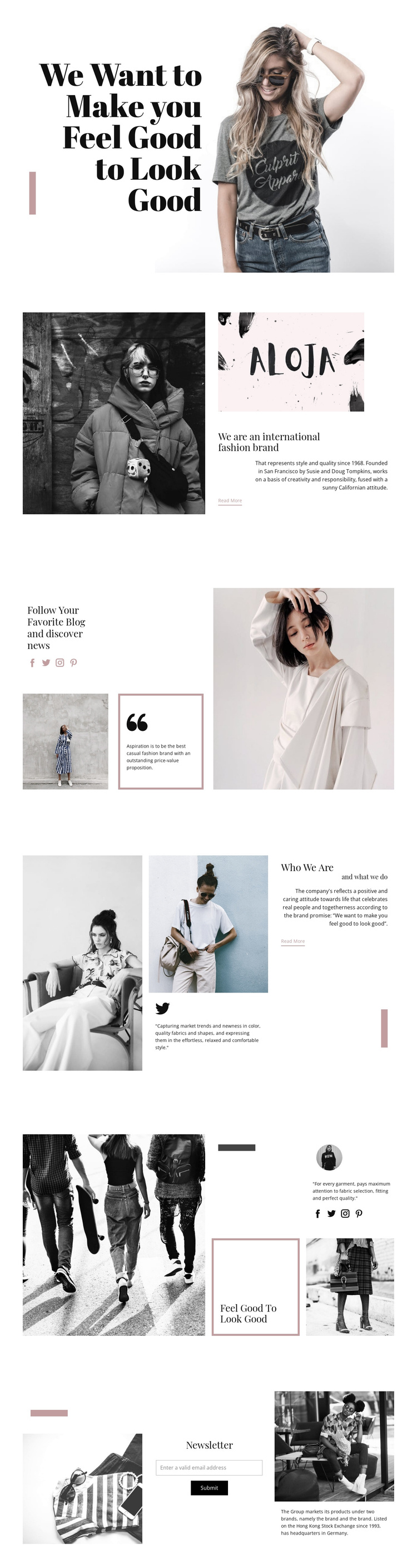
Brand information and social regions divide the page into manageable content areas
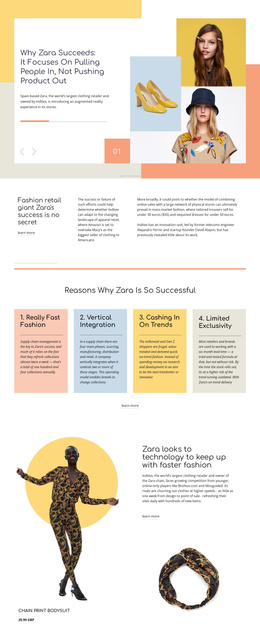
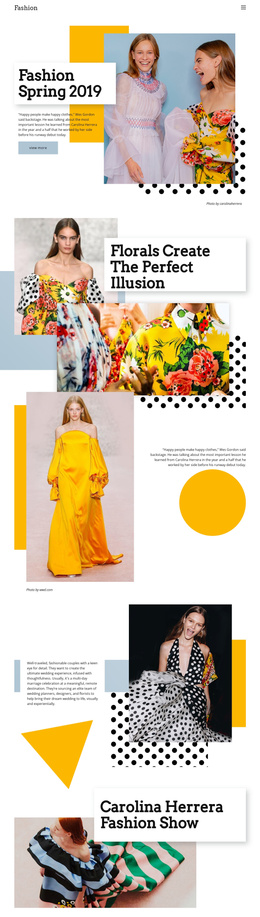
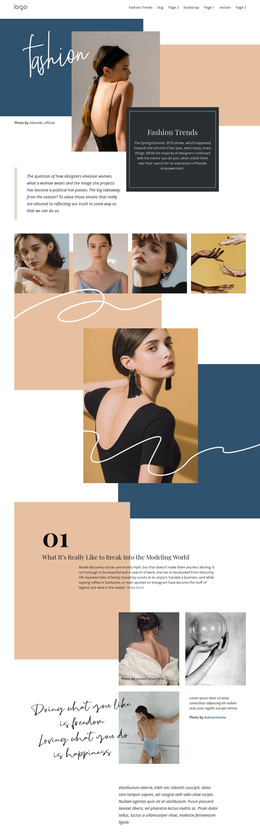
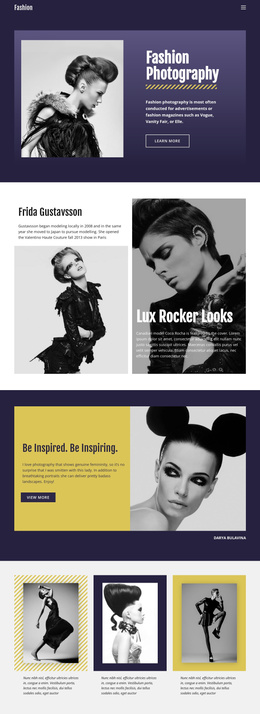
The About Us and Who We Are sections provide distinct information regions for a CMS-managed fashion site. The first combines a monochrome fashion photograph with a brand mark, introductory heading, description, and Read More action. The later section uses a fashion collage, quoted style copy, and a secondary text panel to explain who the brand is and what it does. These are different content relationships, even though both contribute to brand background.
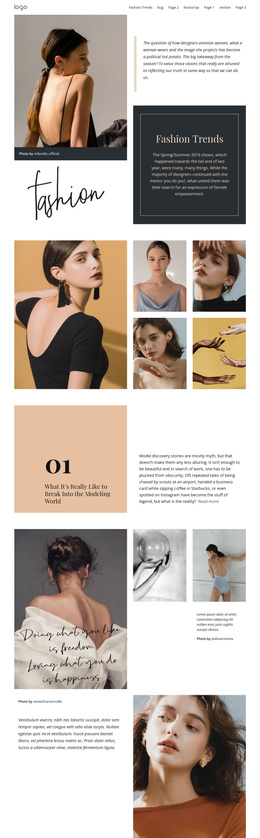
The Social section adds another structured region around discovery. Its heading refers to a favorite blog and news, while Facebook, Twitter, Instagram, and Pinterest links connect the editorial message with external audience channels. The Feel Good To Look Good group then acts as a brand-promise area, joining fashion imagery, a bordered quality statement, social icons, and supporting copy. Shared navigation and a common footer could keep these regions connected as the site grows.
The Newsletter section gives the page a defined contact and subscription area after the informational content. In a Joomla project, the established division between brand background, editorial discovery, visual promise, and newsletter response can help organize CMS-managed content without changing the page’s visual character. The template therefore offers a clear set of structured regions rather than only a decorative fashion presentation.
Customize with Nicepage
Open this ready-made template in the Joomla Page Builder and customize it visually in the Nicepage editor. Replace demo content, edit page sections, and adapt the design to your project without rebuilding the template from scratch.
Work With This Template in Joomla
Customize and Install the Joomla Template
Start with this ready-made template instead of building the Joomla design from scratch. Customize its layout, content, typography, images, sections, and other design elements visually in the Nicepage application, then export and install the Joomla Template, Nicepage Extension, and supported content on your Joomla website.
Edit the Template Directly in Joomla
After installation, you can edit the Joomla Template directly in Joomla with the Nicepage Joomla Extension. Customize the Header, Footer, Colors, Fonts, typography, and Page Templates from the Joomla workflow while keeping the site design connected with your CMS content.
Edit Joomla Articles Visually
Use the Nicepage Joomla Extension to open and edit Joomla Articles visually from the Joomla Administrator. Change text, images, sections, layouts, and other page content in the Nicepage editor while continuing to manage the Articles through Joomla.
Joomla Content and Template Integration
Use the customized template together with Joomla Articles, module Positions, menus, forms, Blog Pages, and other supported CMS elements. With the Nicepage Extension used as the Site Style Source, shared design settings can be applied across Joomla Articles while Joomla continues to provide the CMS environment for managing site content.
This workflow combines a ready-made Joomla Template with visual customization, direct template editing in Joomla, and continued content management through the Nicepage Joomla Extension.