Fashion & Music Joomla Template
Edit Template Offline
2. Create new page and search for id 16309
Edit Template Online
Create Awesome Websites


Free Nicepage Builder
Keywords
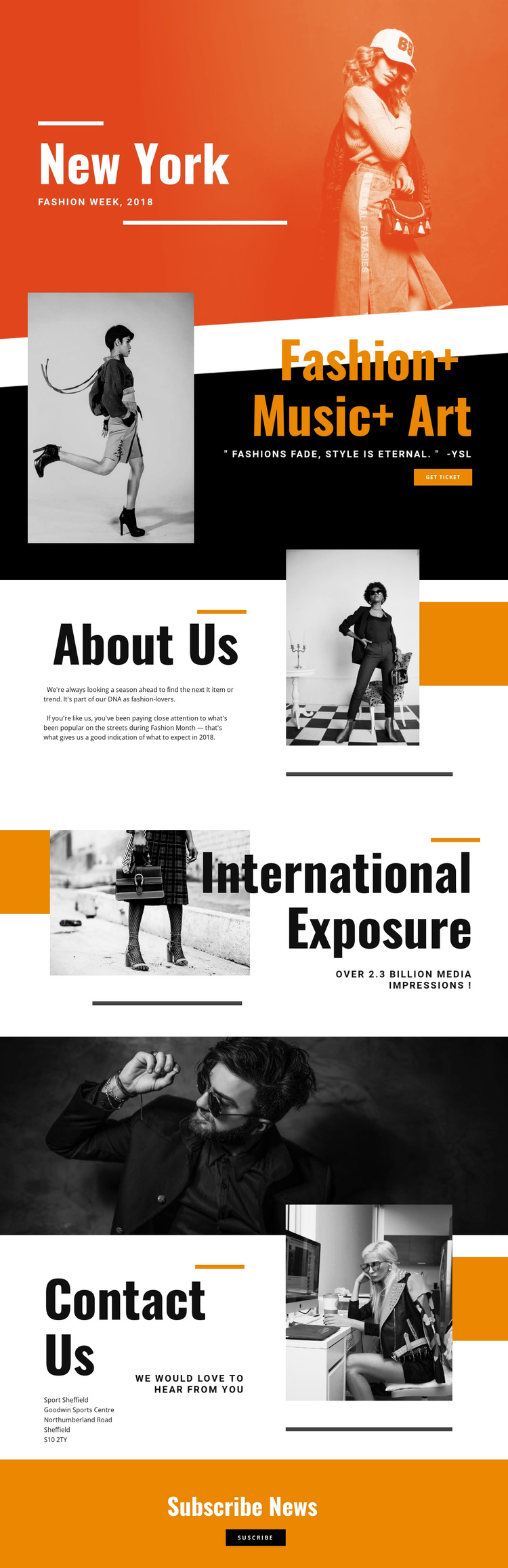
Event information and contact regions divide the design into manageable content areas
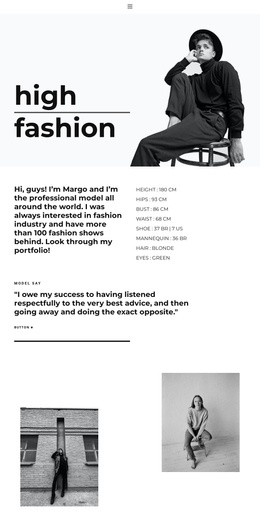
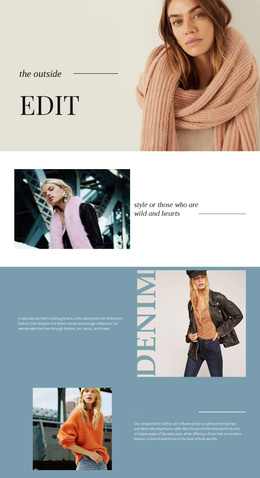
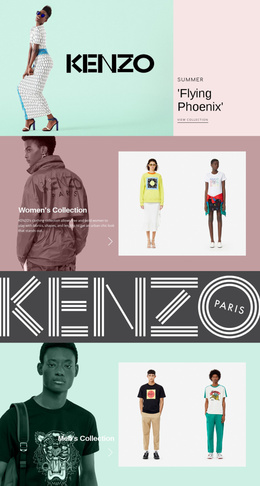
The page separates its message into content regions that can be understood and maintained independently. The opening New York and Fashion Week 2018 block supplies the event identity, while the Fashion+ Music+ Art section carries the central promotional statement and get ticket action. Those two areas establish the primary subject and response without confusing them with the later informational sections.
About Us provides a place for editorial commentary about the event’s perspective, and International Exposure gives reach-related information its own region beside fashion imagery. The separation is useful for a CMS-managed event site because recurring descriptive content, promotional statements, and contact information do not have to compete inside one undifferentiated block. The wide monochrome photograph also creates a clear visual boundary before Contact Us, where the displayed Sport Sheffield contact details and invitation are grouped as practical information.
Subscribe News completes the structure with a dedicated newsletter prompt and button on an orange background. In a Joomla project, these distinct regions can be mapped to managed page content while preserving the shared visual direction of the event design. The template therefore provides more than a decorative homepage: it offers a recognizable arrangement for event identity, editorial context, reach, contact content, and audience follow-up.
Customize with Nicepage
Open this ready-made template in the Joomla Page Builder and customize it visually in the Nicepage editor. Replace demo content, edit page sections, and adapt the design to your project without rebuilding the template from scratch.
Work With This Template in Joomla
Customize and Install the Joomla Template
Start with this ready-made template instead of building the Joomla design from scratch. Customize its layout, content, typography, images, sections, and other design elements visually in the Nicepage application, then export and install the Joomla Template, Nicepage Extension, and supported content on your Joomla website.
Edit the Template Directly in Joomla
After installation, you can edit the Joomla Template directly in Joomla with the Nicepage Joomla Extension. Customize the Header, Footer, Colors, Fonts, typography, and Page Templates from the Joomla workflow while keeping the site design connected with your CMS content.
Edit Joomla Articles Visually
Use the Nicepage Joomla Extension to open and edit Joomla Articles visually from the Joomla Administrator. Change text, images, sections, layouts, and other page content in the Nicepage editor while continuing to manage the Articles through Joomla.
Joomla Content and Template Integration
Use the customized template together with Joomla Articles, module Positions, menus, forms, Blog Pages, and other supported CMS elements. With the Nicepage Extension used as the Site Style Source, shared design settings can be applied across Joomla Articles while Joomla continues to provide the CMS environment for managing site content.
This workflow combines a ready-made Joomla Template with visual customization, direct template editing in Joomla, and continued content management through the Nicepage Joomla Extension.