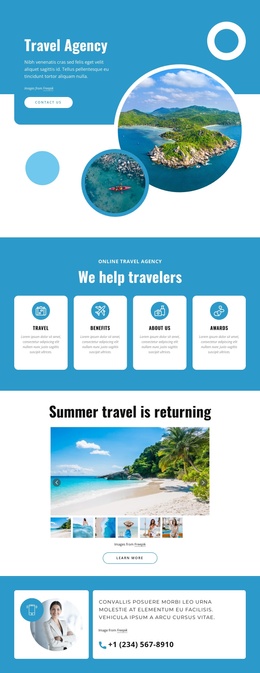
Comfortable travel Joomla Template



Edit Template Offline
2. Create new page and search for id 1157946
Edit Template Online
Create Awesome Websites


Free Nicepage Builder
Keywords
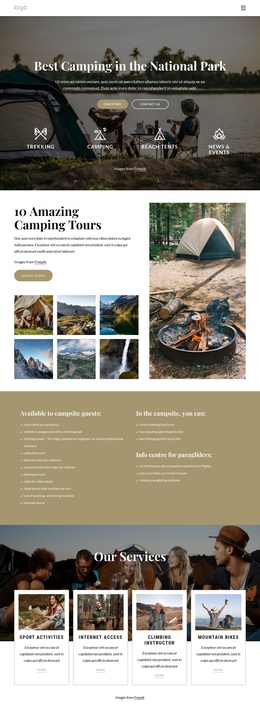
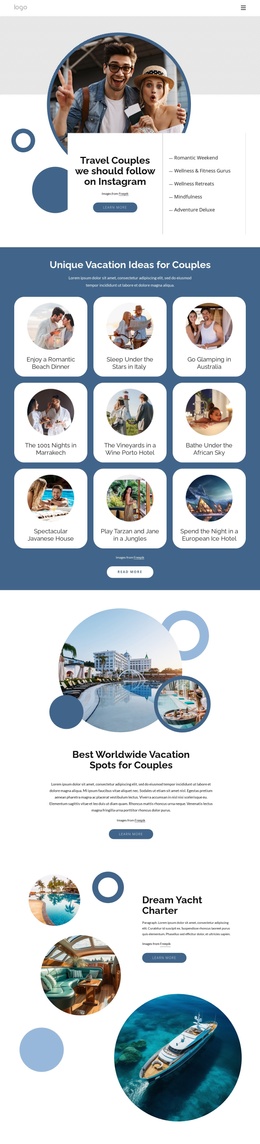
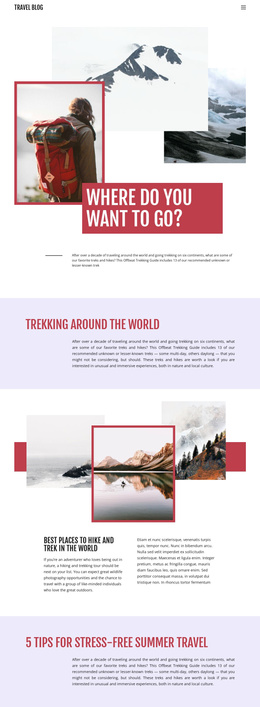
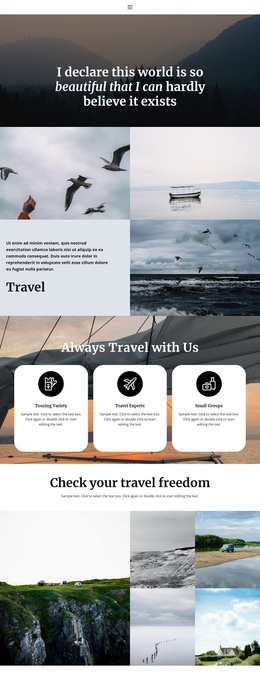
Travel categories and news create clear Joomla content regions
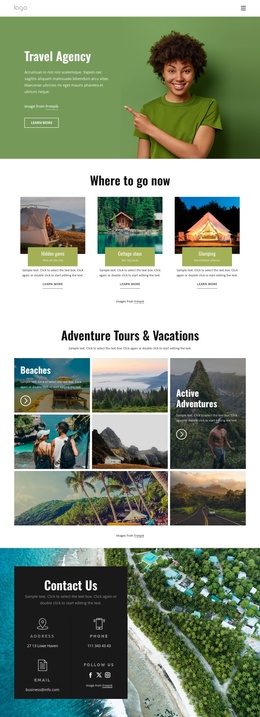
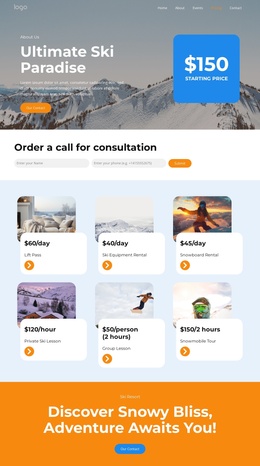
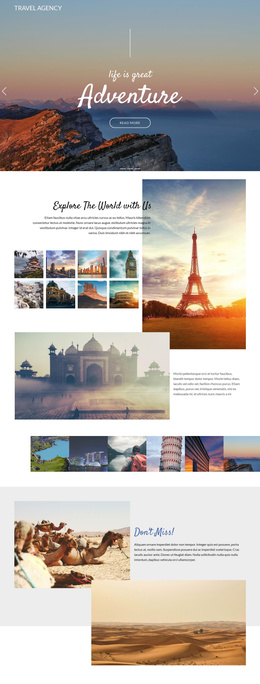
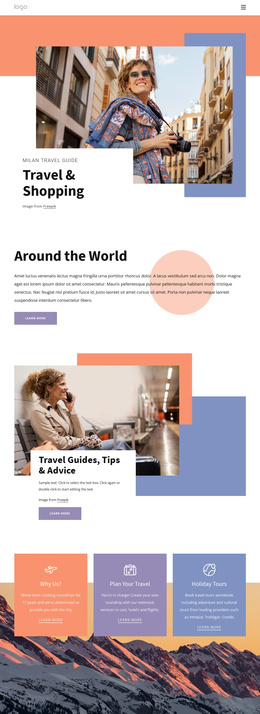
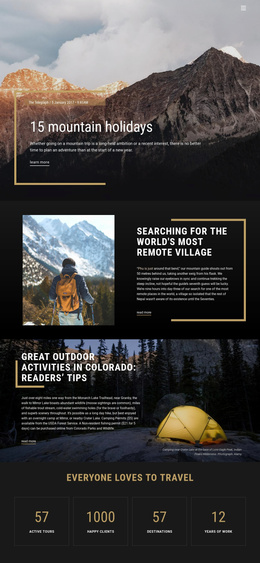
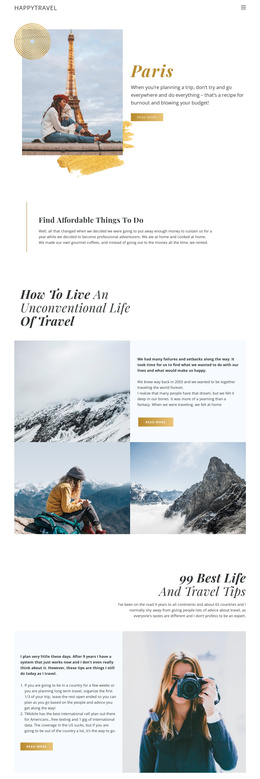
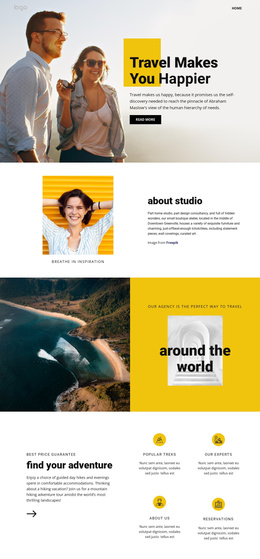
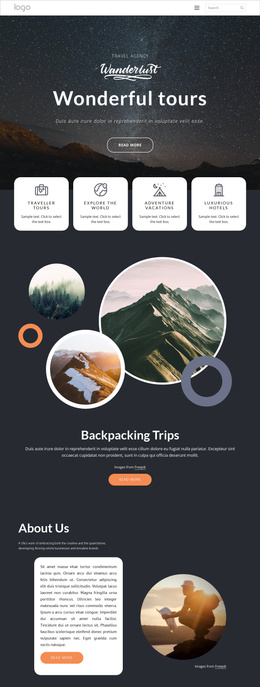
The navigation, category cards, service-focused split sections, and closing subscription area divide the design into recognizable content regions for a CMS-managed travel site. Mountains, Waterfalls, and Road Travel work as broad subject groupings, while the Walking Holidays & Trekking Holidays sections provide more specific offering content. The repeated structure makes it possible to keep related information visually coordinated while separating different travel subjects and agency messages.
The four feature cards under “We help travelers” add another structured information layer, with labels such as Online Travel Agency, Travel, Benefits, About Us, and Awards. Near the end, the Latest news section contains three repeated post cards with dates and comment metadata, creating an editorial area distinct from the evergreen travel offerings. The page also retains a clear navigation line, social links, and a final subscription form requesting a name. In a Joomla project, these regions can be interpreted as organized site content and reusable navigation destinations rather than one undifferentiated block of copy. The forest-backed subscription section then gives the page a defined contact and audience-response area, while the dark footer closes the shared presentation. Demo headlines, dates, and sample text remain structural placeholders and should be replaced with editorial content.
Customize with Nicepage
Open this ready-made template in the Joomla Page Builder and customize it visually in the Nicepage editor. Replace demo content, edit page sections, and adapt the design to your project without rebuilding the template from scratch.
Work With This Template in Joomla
Customize and Install the Joomla Template
Start with this ready-made template instead of building the Joomla design from scratch. Customize its layout, content, typography, images, sections, and other design elements visually in the Nicepage application, then export and install the Joomla Template, Nicepage Extension, and supported content on your Joomla website.
Edit the Template Directly in Joomla
After installation, you can edit the Joomla Template directly in Joomla with the Nicepage Joomla Extension. Customize the Header, Footer, Colors, Fonts, typography, and Page Templates from the Joomla workflow while keeping the site design connected with your CMS content.
Edit Joomla Articles Visually
Use the Nicepage Joomla Extension to open and edit Joomla Articles visually from the Joomla Administrator. Change text, images, sections, layouts, and other page content in the Nicepage editor while continuing to manage the Articles through Joomla.
Joomla Content and Template Integration
Use the customized template together with Joomla Articles, module Positions, menus, forms, Blog Pages, and other supported CMS elements. With the Nicepage Extension used as the Site Style Source, shared design settings can be applied across Joomla Articles while Joomla continues to provide the CMS environment for managing site content.
This workflow combines a ready-made Joomla Template with visual customization, direct template editing in Joomla, and continued content management through the Nicepage Joomla Extension.