New Look Joomla Template


Edit Template Offline
2. Create new page and search for id 12448
Edit Template Online
Create Awesome Websites


Free Nicepage Builder
Keywords
Seasonal Collections and Product Units Create Clear CMS Content Regions
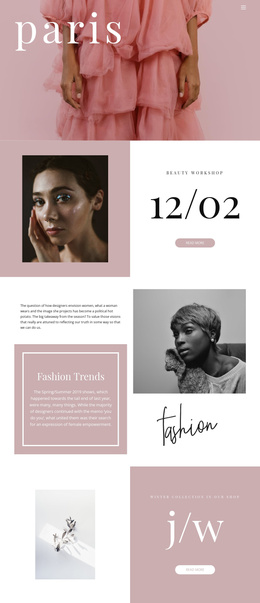
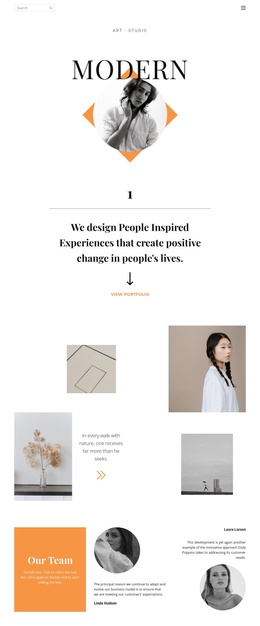
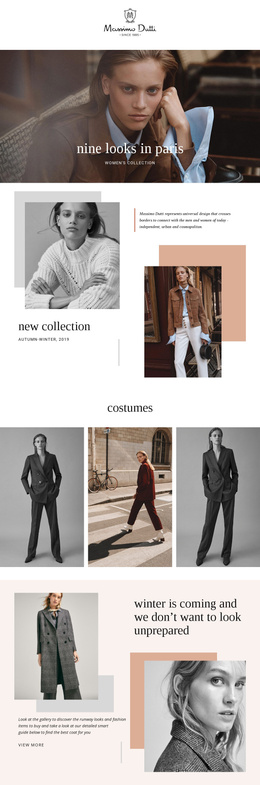
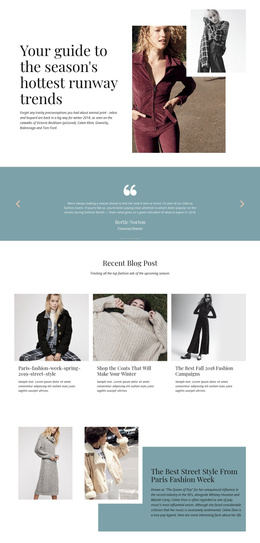
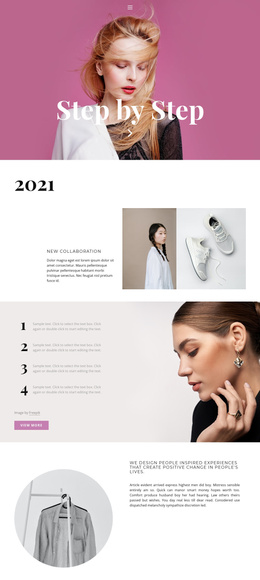
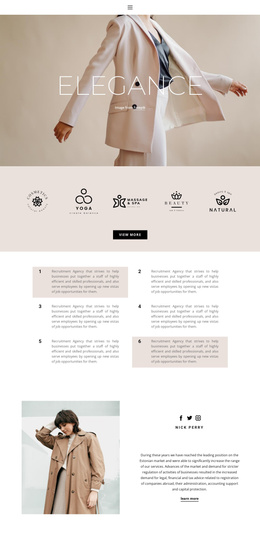
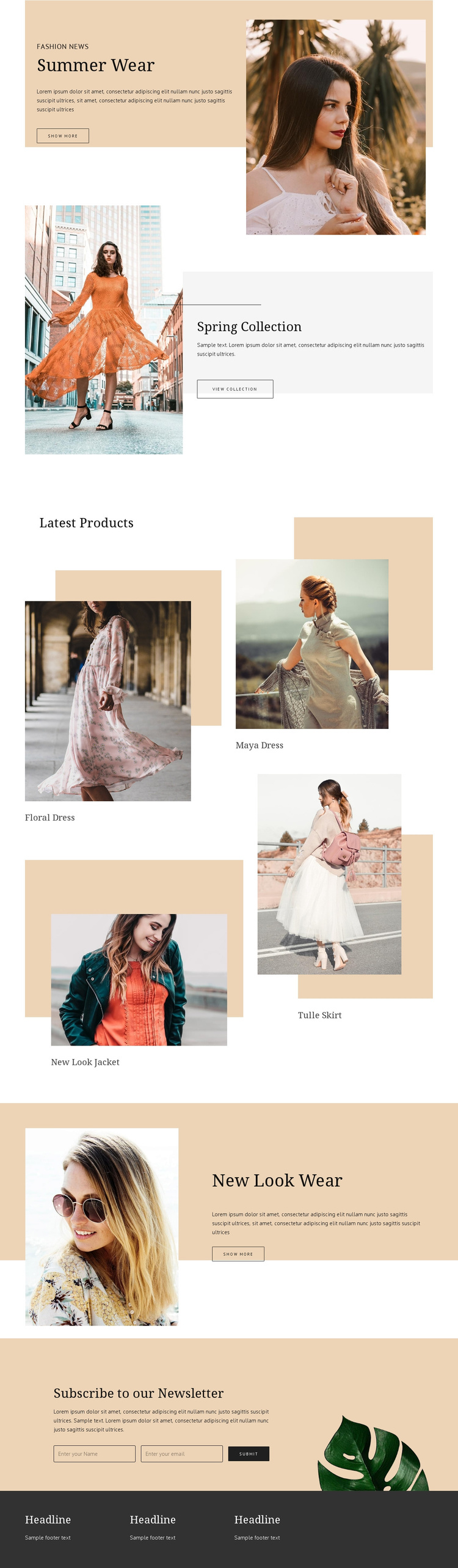
The Summer Wear, Spring Collection, and New Look Wear sections divide the storefront into distinct informational regions rather than presenting one uninterrupted promotional message. Each uses a fashion image, supporting copy, and an action, creating repeatable content patterns that can be interpreted as collection or campaign areas in a Joomla-managed site. Their shared visual treatment keeps those regions connected while their headings distinguish the seasonal or brand emphasis.
The Latest Products section supplies a different kind of content structure. Floral Dress, Maya Dress, New Look Jacket, and Tulle Skirt appear as four labeled product units in an asymmetric arrangement. The labels are structural evidence of recurring apparel content, not claims about real inventory or prices. For a CMS-oriented project, this separation between collection promotion and individual product presentation makes the page easier to organize around changing fashion content without losing the overall storefront character.
The subscription area adds a dedicated communication region near the bottom, with an email entry area and Subscribe action. It follows the product and promotional content instead of competing with the opening shopping actions. The dark footer then groups three short information columns into a shared closing region. Together, these areas give the design a practical content hierarchy: promotional collections first, product discovery next, subscription engagement afterward, and persistent information at the end. That organization provides a coherent basis for structuring apparel content through Joomla.
Customize with Nicepage
Open this ready-made template in the Joomla Page Builder and customize it visually in the Nicepage editor. Replace demo content, edit page sections, and adapt the design to your project without rebuilding the template from scratch.
Work With This Template in Joomla
Customize and Install the Joomla Template
Start with this ready-made template instead of building the Joomla design from scratch. Customize its layout, content, typography, images, sections, and other design elements visually in the Nicepage application, then export and install the Joomla Template, Nicepage Extension, and supported content on your Joomla website.
Edit the Template Directly in Joomla
After installation, you can edit the Joomla Template directly in Joomla with the Nicepage Joomla Extension. Customize the Header, Footer, Colors, Fonts, typography, and Page Templates from the Joomla workflow while keeping the site design connected with your CMS content.
Edit Joomla Articles Visually
Use the Nicepage Joomla Extension to open and edit Joomla Articles visually from the Joomla Administrator. Change text, images, sections, layouts, and other page content in the Nicepage editor while continuing to manage the Articles through Joomla.
Joomla Content and Template Integration
Use the customized template together with Joomla Articles, module Positions, menus, forms, Blog Pages, and other supported CMS elements. With the Nicepage Extension used as the Site Style Source, shared design settings can be applied across Joomla Articles while Joomla continues to provide the CMS environment for managing site content.
This workflow combines a ready-made Joomla Template with visual customization, direct template editing in Joomla, and continued content management through the Nicepage Joomla Extension.