Exclusive chef Joomla Template



Edit Template Offline
2. Create new page and search for id 5707829
Edit Template Online
Create Awesome Websites


Free Nicepage Builder
Keywords
Dining Categories and Contact Regions Create Manageable Joomla Content Areas
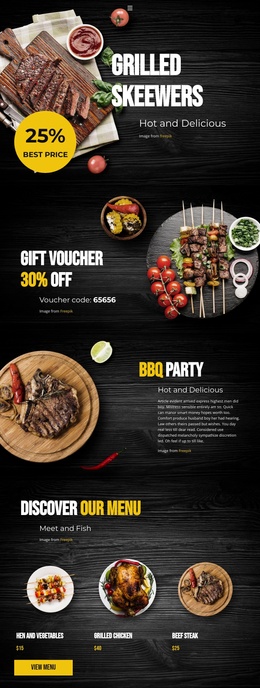
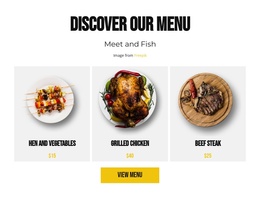
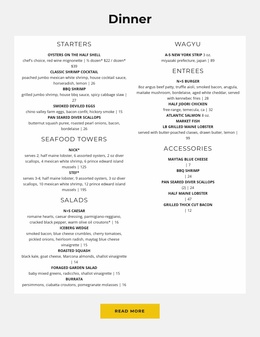
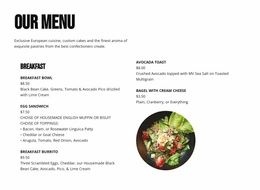
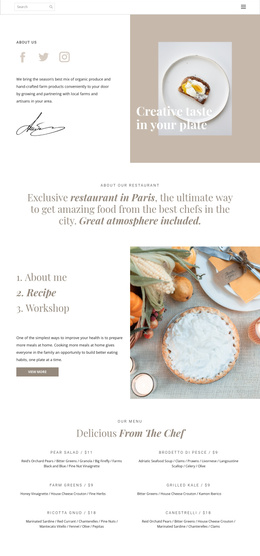
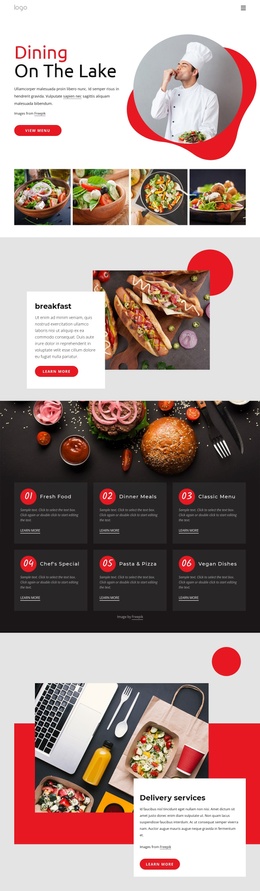
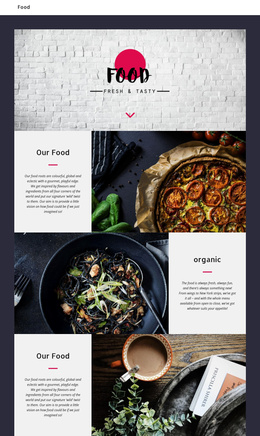
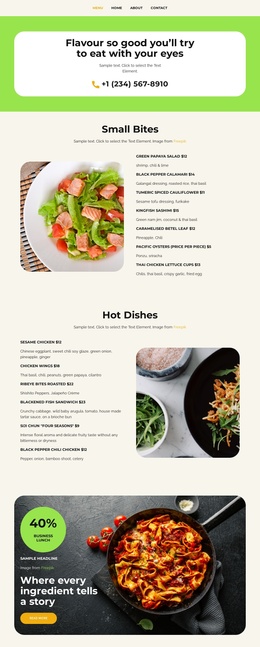
The six repeated dining cards give the page a useful set of structured content regions: lunch, dinner, brunch, Barbook, cocktails, and desserts. They are visually consistent, but each card has its own “View more” action, making the group suitable for separating related restaurant information while keeping the page’s visual system coordinated. The dinner menu then provides a more detailed information area with categories such as oysters, shrimp, scallops, wagyu, burgers, chicken, salmon, and lobster.
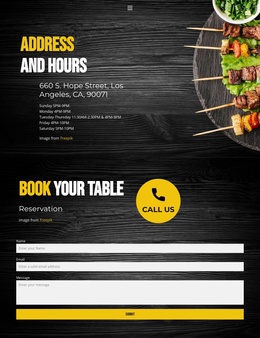
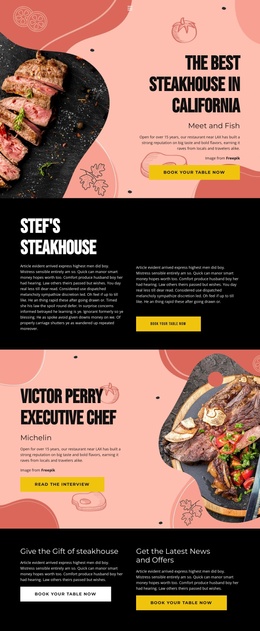
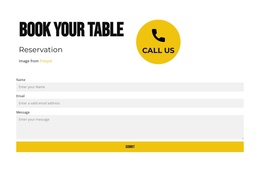
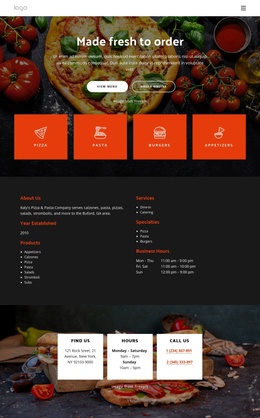
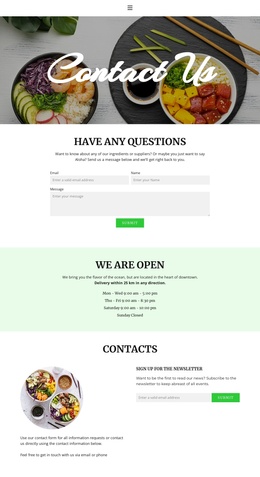
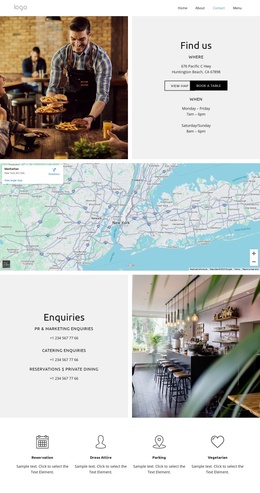
Other regions support the shared site experience around that content. The navigation and mobile navigation establish access to the long page, while the Stef's Steakhouse introduction, Victor Perry chef profile, and two promotional panels give the restaurant several distinct editorial areas. Near the end, the address at 660 S. Hope Street, Los Angeles, CA, 90071, daily opening hours, and a reservation form create a clearly defined contact region. In a Joomla-managed project, these relationships help distinguish restaurant information, promotional content, menu material, and contact details instead of treating the page as one undivided text block. The design can therefore retain a consistent header-to-footer presentation while its recurring informational areas are organized as manageable CMS content.
Customize with Nicepage
Open this ready-made template in the Joomla Page Builder and customize it visually in the Nicepage editor. Replace demo content, edit page sections, and adapt the design to your project without rebuilding the template from scratch.
Work With This Template in Joomla
Customize and Install the Joomla Template
Start with this ready-made template instead of building the Joomla design from scratch. Customize its layout, content, typography, images, sections, and other design elements visually in the Nicepage application, then export and install the Joomla Template, Nicepage Extension, and supported content on your Joomla website.
Edit the Template Directly in Joomla
After installation, you can edit the Joomla Template directly in Joomla with the Nicepage Joomla Extension. Customize the Header, Footer, Colors, Fonts, typography, and Page Templates from the Joomla workflow while keeping the site design connected with your CMS content.
Edit Joomla Articles Visually
Use the Nicepage Joomla Extension to open and edit Joomla Articles visually from the Joomla Administrator. Change text, images, sections, layouts, and other page content in the Nicepage editor while continuing to manage the Articles through Joomla.
Joomla Content and Template Integration
Use the customized template together with Joomla Articles, module Positions, menus, forms, Blog Pages, and other supported CMS elements. With the Nicepage Extension used as the Site Style Source, shared design settings can be applied across Joomla Articles while Joomla continues to provide the CMS environment for managing site content.
This workflow combines a ready-made Joomla Template with visual customization, direct template editing in Joomla, and continued content management through the Nicepage Joomla Extension.