Cat stories, tips and tricks Joomla Template



Edit Template Offline
2. Create new page and search for id 3444245
Edit Template Online
Create Awesome Websites


Free Nicepage Builder
Keywords
Cat Topics and Help Content Form Reusable Joomla Regions
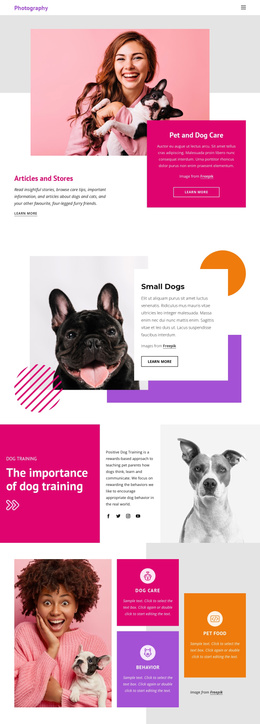
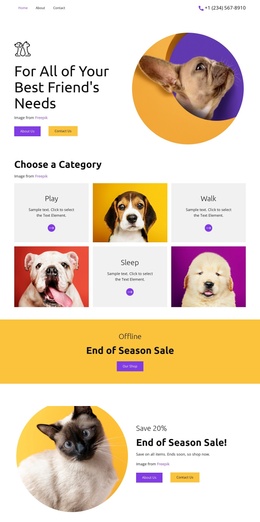
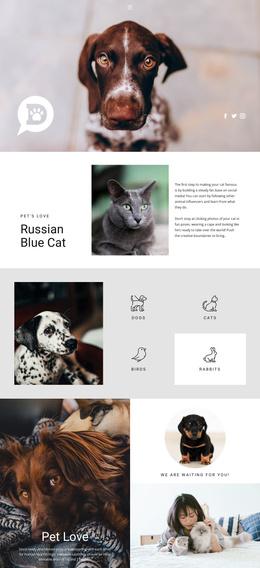
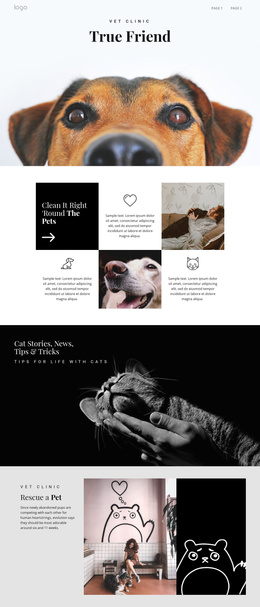
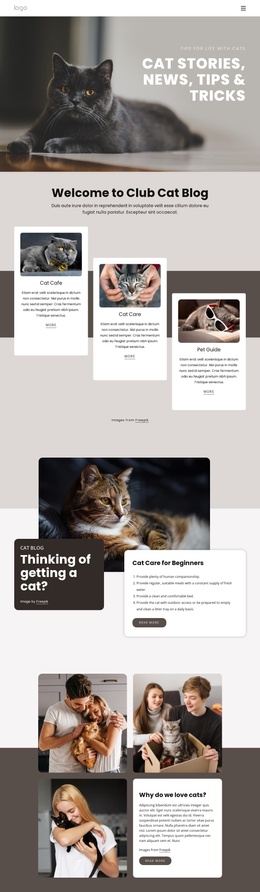
The six-topic group gives the design a particularly clear content organization. Pet Types, Top Tips, Best Toys, Cat Products, Cat Lovers, and Guides for Cats are presented as separate labeled cards beside a large lifestyle portrait. In a Joomla-managed project, these areas can be interpreted as structured informational regions rather than as one undifferentiated paragraph. Their distinct labels make it easier to preserve the visual separation between different subjects while maintaining a common page style.
The upper three-card group provides another editorial division through Cat of the Week, Cat Care, and Pet Guide. Below it, the featured adoption story and beginner-care section create larger article-like areas supported by photography and Read More actions. This combination of recurring cards and larger feature blocks gives the design room for organized content relationships without claiming that specific Joomla Articles or categories already exist in the source template.
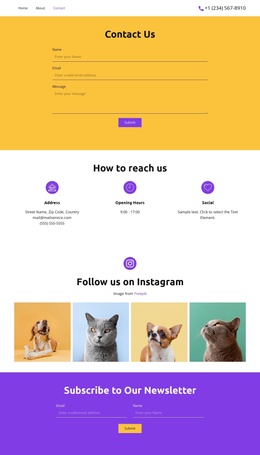
Navigation, the newsletter subscription area, and the lower Need Help panel extend that structure into shared site regions. The contact panel includes explanatory copy, a Submit action, contact information, and social icons, while the footer closes the page with a separate dark band. Joomla support can therefore be considered through the way these menus, recurring information areas, and contact-oriented regions are visually grouped. The design remains recognizable while editorial content is organized through the CMS.
Customize with Nicepage
Open this ready-made template in the Joomla Page Builder and customize it visually in the Nicepage editor. Replace demo content, edit page sections, and adapt the design to your project without rebuilding the template from scratch.
Work With This Template in Joomla
Customize and Install the Joomla Template
Start with this ready-made template instead of building the Joomla design from scratch. Customize its layout, content, typography, images, sections, and other design elements visually in the Nicepage application, then export and install the Joomla Template, Nicepage Extension, and supported content on your Joomla website.
Edit the Template Directly in Joomla
After installation, you can edit the Joomla Template directly in Joomla with the Nicepage Joomla Extension. Customize the Header, Footer, Colors, Fonts, typography, and Page Templates from the Joomla workflow while keeping the site design connected with your CMS content.
Edit Joomla Articles Visually
Use the Nicepage Joomla Extension to open and edit Joomla Articles visually from the Joomla Administrator. Change text, images, sections, layouts, and other page content in the Nicepage editor while continuing to manage the Articles through Joomla.
Joomla Content and Template Integration
Use the customized template together with Joomla Articles, module Positions, menus, forms, Blog Pages, and other supported CMS elements. With the Nicepage Extension used as the Site Style Source, shared design settings can be applied across Joomla Articles while Joomla continues to provide the CMS environment for managing site content.
This workflow combines a ready-made Joomla Template with visual customization, direct template editing in Joomla, and continued content management through the Nicepage Joomla Extension.