Boost your power with sports Joomla Template


Edit Template Offline
2. Create new page and search for id 18199
Edit Template Online
Create Awesome Websites


Free Nicepage Builder
Keywords
Training, Product, and Facility Regions Form Structured CMS Content
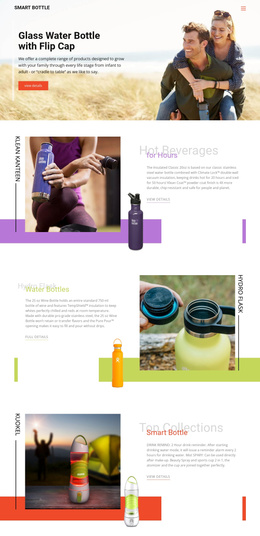
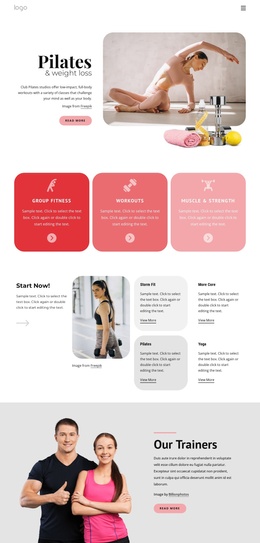
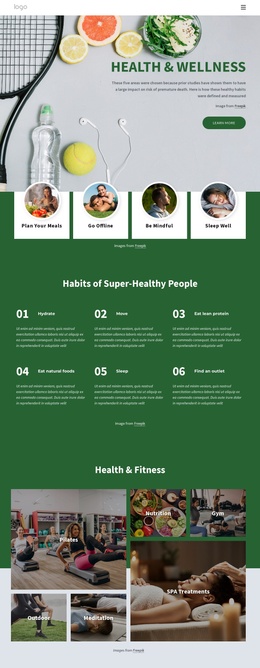
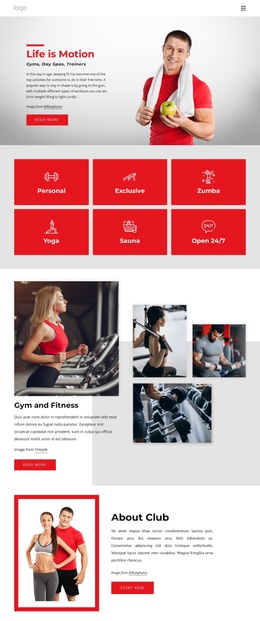
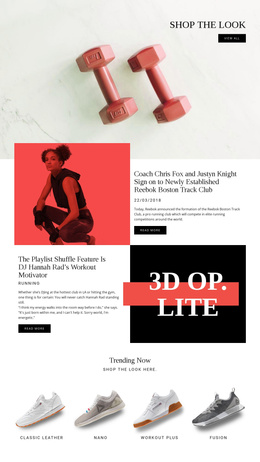
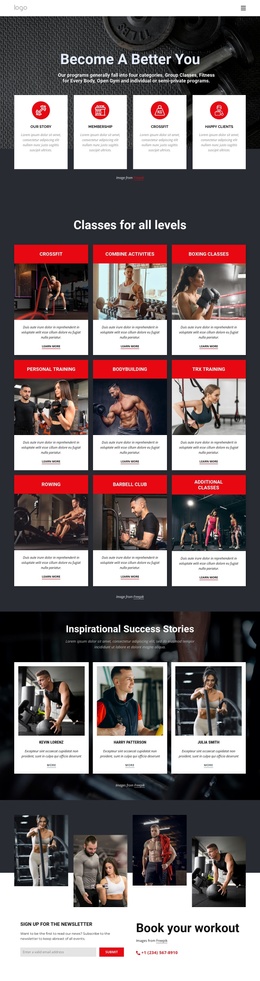
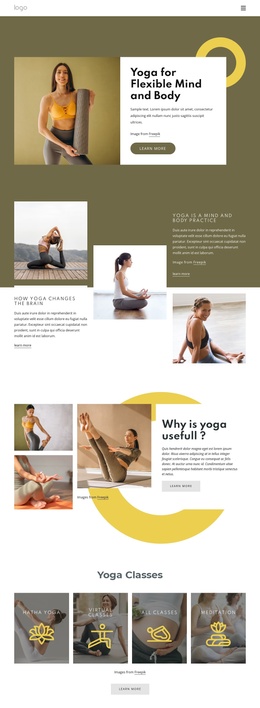
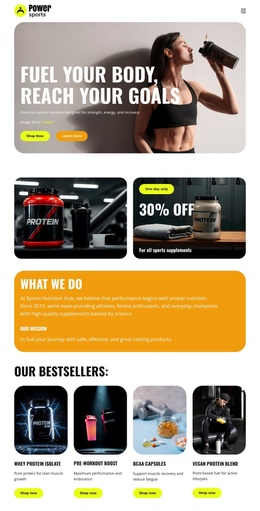
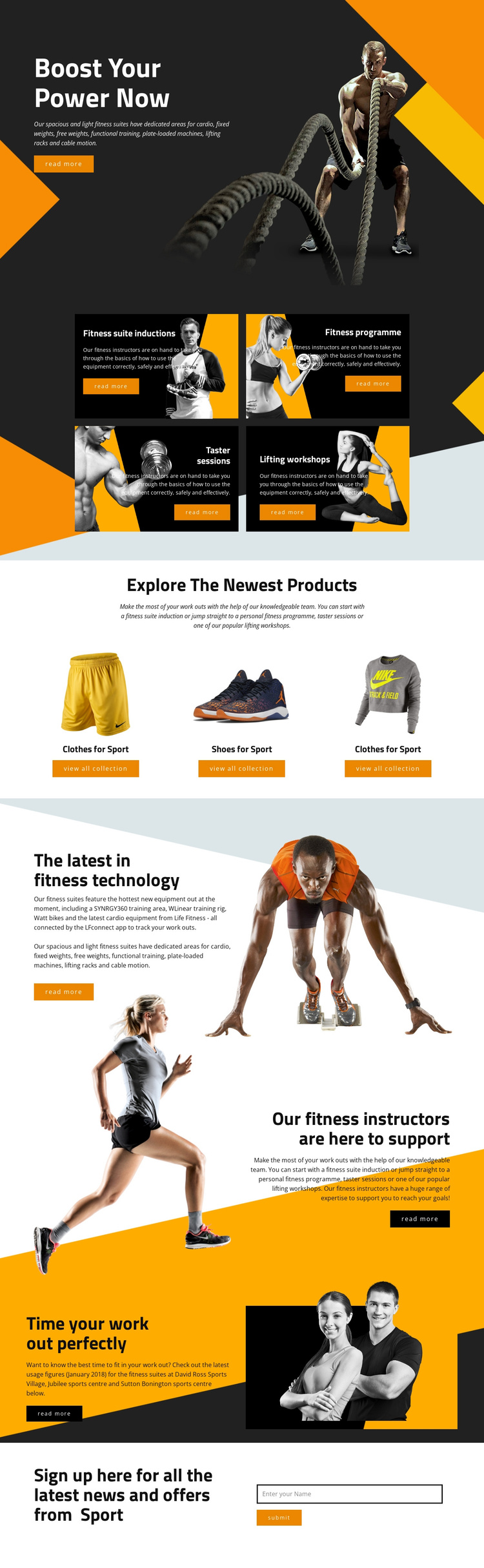
The four training cards divide the page into recurring informational areas that can be treated as related content groups: suite inductions, a fitness programme, taster sessions, and lifting workshops. Their shared presentation supports consistent navigation and content organization while still allowing each offering to retain its own description and read-more action. The three sports product panels create a second structured region, separating clothing and footwear categories from the facility-focused material.
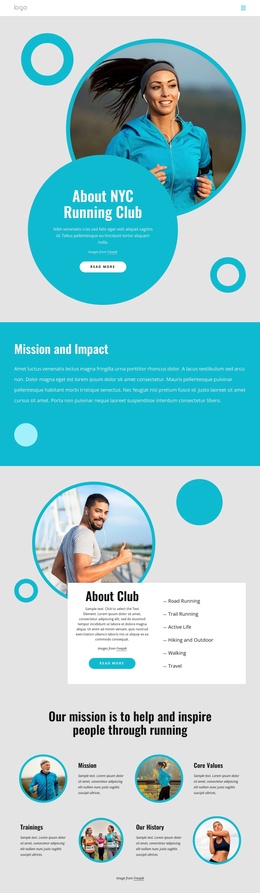
The split sections add broader site information around those core groups. Connected equipment tracking, references to Watt bikes and the LFconnect app, instructor support, and facility usage timing each occupy a clearly recognizable content area. The references to David Ross Sports Village, Jubilee sports centre, and Sutton Bonington sports centre provide location-oriented structure, but they are treated as content evidence rather than assumed real-world claims beyond the page’s wording.
The closing subscription area supplies a distinct contact and updates region with a name field and submit action. In a Joomla project, these training, product, informational, and subscription regions can be organized as CMS-managed content while the shared visual treatment keeps them connected. The page therefore offers a practical content hierarchy without requiring unsupported assumptions about existing Joomla articles or modules.
Customize with Nicepage
Open this ready-made template in the Joomla Page Builder and customize it visually in the Nicepage editor. Replace demo content, edit page sections, and adapt the design to your project without rebuilding the template from scratch.
Work With This Template in Joomla
Customize and Install the Joomla Template
Start with this ready-made template instead of building the Joomla design from scratch. Customize its layout, content, typography, images, sections, and other design elements visually in the Nicepage application, then export and install the Joomla Template, Nicepage Extension, and supported content on your Joomla website.
Edit the Template Directly in Joomla
After installation, you can edit the Joomla Template directly in Joomla with the Nicepage Joomla Extension. Customize the Header, Footer, Colors, Fonts, typography, and Page Templates from the Joomla workflow while keeping the site design connected with your CMS content.
Edit Joomla Articles Visually
Use the Nicepage Joomla Extension to open and edit Joomla Articles visually from the Joomla Administrator. Change text, images, sections, layouts, and other page content in the Nicepage editor while continuing to manage the Articles through Joomla.
Joomla Content and Template Integration
Use the customized template together with Joomla Articles, module Positions, menus, forms, Blog Pages, and other supported CMS elements. With the Nicepage Extension used as the Site Style Source, shared design settings can be applied across Joomla Articles while Joomla continues to provide the CMS environment for managing site content.
This workflow combines a ready-made Joomla Template with visual customization, direct template editing in Joomla, and continued content management through the Nicepage Joomla Extension.