Finding your true friend pet Joomla Template


Edit Template Offline
2. Create new page and search for id 61800
Edit Template Online
Create Awesome Websites


Free Nicepage Builder
Keywords
Rescue and Training Content in Coordinated Site Regions
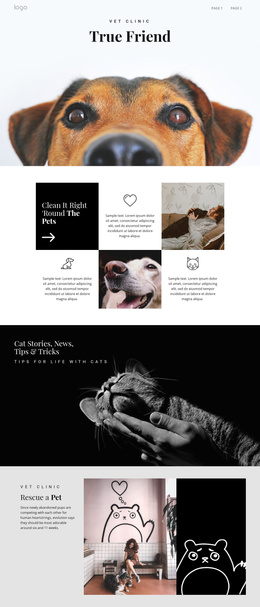
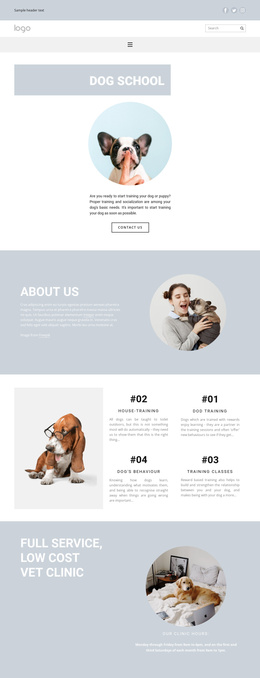
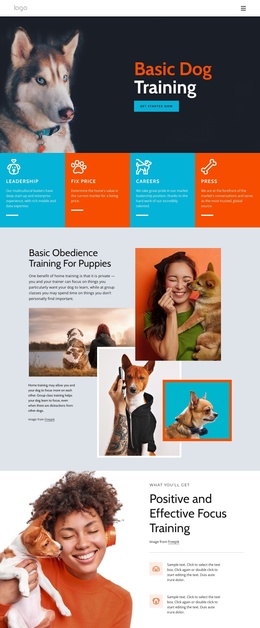
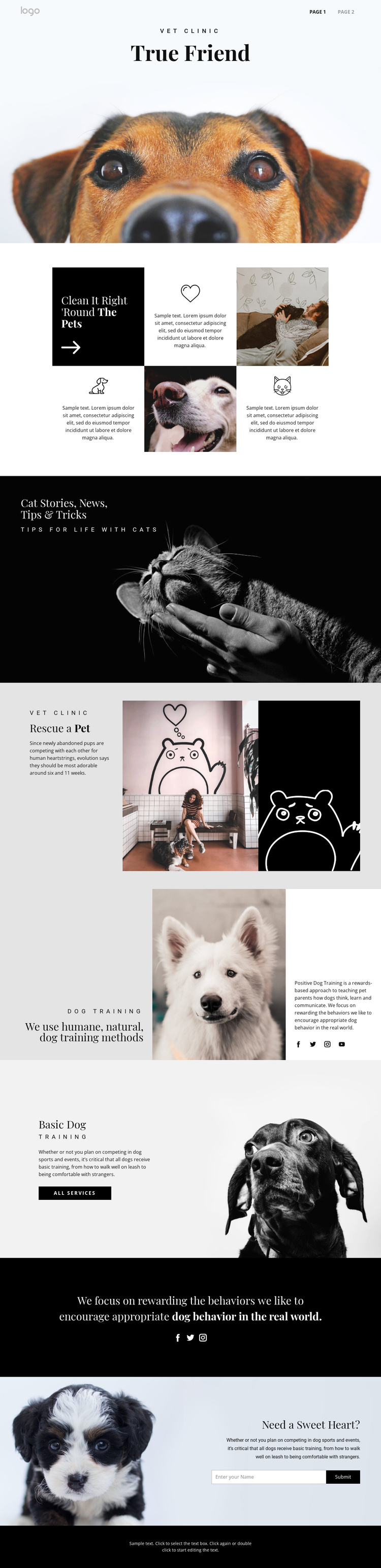
The page divides pet-care information into recognizable content regions that can be interpreted naturally within a Joomla-managed site. The veterinary clinic label and opening dog image establish the subject, while the six-cell feature grid introduces compact pet-care ideas through repeated text, icons, and imagery. That repeated structure is useful for organized informational content because each cell has a defined visual role without breaking the overall page language.
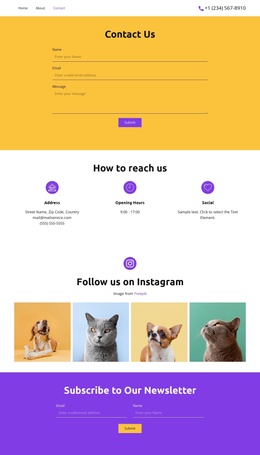
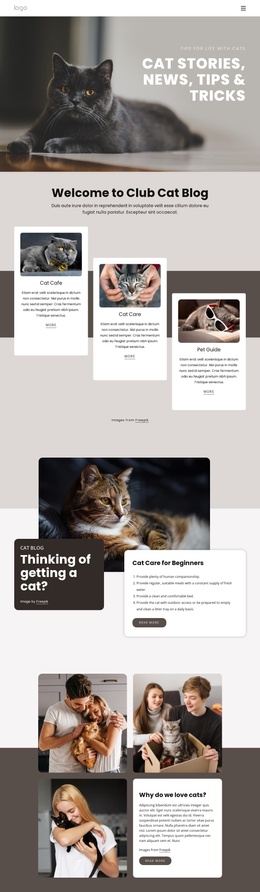
The cat stories banner, rescue section, and dog-training sections provide different editorial areas rather than one undifferentiated block of copy. Cat-related news and tips can remain visually distinct from the rescue explanation, while the humane training section and Basic Dog Training service area create a separate path for structured service information. Navigation at the top and the minimal footer frame those regions as parts of one site presentation, and social links add a shared communication element. The closing contact form gives visitors a clear place to submit an inquiry after reviewing the content. In a Joomla project, this arrangement can support CMS-managed informational areas while retaining the template’s contrast between photography, explanatory text, service action, and contact content. The design’s value comes from its content divisions, not from inventing Joomla-specific components that the analysis does not verify.
Customize with Nicepage
Open this ready-made template in the Joomla Page Builder and customize it visually in the Nicepage editor. Replace demo content, edit page sections, and adapt the design to your project without rebuilding the template from scratch.
Work With This Template in Joomla
Customize and Install the Joomla Template
Start with this ready-made template instead of building the Joomla design from scratch. Customize its layout, content, typography, images, sections, and other design elements visually in the Nicepage application, then export and install the Joomla Template, Nicepage Extension, and supported content on your Joomla website.
Edit the Template Directly in Joomla
After installation, you can edit the Joomla Template directly in Joomla with the Nicepage Joomla Extension. Customize the Header, Footer, Colors, Fonts, typography, and Page Templates from the Joomla workflow while keeping the site design connected with your CMS content.
Edit Joomla Articles Visually
Use the Nicepage Joomla Extension to open and edit Joomla Articles visually from the Joomla Administrator. Change text, images, sections, layouts, and other page content in the Nicepage editor while continuing to manage the Articles through Joomla.
Joomla Content and Template Integration
Use the customized template together with Joomla Articles, module Positions, menus, forms, Blog Pages, and other supported CMS elements. With the Nicepage Extension used as the Site Style Source, shared design settings can be applied across Joomla Articles while Joomla continues to provide the CMS environment for managing site content.
This workflow combines a ready-made Joomla Template with visual customization, direct template editing in Joomla, and continued content management through the Nicepage Joomla Extension.