Scandinavian style Template


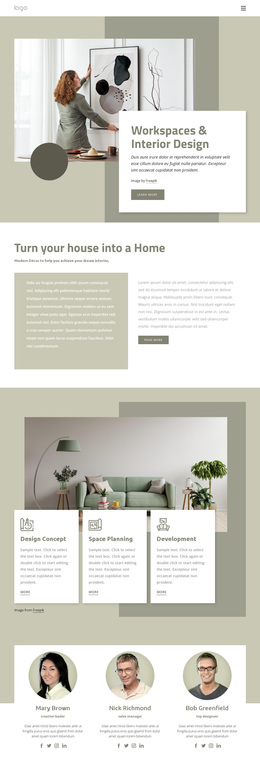
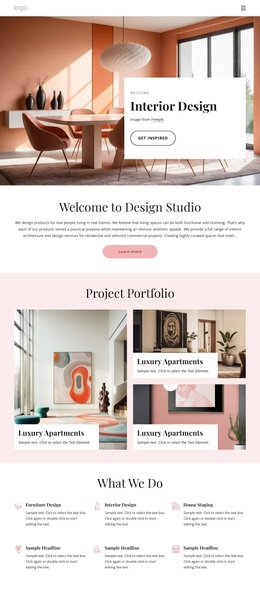
A Split Interior Introduction With Layered Image Depth
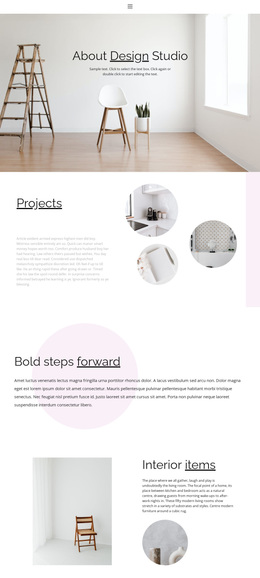
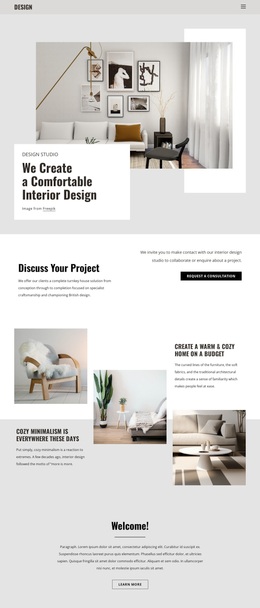
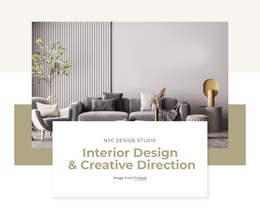
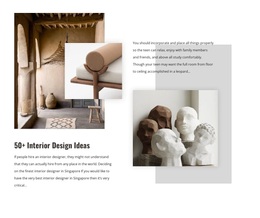
The section combines a concise interior design message with a more distinctive visual arrangement than a standard text-and-image row. Its left column moves from the interior design label to the White & Grey heading and a paragraph about minimalist home styling, then finishes with one Read more button. This gives the written content a clear progression without adding unnecessary detail or multiple competing actions.
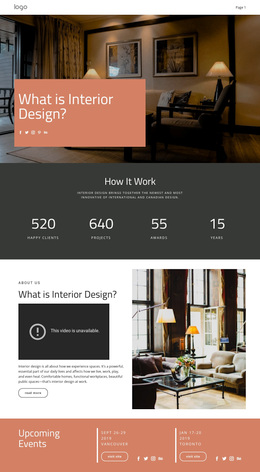
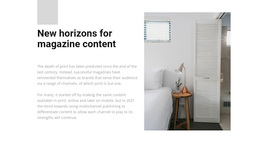
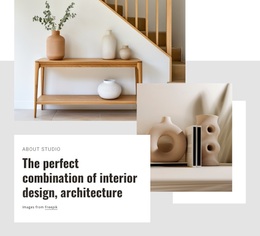
The right column provides the block's strongest visual distinction. Two interior photographs overlap, allowing the front image to partially cover the larger background image and create depth within the hero area. The subtle shadow on the front image reinforces that layering, while the white background leaves enough space for the composition to remain legible. The result is a compact section that balances an editorial-style message with a more dimensional image treatment.
This design is a useful choice when a page needs an interior introduction that feels composed and image-led but still preserves a direct explanatory path. It can suit a project that wants to present a concept before showing more detailed rooms, furnishings, or styling information. The muted brown button adds a controlled accent instead of competing with the photographs. Nicepage's Block Designs provide other section-level options, but this particular arrangement is distinguished by the relationship between its White & Grey message and layered imagery.
Customize with Nicepage
Open this ready-made template in the Template Builder and customize it visually in the Nicepage editor. Replace demo content, edit page sections, and adapt the design to your project without rebuilding the template from scratch.
Edit Template Offline
2. Create a new page or select existing
3. Click Add new block, search for id 56533 and click enter
Edit Template Online
Create Awesome Websites


Free Nicepage Builder
Keywords
Start With a Ready-Made Template
Choose a Design for a New Page
Use a ready-made template as a starting point instead of creating every page from a blank canvas. When adding a new page in Nicepage, browse available designs, compare different layouts, and choose an option that already fits the general purpose and visual direction of your project.
Browse Different Page Designs
Explore Page Designs using search, thematic categories, Design Sets, and full-page previews. The collection includes layouts for different subjects and page purposes, making it easier to compare alternatives before selecting a design to customize.
Customize the Selected Template
After choosing a design, create the page and continue editing it visually in Nicepage. Replace the demo content, adjust images, typography, colors, sections, and other elements, and adapt the ready-made layout to your own content instead of rebuilding the design from the beginning.
Explore More Design Directions
If the first option does not match your project closely enough, return to the design collection and compare other templates before committing to a layout. This makes the template library useful not only for faster page creation, but also for exploring different visual approaches and finding a suitable starting point for a new project.
This workflow gives you access to a broad collection of ready-made designs that can be selected, compared, and customized according to the needs of each new page or project.