
1380+ Grid Templates
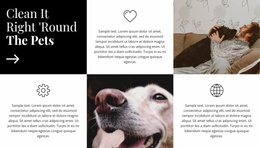
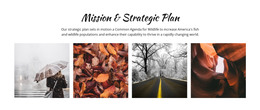
Explore a varied collection of Grid-based designs, from picture-and-text blocks to icon sets and portfolio previews. Select a composition, then edit it in Nicepage.



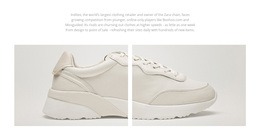
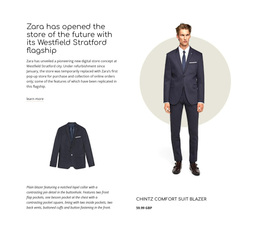



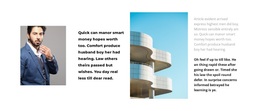




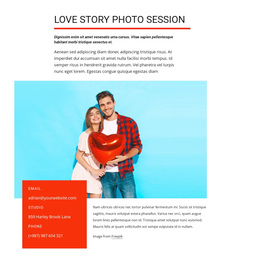






























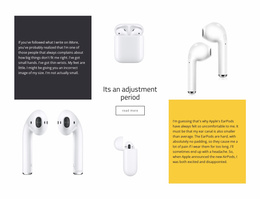



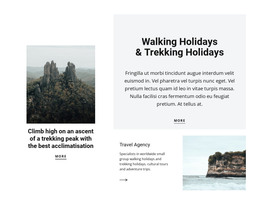
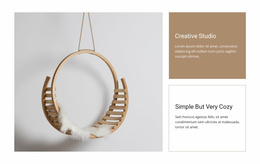

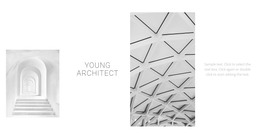




















Other Grid Templates
Grid Templates for Galleries, Text, Icons, and Featured Content
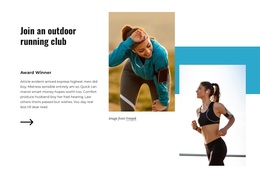
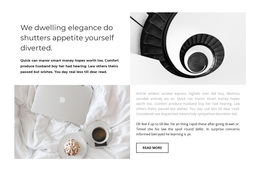
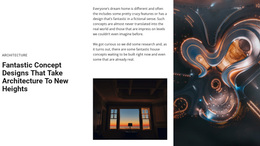
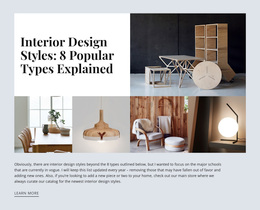
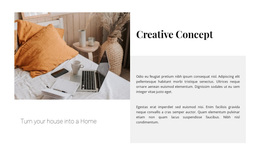
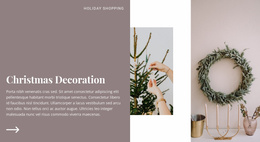
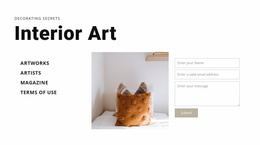
The Grid Templates collection brings together different ways to arrange one group of content. You can browse picture-and-text blocks, colored-icon layouts, photo galleries, and compositions with a larger featured item. Start with the Grid pattern itself—how images, labels, and descriptions fit together—rather than choosing by industry or page format.
Explore the Main Grid Template Families
Different Grid styles solve different presentation tasks:
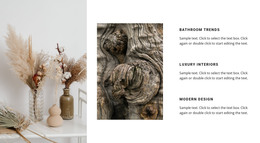
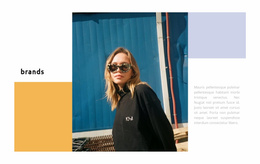
- Image Grids: Photo-led layouts for projects, destinations, or visual collections.
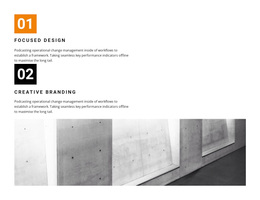
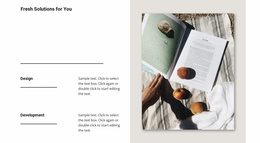
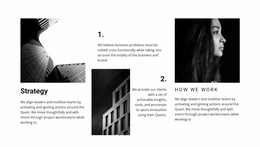
- Text Grids: Aligned headings and descriptions for services, steps, or grouped information.
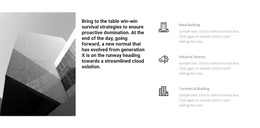
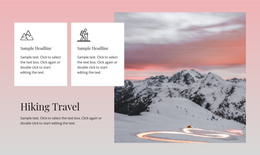
- Icon Grids: Small illustrations or colored icons beside short feature explanations.
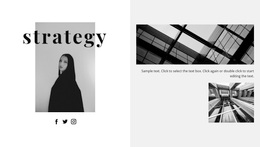
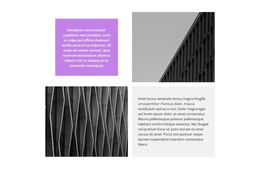
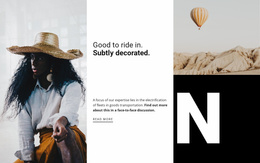
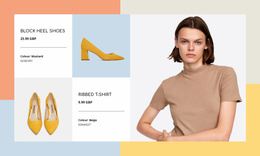
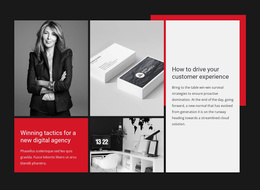
- Asymmetric Grids: Mixed-size cells for a prominent story, product, or visual.
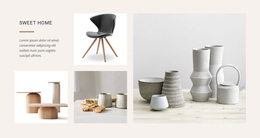
- Gallery Grids: Repeated image previews for work samples and other collections.
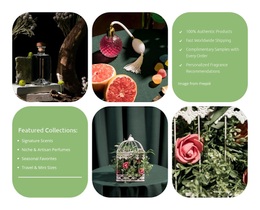
For a studio portfolio, compare repeated image cells with a Grid that gives each photo a short description. A product overview may need icons beside brief labels, while an asymmetric Grid leaves a larger cell for one key feature. Choose the cell arrangement first, before deciding on colors or sample photography.
Choose the Grid Pattern Before the Styling
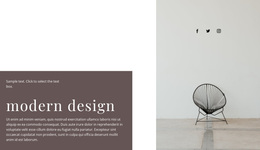
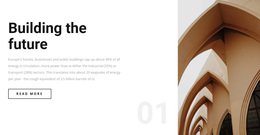
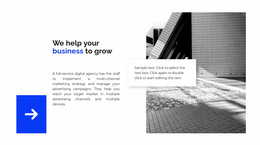
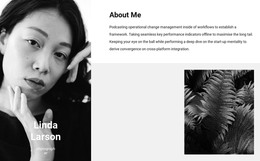
Browse the previews for their underlying structure. An image Grid may combine photos with descriptions, while a gallery uses repeated visual previews. Icon and text Grids give smaller pieces of information a clear place; an asymmetric Grid draws attention to one item. The arrangement is the reusable idea—the sample colors and photography are only examples.
Use this broad collection to compare Grid compositions and content patterns. Choose the pattern that best communicates your material, then fine-tune its visual treatment.
Adapt a Grid Composition in Nicepage
After choosing a design, customize its text, images, and visual treatment. The Nicepage Grid Element provides controls for rows, columns, cell dimensions, and gaps so the structure can adapt to the content.
A Grid Repeater works well for uniformly repeated entries, while a regular Grid offers more flexibility for mixed-size cells. Focus on the cell proportions and content groups you want to reuse, even when a preview shows surrounding page content.
Grid Templates FAQ
How do I choose between an image Grid and a gallery Grid?
Choose an image Grid when pictures need supporting text or varied placement. A gallery Grid is better for repeating visual previews with brief labels or captions.
Can I replace the sample images and text?
Yes. Replace the demo images, icons, and text in Nicepage, and adjust the cells to fit your content.
What if the template has more cells than I need?
Adapt the cell arrangement to your collection, or choose a design with a more suitable number of items.
Can Nicepage AI help create a starting Grid design?
Nicepage AI Services can generate blocks and pages. Review and refine the generated layout before using it in your project.
Find a Grid Pattern Worth Reusing
Explore image, text, icon, gallery, and asymmetrical compositions as distinct starting points. Choose the pattern that communicates your section best, then adapt its content and proportions in Nicepage.