

Barbecue Landing Pages
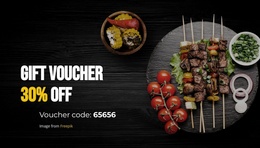
A graduation cookout may require brisket, vegetarian options, and on-site service, while a small gathering needs only delivery trays. A barbecue landing page keeps package limits and a single quote-request action visible before the host submits details.
-
-

-
-
-
-
-
-
-
Free Website Builder SoftwareDownload
-
-
-
-
-
-
-

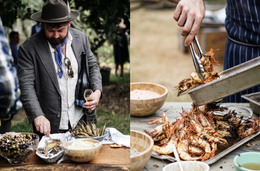

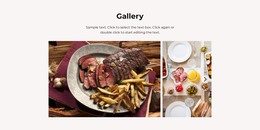
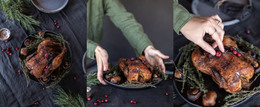
More Landing Pages from Food & Restaurant Category
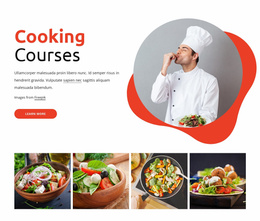

Other Food & Restaurant Landing Pages
Simple Barbecue Landing Page Templates for Catering and Grill Events
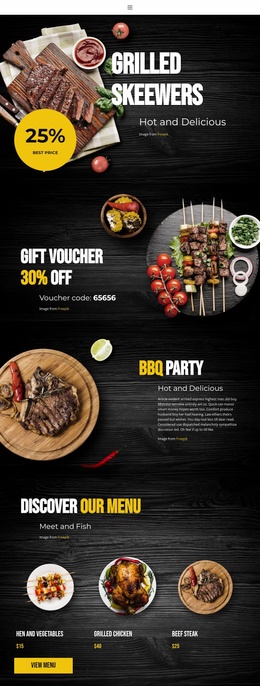
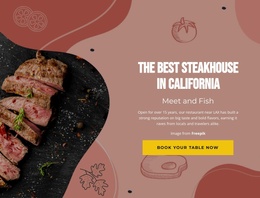
When a barbecue caterer starts booking graduation parties, a single focused page can carry the whole pitch. It presents one offer, such as brisket and pulled pork trays for backyard events, and every button says "Request a BBQ Catering Quote." A restaurant can use the same layout to promote a new location or a pitmaster dinner, with a "Reserve a Seat" button.
From Hero Image to Service Area
A solid barbecue landing page template lines up its sections in roughly this order:
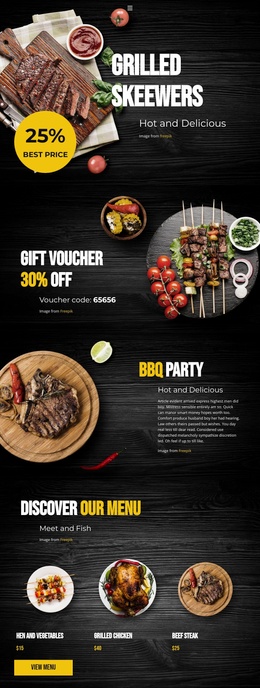
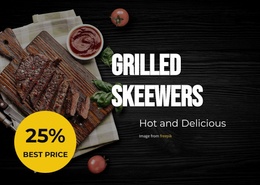
- A hero that pairs a big photo of sliced brisket with a short offer and the first quote button.
- Package cards for delivery trays or a staffed buffet, each showing what's included and the party size it suits.
- Proof from real events, such as photos of past setups and reviews from actual clients.
- The request form, with the delivery area shown as a small map or a list of neighborhoods.
A close-up of bark and smoke ring makes people hungry, but the headline still has to say who the catering is for. Comparable packages let a host weigh trays against a buffet side by side. Confirmed prices or a minimum order belong on the cards, and when every event is priced individually, a line saying so keeps expectations fair.
One Quote Form Behind Both Buttons
The quote buttons in the hero and after the packages open the same short form. A typical request then goes like this:
- The host picks delivery trays or a staffed buffet.
- Questions for that format appear, such as a drop-off address or venue access for the serving crew.
- The host adds the date and guest count, leaves a phone number, and sends the request.
Contact Form Conditions help to make dependent fields appear only after the host selects a service in a radio or dropdown field. A sent form doesn't hold a date or lock in a price, so mention near the button when the team usually replies.
Phone Check Before Launch
On a phone, a wide hero shot can shrink to a brown blur, and a long headline may push the quote button below the fold. Nicepage's Responsive Modes let you change the layout, font size, and margins for each mobile view, which usually fixes both problems and keeps package cards readable. A test request from the phone shows whether submissions reach the team.
Make every photo, card, and button label easy to swap for your own. The best barbecue landing page templates let a host go from the first brisket shot to sending a request without opening another tab.