Good mood good food Landing Page
Edit Template Offline
2. Create new page and search for id 14548
Edit Template Online
Create Awesome Websites


Free Nicepage Builder
Keywords
Food Quality and Recipe Imagery Lead Toward Store Information
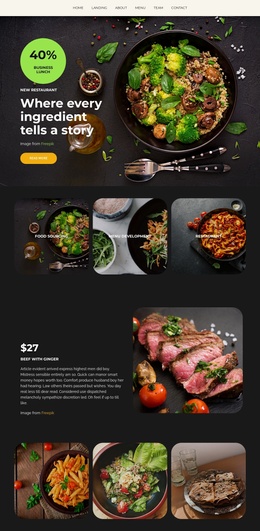
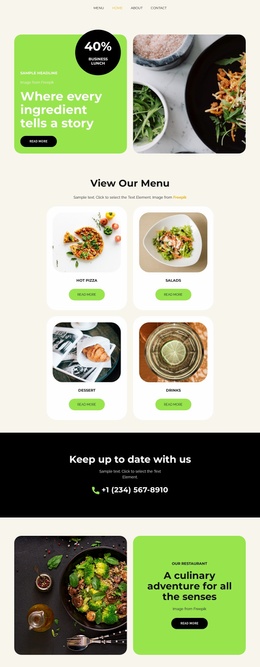
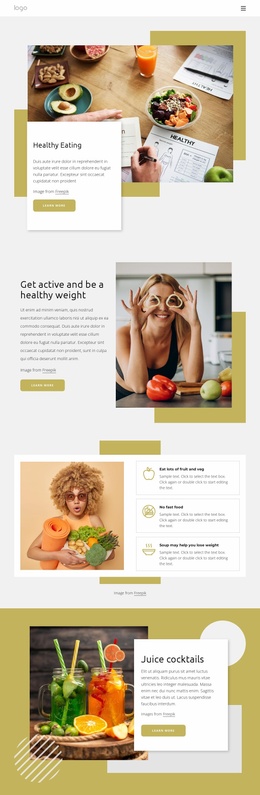
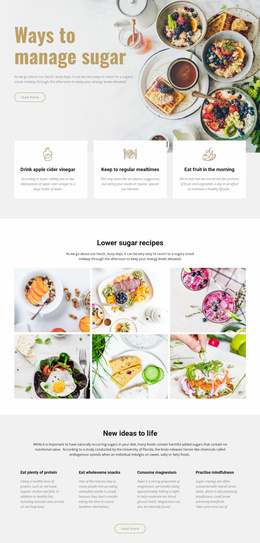
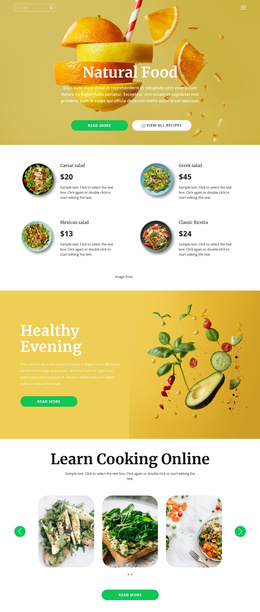
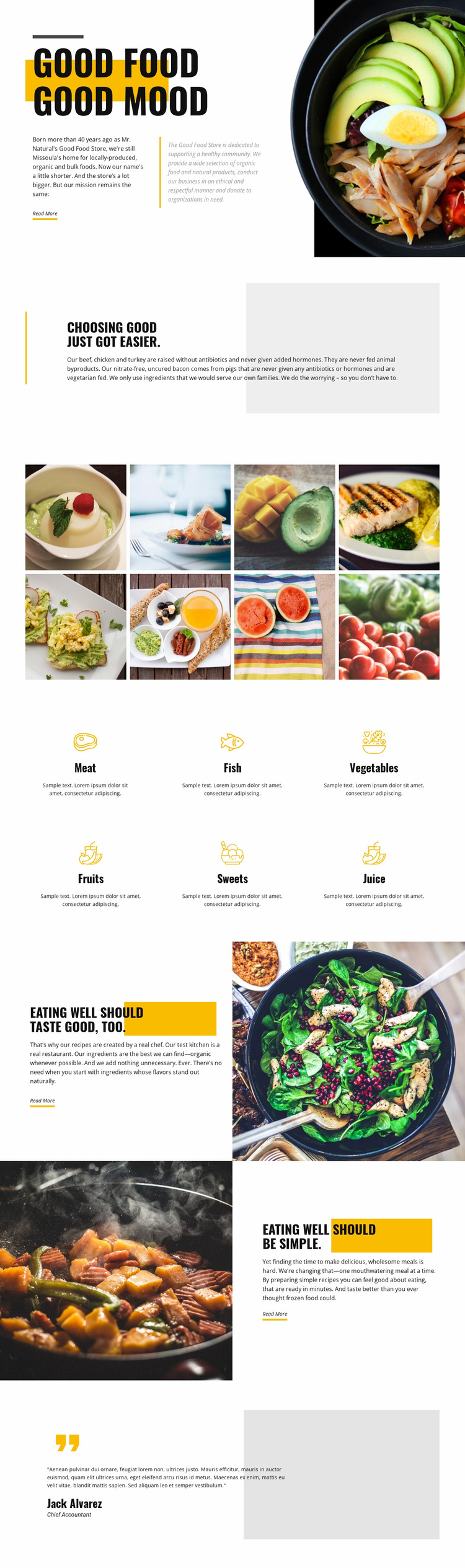
The opening slogan and bowl photograph create an immediate food-focused entry point, while the next quality section gives visitors a reason to continue reading. The page states that the store offers locally produced, organic, and bulk foods and describes meat raised without antibiotics and added hormones. That relationship between visual appetite and sourcing information gives the first part of the page a clear informational progression rather than presenting categories without context.
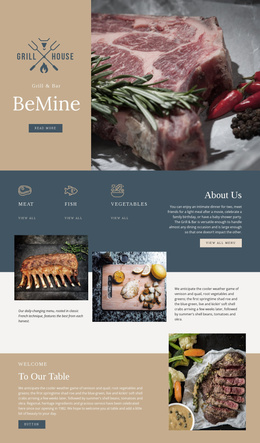
The eight-image gallery reinforces the message through repeated food photography, and the six category items make the selection easier to scan. Meat, fish, vegetables, fruits, sweets, and juice cover the main product groups named in the design, so visitors can move from broad store philosophy to specific areas of interest. The later recipe section adds chef-created preparation and organic ingredients, while the reversed convenience section addresses the practical appeal of quick, wholesome meals.
Read More appears at the key editorial moments, providing the verified action language available in the template. Because no form, purchase action, booking action, or single measurable conversion endpoint is verified, the design should be interpreted conservatively as guiding visitors toward learning more about the store and its offerings. The testimonial-style closing panel can support that path as structural reassurance, but its sample attribution should not be presented as independently verified customer proof.
Customize with Nicepage
Open this ready-made template in the Landing Page Builder and customize it visually in the Nicepage editor. Replace demo content, edit page sections, and adapt the design to your project without rebuilding the template from scratch.
Build a Landing Page Around One Conversion Goal
Focus on One Primary Action
Use the landing page to guide visitors toward one measurable response, such as requesting a quote, registering, subscribing, booking a consultation, applying for a service, or submitting an inquiry. Keep the primary call-to-action consistent across the important sections so the headline, supporting content, form, and CTA buttons work toward the same campaign goal instead of competing for attention.
Capture Leads With a Form
Use the Contact Form Element to add a contact, subscription, application, or other conversion form directly to the landing page. Customize the form fields, layout, labels, inputs, and button to collect the information required for your campaign while keeping the form focused on the action you want visitors to complete.
Nicepage also provides several form submission options. Form submissions can be sent to Email, stored as Leads, added to Google Sheets, passed to a custom URL or server endpoint, or used to populate a MailChimp mailing list. This provides practical options for collecting inquiries, registrations, subscriptions, applications, and other campaign responses.
Manage Leads and Campaign Responses
When submissions are stored as Leads, you can use Contact Form Leads to review the information collected through the landing page and use it for follow-up. Keep the form connected to the same offer and primary CTA presented throughout the page so visitors move from the campaign message to a clear conversion action.
This workflow makes the template suitable for landing pages where the offer, content, call-to-action, form, and lead collection process work together toward one defined conversion goal.

More from Food & Restaurant Landing Pages
-
Free Website Builder SoftwareDownload