A good quality education Web Page Design



Edit Template Offline
2. Create new page and search for id 1672591
Edit Template Online
Create Awesome Websites


Free Nicepage Builder
Keywords
Portraits, Cards, and Numbered Steps Create a Varied Page Rhythm
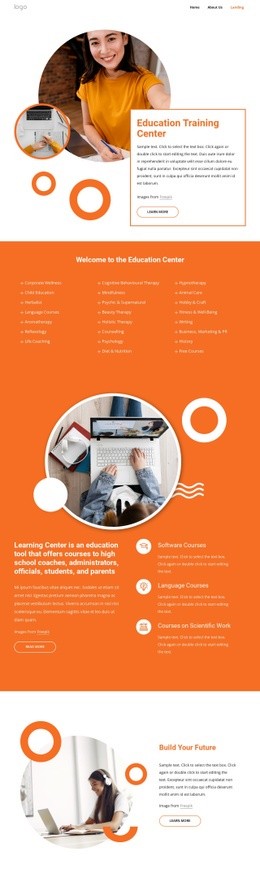
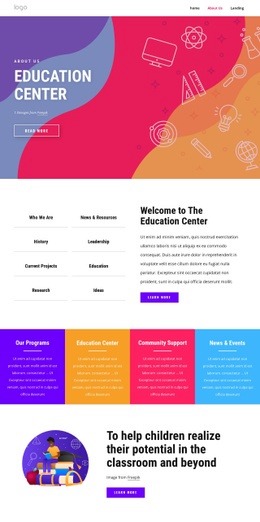
The opening composition places a rounded text card over a large circular educational photograph, so the main heading and image share the first visual focus. Layered orange and purple shapes give the hero a strong boundary before the page moves into a more compact study-guidance section. Three colored cards—Study Time, Review Regularly, and Study With Friends—reduce the first large message into parallel units that can be scanned together.
The following tiles change the rhythm by alternating image and text around an organic orange shape. Creativity, Motivation, and Positivity therefore read as related qualities while avoiding a flat row of identical panels. A centered title and subtitle then introduce three numbered items about Teaching Methods, Effective Education, and Online Learning. This change from overlapping image composition to ordered instructional content creates a visible transition in both density and reading direction.
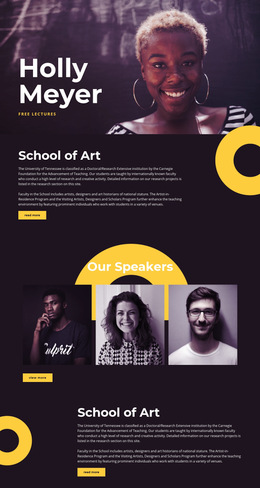
The institute panel returns to the portrait-and-card relationship, followed by two side-by-side explanatory text blocks that create a quieter information area. Another large portrait and rounded call-to-action card lead toward the contact form, where the visual balance shifts between the form and a supporting image. The page composition works because image-led sections, compact cards, numbered content, text blocks, and the final interaction are given different proportions and placements. Each transition adds a new presentation mode while retaining the same palette and rounded visual language.
Customize with Nicepage
Open this ready-made template in the Web Page Design Builder and customize it visually in the Nicepage editor. Replace demo content, edit page sections, and adapt the design to your project without rebuilding the template from scratch.
Design a Web Page Section by Section
Choose a Design for Each Section
Build the page from individual content sections instead of starting with a fixed full-page layout. Use Block Designs to browse ready-made sections for different purposes, including introductions, services, galleries, testimonials, contact forms, pricing, and other common parts of a web page. Search or filter the available designs to find a layout that fits the content you want to add.
Combine Blocks and Page Elements
Add selected Blocks to the page and arrange them in the order that supports the page's purpose. A hero section can introduce the main message, followed by services, benefits, portfolio content, testimonials, calls to action, or contact information.
Inside each section, use Web Page Elements such as Text, Image, Hyperlink, Grid, Gallery, and other elements to build and present the page content. Individual elements can be added and adjusted within the Blocks, giving you more control over the composition of each section without having to create the complete layout from scratch.
Refine the Page Layout and Flow
After assembling the main sections, adjust their content, spacing, backgrounds, images, typography, and element placement in the Nicepage editor. Reorder Blocks when necessary and refine the transition from one section to the next so the information hierarchy and visual flow remain clear throughout the page.
This workflow makes the template useful as a web page design that can be composed from ready-made sections, customized with individual page elements, rearranged, and adapted to the content and purpose of an individual page.