
Library Web Page Designs


More Website & HTML Templates for Library






More Web Page Designs from Education Category
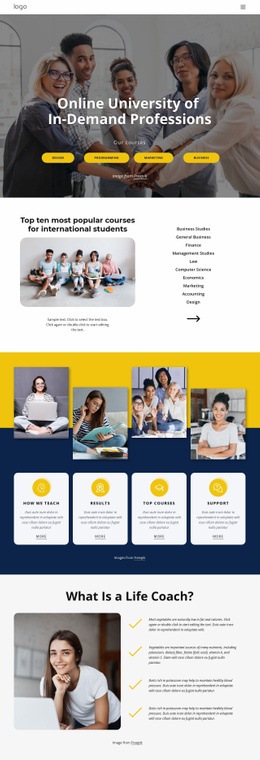
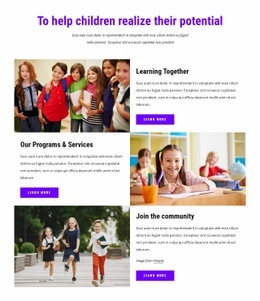
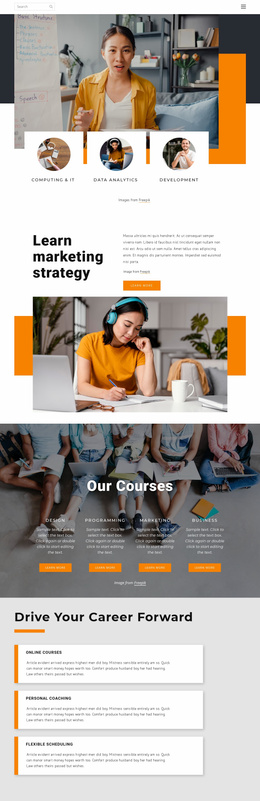
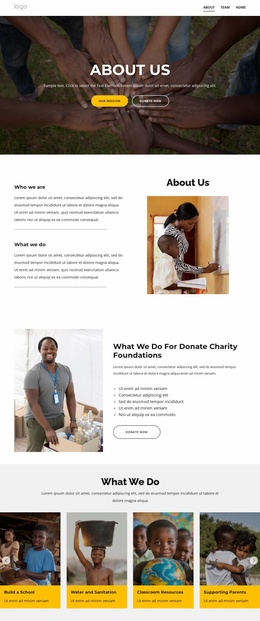

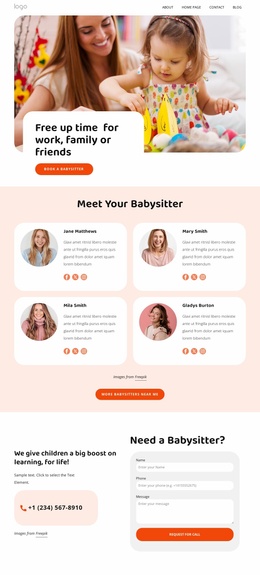
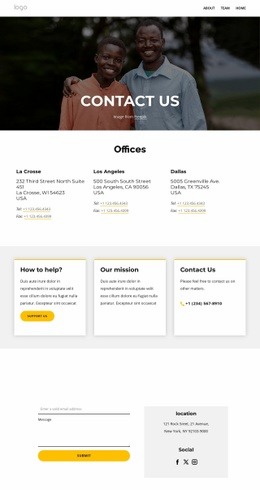
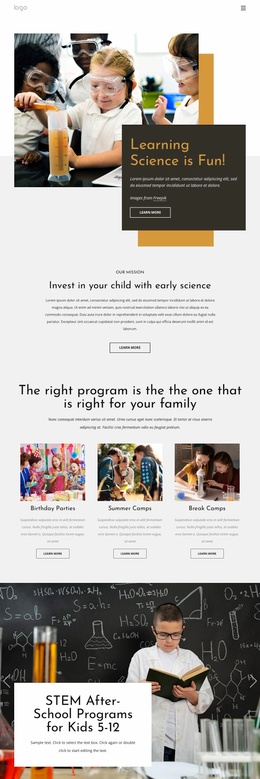
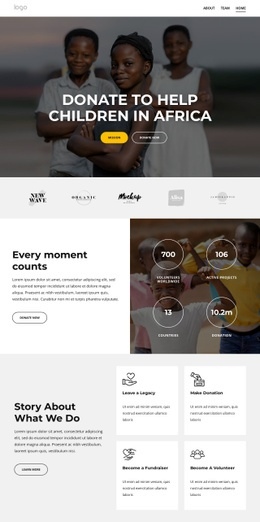
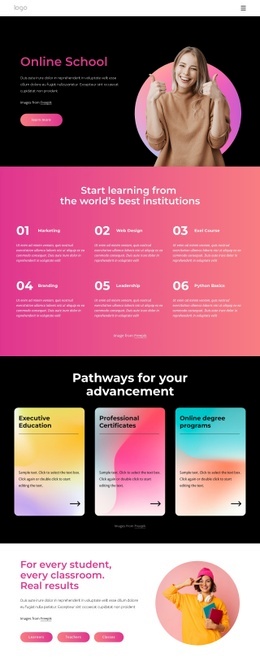
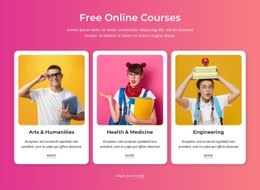
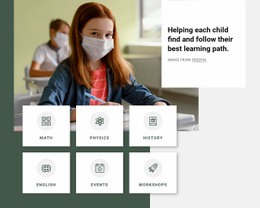
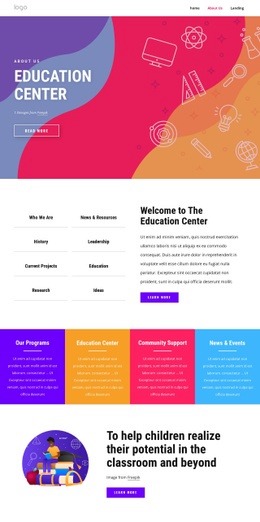
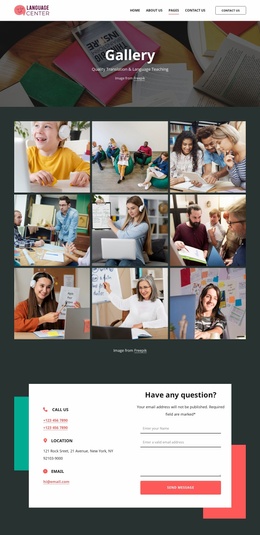
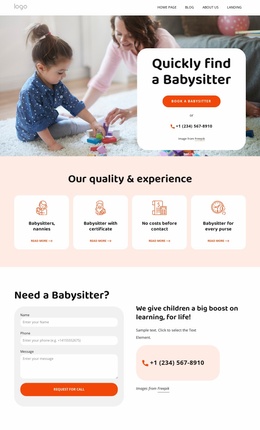
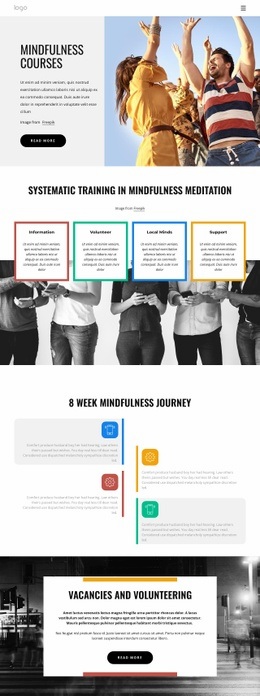
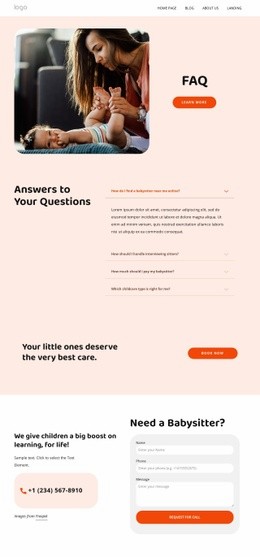


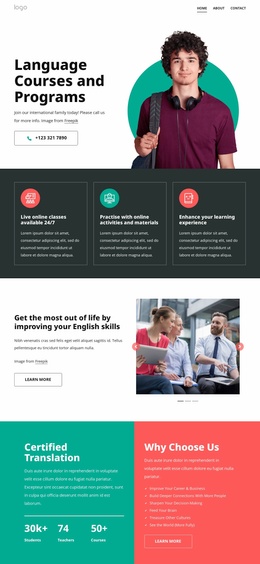

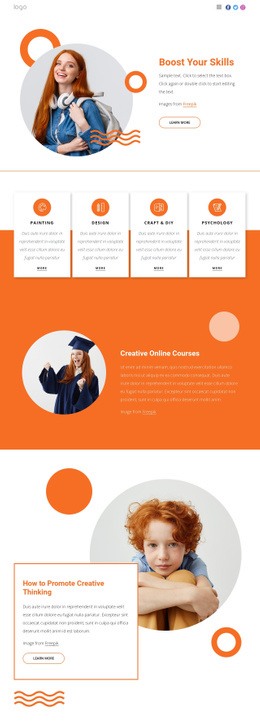
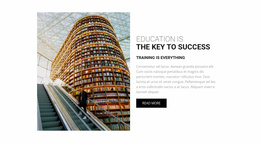

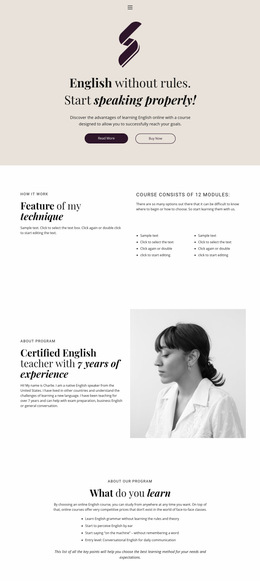
Other Education Web Page Designs
Advanced Library Web Page Design
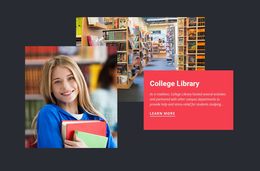
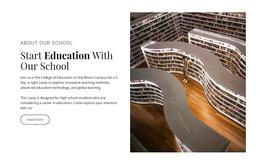
Library web page design is about making information accessible and attractive. When people visit a webpage, they immediately get a sense of how trustworthy and useful they find it. Research has shown that 94% of first impressions about a website are based on its design. This is why websites such as digital libraries, documentation websites, and information centers often use attractive layouts, fonts, and sections that separate information guides, articles, or files. Navigation is equally important since 50% of users use a website’s navigation menu to explore a website.
Simple menus, sidebars with categories, and search bars help visitors move through the content without feeling lost. Let’s take into consideration an example: an online knowledge base might organize tutorials in a left sidebar with expandable sections. At the same time, the resource library could show materials in neat cards with tags and filters. When the structure is clear and the design feels friendly, users can quickly find what they need and are more likely to stay on the site longer.
Design Advantages of Reusable Library Web Pages for Readability
Clarity matters a lot. The location of each section is intentional and aims to support scanning and reading.
Crucial visual qualities include:
- Strong hierarchy for structured content. 2.Balanced and optimized layouts.
- Very high level of readability.
- Consistent interface patterns across all pages.
- Responsive behavior for various screen ratios and sizes.
Refined UI Screens for All Purposes
Pre-made library web pages are exceptionally straightforward to set up and customize. Rich configurability lets you adjust every detail, from the color scheme to content blocks.
Reading centers often serve diverse audiences, from students to researchers. A well-thought-out structure allows everyone to access information without issues.
Attention to spacing and content grouping keeps visitors engaged. It also improves readability and usability. This will work perfectly for a wide range of content, from informational pages to new sections.
Create a Visually Confident Presence
Take a look at Nicepage’s assortment of readily available web pages. The algorithm is as simple as it gets: browse, find the one you like, adjust the visuals to reflect your institution’s character. Everything is truly adaptable.
If you want to focus on a precise and user-friendly visual presentation, explore these solutions and start creating an inviting digital environment today.