Smoothie Recipes WordPress Theme


Edit Template Offline
2. Create new page and search for id 12997
Edit Template Online
Create Awesome Websites


Free Nicepage Builder
Keywords
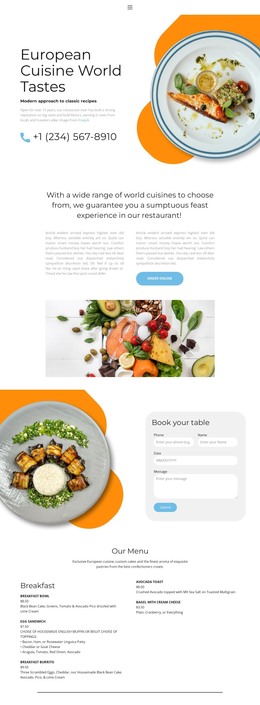
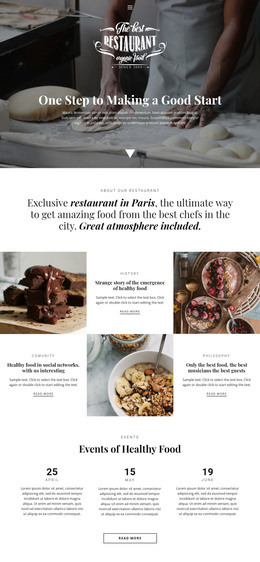
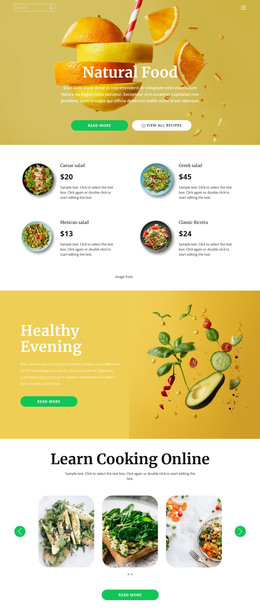
Recipe Collections and Editorial Areas Fit a Managed Content Structure
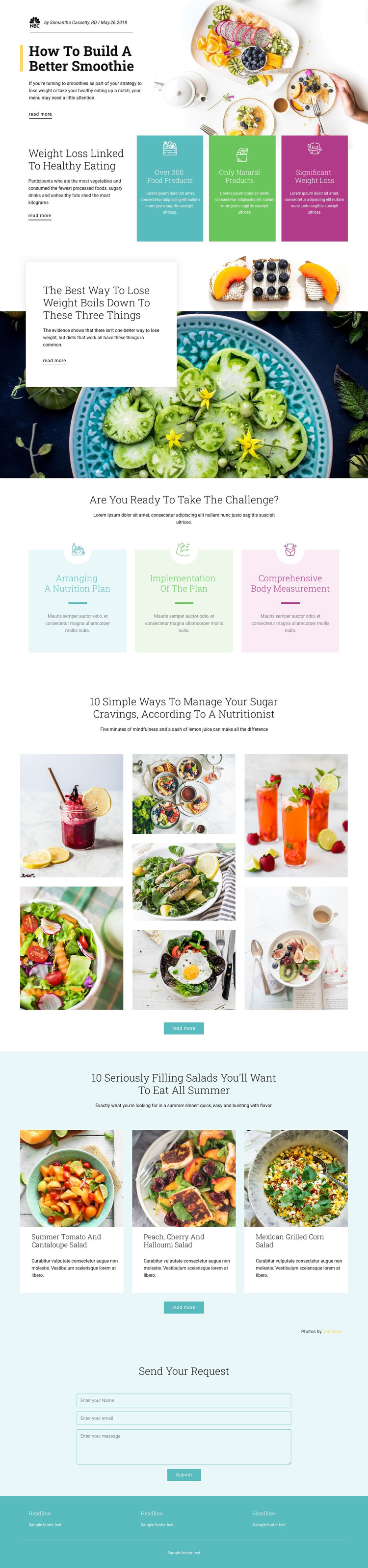
The page separates content into several areas that could be maintained as permanent nutrition material or expanded editorial content. The featured smoothie story and weight-loss sections provide article-oriented presentation, while the sugar-cravings mosaic and three salad cards create repeatable visual collections. Their shared pattern of heading, supporting text, imagery, and read-more action gives a WordPress-oriented project recognizable content relationships without claiming that posts or categories already exist in the template.
The nutrition challenge cards provide a different page-content group. Arranging a nutrition plan, implementing the plan, and comprehensive body measurement are presented as three related stages, which can support service or informational content alongside the editorial sections. The final request form has its own role: it collects a name, email, and message beneath “Send your request,” making it a clear permanent contact area rather than part of the recipe presentation.
This structure allows the same visual system to accommodate page-oriented information and content that may be updated over time. Food photography supplies a consistent identity, pastel panels distinguish process content, and the teal footer closes the page with shared site information. The result is a theme foundation where nutrition articles, recipe collections, service explanation, navigation actions, and contact content can remain coordinated as the WordPress project develops.
Customize with Nicepage
Open this ready-made template in the WordPress Website Builder and customize it visually in the Nicepage editor. Replace demo content, edit page sections, and adapt the design to your project without rebuilding the template from scratch.
Manage and Edit This Theme in WordPress
Customize and Install the WordPress Theme
Start with this ready-made theme instead of building the WordPress design from scratch. Customize its layout, content, typography, images, sections, and other design elements visually in Nicepage editor, then export and install the WordPress Theme, Plugin, and Pages on your WordPress site. The Nicepage WordPress Plugin lets you continue working with the site after installation.
Edit the Theme Directly in WordPress
After installation, you can edit the WordPress Theme directly in WordPress with the Nicepage WordPress Plugin. Use Site Style to customize site Colors, Fonts, Header, Footer, Blog, and Post Page Templates while working within your WordPress website.
Edit WordPress Pages Visually
Use the Nicepage WordPress Plugin to edit page content directly from the WordPress admin area. Open a WordPress Page with Nicepage and visually change its text, images, sections, and other page elements while continuing to manage the Page through WordPress.
WordPress Content and Theme Integration
Use the customized theme with WordPress Pages, Posts, Blog and Post Templates, menus, widgets, and other CMS-managed content. Shared theme elements such as Colors, Fonts, Header, Footer, Blog, and Post Page Templates can be managed as part of the overall site design, while WordPress provides the CMS environment for managing site content.
This workflow combines a ready-made WordPress Theme with visual customization, direct theme editing in WordPress, and continued content management through the Nicepage WordPress Plugin.