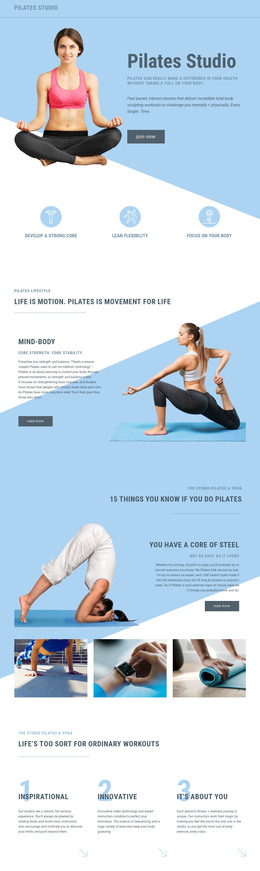
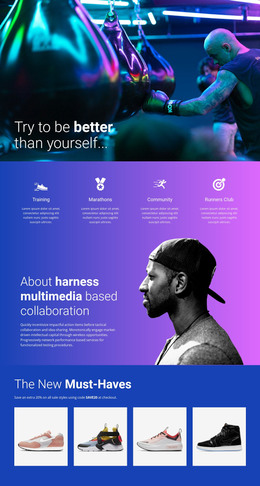
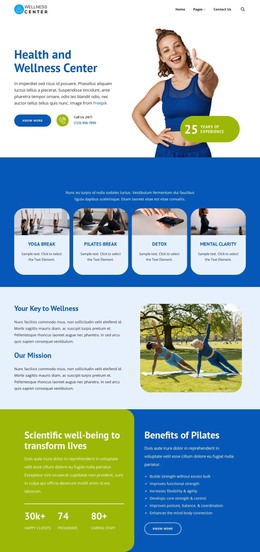
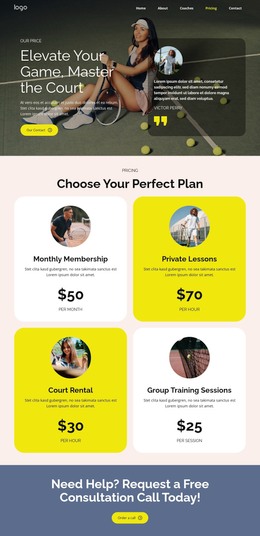
Yoga studio gallery WordPress Theme


Six Activity Images Provide Stable WordPress Page Content
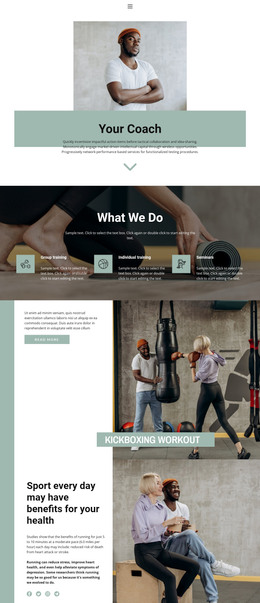
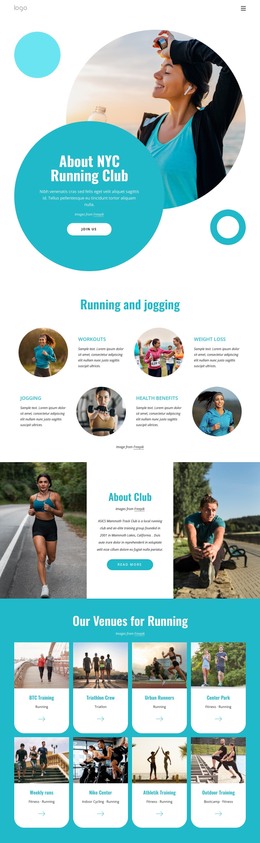
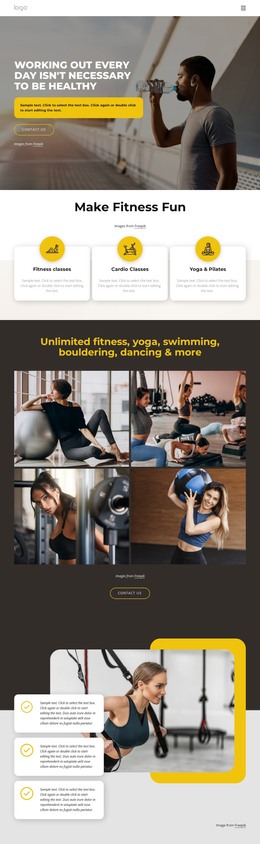
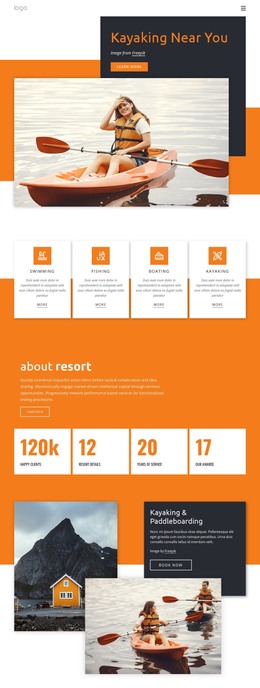
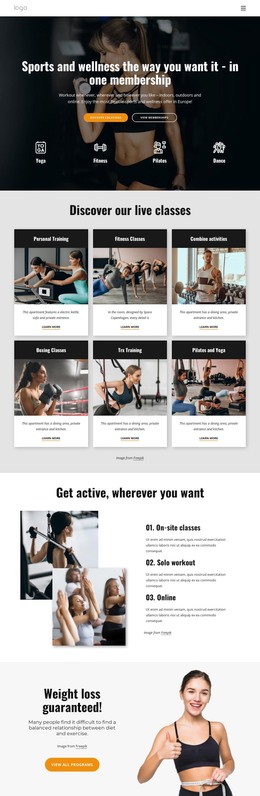
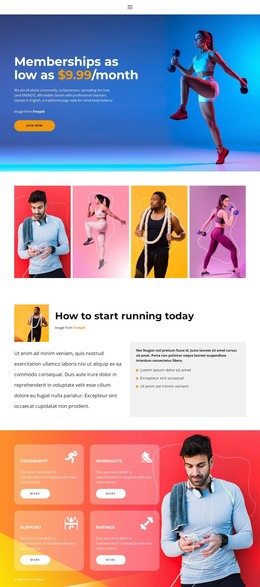
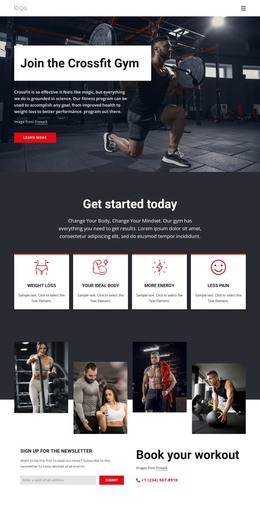
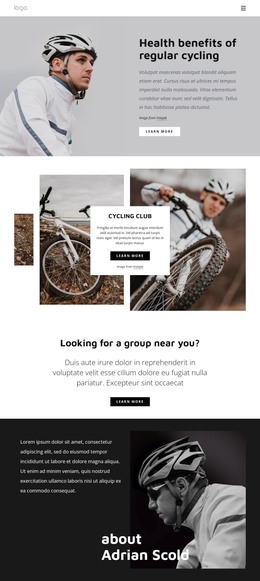
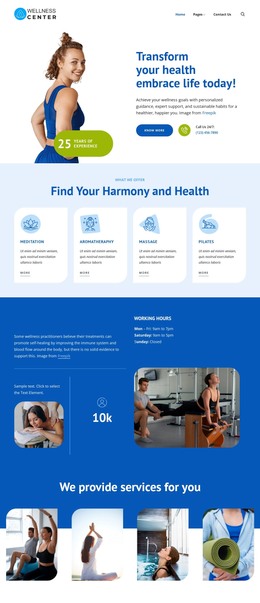
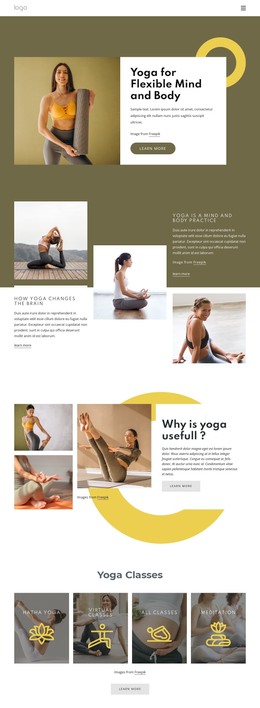
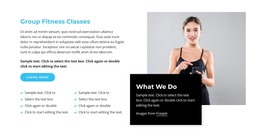
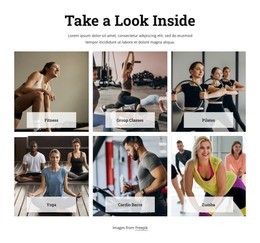
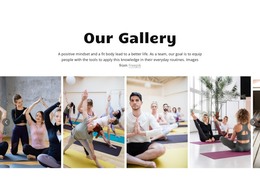
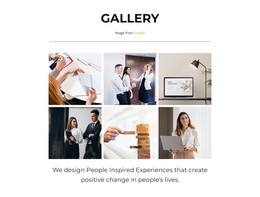
The block’s content is organized around a durable gallery message rather than a time-sensitive update. “Our Gallery” introduces a supporting paragraph about positive mindset, physical fitness, and applying knowledge in everyday routines. The six portrait-oriented images then show yoga, stretching, meditation, and group fitness activities, creating a visual section that can remain relevant as part of a stable fitness or wellness page.
The repeated image structure gives the content a clear publishing role. Previous and next controls let visitors browse the collection within the section, while lightbox viewing supports closer inspection of an individual photograph. These behaviors belong to the gallery presentation, not to a wider CMS content model, so the section can retain its visual identity while surrounding WordPress-managed content changes elsewhere in the project.
In a WordPress-oriented Website Template context, this block can serve as a reusable page-content region between introductory material and practical information such as classes, schedules, or contact details. Its heading and paragraph provide editorial context, while the six images supply visual evidence of the activities being presented. The section can therefore support a permanent page without being treated as a complete theme or site. The key is to preserve the relationship between the wellness message, repeated photography, browsing controls, and optional lightbox detail when the content is adapted.
Customize with Nicepage
Open this ready-made template in the WordPress Website Builder and customize it visually in the Nicepage editor. Replace demo content, edit page sections, and adapt the design to your project without rebuilding the template from scratch.
Edit Template Offline
2. Create a new page or select existing
3. Click Add new block, search for id 6534260 and click enter
Edit Template Online
Create Awesome Websites


Free Nicepage Builder
Keywords
Manage and Edit This Theme in WordPress
Customize and Install the WordPress Theme
Start with this ready-made theme instead of building the WordPress design from scratch. Customize its layout, content, typography, images, sections, and other design elements visually in Nicepage editor, then export and install the WordPress Theme, Plugin, and Pages on your WordPress site. The Nicepage WordPress Plugin lets you continue working with the site after installation.
Edit the Theme Directly in WordPress
After installation, you can edit the WordPress Theme directly in WordPress with the Nicepage WordPress Plugin. Use Site Style to customize site Colors, Fonts, Header, Footer, Blog, and Post Page Templates while working within your WordPress website.
Edit WordPress Pages Visually
Use the Nicepage WordPress Plugin to edit page content directly from the WordPress admin area. Open a WordPress Page with Nicepage and visually change its text, images, sections, and other page elements while continuing to manage the Page through WordPress.
WordPress Content and Theme Integration
Use the customized theme with WordPress Pages, Posts, Blog and Post Templates, menus, widgets, and other CMS-managed content. Shared theme elements such as Colors, Fonts, Header, Footer, Blog, and Post Page Templates can be managed as part of the overall site design, while WordPress provides the CMS environment for managing site content.
This workflow combines a ready-made WordPress Theme with visual customization, direct theme editing in WordPress, and continued content management through the Nicepage WordPress Plugin.